
Multi-factor authentication is the cheapest security upgrade most businesses skip, yet it stops the most common way attackers break in: stolen passwords. Today, cybercriminals rarely “hack” systems directly. Instead, they log in using passwords that someone already exposed, reused, or unknowingly handed over.
Because of this shift, passwords alone no longer protect business accounts. Even strong passwords fail once someone steals them. However, multi-factor authentication adds a second check that blocks those logins immediately. As a result, attackers lose access before they can cause damage.
Thank you for reading this post, don't forget to subscribe!
Multi-factor authentication, often shortened to MFA, stops that chain reaction before it starts. Yet many businesses still avoid it because it sounds technical, inconvenient, or unnecessary. That hesitation costs far more than MFA ever will.
What Is MFA?
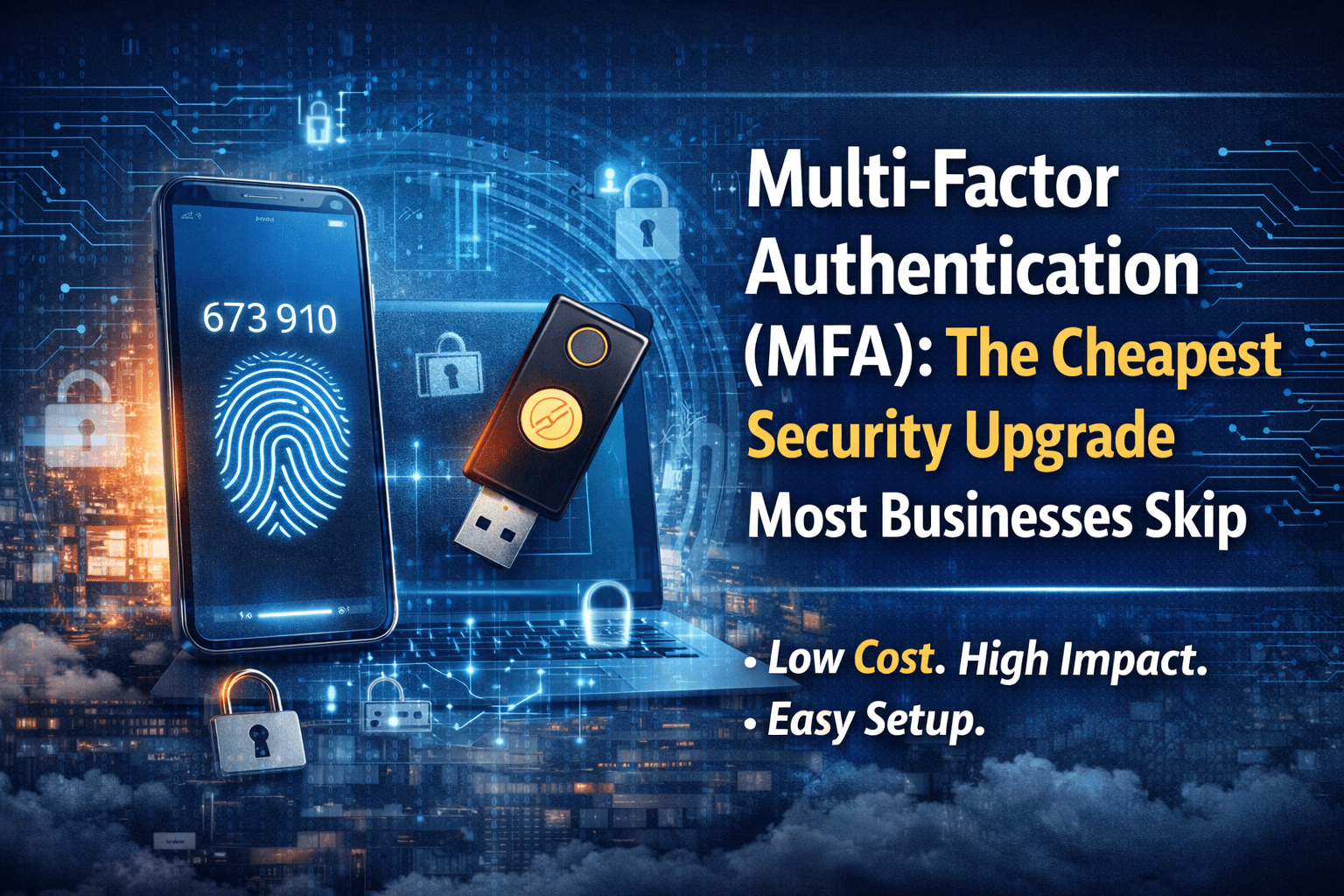
Multi-factor authentication means proving you’re really you in more than one way.
Instead of logging in with only a password, MFA requires a second step, such as:
- A code sent to your phone
- A prompt in an authentication app
- A fingerprint or face scan
- A hardware key
Think of it like this:
A password is a key. MFA adds a deadbolt.
Even if someone steals the key, they still can’t open the door.
Why Passwords Alone No Longer Work
Passwords fail for predictable reasons:
- People reuse them
- They get phished through fake emails
- They’re exposed in data breaches
- They’re guessed or brute-forced
Attackers don’t need advanced skills anymore. They buy stolen credentials, test them automatically, and wait for access to work.
This is why companies like Microsoft have repeatedly stated that enabling MFA dramatically reduces the risk of account compromise. The takeaway is simple: most attacks fail when MFA is enabled, because stolen passwords alone stop being useful.
Why MFA Is the Cheapest Security Upgrade Available
Unlike many security tools, MFA does not require:
- New servers
- New hardware for every employee
- Expensive software rollouts
In many environments, MFA is already included with tools businesses use daily, such as email platforms, cloud services, and password managers.
The cost is often $0 to a few dollars per user per month. The return, however, is massive. One prevented breach can save thousands—or far more—in downtime, recovery, and reputational damage.
That cost-to-benefit ratio is why MFA earns its reputation as the multi-factor authentication cheapest security upgrade available to small and mid-sized businesses.
Common Reasons Businesses Skip MFA (And Why They’re Wrong)
“It slows people down”
In reality, MFA adds seconds, not minutes. Modern MFA prompts are quick, familiar, and often remembered by devices.
“My team will hate it”
Most resistance disappears after a few days. Employees already use MFA for banks, social media, and personal email. Business systems aren’t different.
“We’re too small to be targeted”
Attackers don’t target size. They target weakness. Automated attacks hit anyone without MFA.
“We’ll turn it on later”
Later is usually after something breaks. At that point, MFA becomes cleanup, not prevention.
What MFA Actually Protects
When implemented correctly, MFA protects:
- Email accounts
- Cloud applications
- Remote access systems
- Admin and management accounts
- Password manager vaults
Most importantly, it protects identity, which is now the primary attack surface for businesses.
Once attackers control an identity, they move quietly. MFA stops that movement early.
Where MFA Fits in a Real Security Strategy
MFA is not a replacement for antivirus, backups, or monitoring. Instead, it acts as a gatekeeper.
- Antivirus stops malicious software
- Backups recover lost data
- Monitoring detects unusual behavior
- MFA prevents unauthorized access in the first place
Because identity-based attacks are now the most common entry point, MFA sits at the center of any modern security stack.
MFA Fails When It’s Done Poorly
Here’s the part many vendors don’t mention:
MFA only works if it’s enforced correctly.
Common failure points include:
- Only protecting admins, not staff
- Allowing MFA “exceptions” forever
- No employee education
- No monitoring or enforcement
For example when MFA becomes optional, attackers simply wait for the weakest account.
How SofTouch Systems Approaches MFA (Without Making It a Burden)
Here at SofTouch Systems, MFA is treated as a standard safety feature, not an upsell.
We help businesses:
- Identify which systems need MFA
- Enforce it consistently across users
- Choose user-friendly methods
- Support employees through adoption
- Monitor for gaps and risky behavior
MFA is included as part of our human-focused security approach because protection only works when people actually use it.
The Business Reality: Prevention Is Always Cheaper Than Cleanup
Once an account is compromised, the costs multiply fast:
- Downtime
- Lost data
- Emergency IT labor
- Client trust erosion
- Insurance complications
MFA reduces the chance of reaching that point dramatically. That’s why it remains the cheapest security upgrade most businesses skip, even though it delivers one of the highest returns.
Final Thoughts
If security feels overwhelming, start with the step that blocks the most attacks for the least cost.
Multi-factor authentication isn’t flashy. MFA isn’t complicated. It simply works.
When combined with proper setup and local support, MFA turns stolen passwords into useless noise and keeps your business moving without surprises.
Are you sure if MFA is properly set up in your business?
Companies think they’re protected, until we take a closer look.
Schedule a 15-Minute MFA & Account Security Checkup with SofTouch Systems. STS will review where MFA is enabled, where it’s missing, and what gaps attackers typically exploit, no pressure, no jargon.
The cheapest security upgrade only works if it’s done right.
Discover more from SofTouch Systems
Subscribe to get the latest posts sent to your email.