In January 2026, Apple issued an urgent security warning affecting iPhones, iPads, Macs, and other Apple devices commonly used in business environments. Two newly discovered zero-day vulnerabilities were confirmed to be actively exploited in highly targeted attacks, meaning attackers were already using them before fixes were available.
For small and mid-sized Texas businesses, this isn’t just “Apple news.” It’s a reminder of how quickly everyday work devices can become entry points for real security incidents.
Thank you for reading this post, don't forget to subscribe!
Here’s what happened, what it means, and what actions matter most right now.
What Are Zero-Day Vulnerabilities and Why They Matter to Businesses
A zero-day vulnerability is a software flaw that attackers discover and exploit before vendors or users have time to patch it. In other words, there’s no warning window and no margin for delay.
In this case, the vulnerabilities were found in Apple’s WebKit browser engine, the core technology behind Safari and many in-app browsers. That matters because employees don’t need to “do something reckless” for risk to exist. Simply viewing malicious web content can be enough.
The Two Vulnerabilities Apple Confirmed
Apple identified and patched the following flaws:
CVE-2025-43529 — Use-After-Free Exploit
This flaw allows an attacker to execute arbitrary code by tricking the browser into mismanaging memory. In practical terms, a specially crafted webpage could hand control of the device to an attacker.
CVE-2025-14174 — Memory Corruption in ANGLE
This vulnerability enables remote compromise through malicious HTML content. The ANGLE graphics library causes this flaw, and Chromium-based browsers like Chrome and Edge also rely on it.
Why this is concerning for businesses:
Both vulnerabilities can be triggered through web content, links, embedded pages, or apps that load external sites. No file download is required.
Affected Apple Devices
Apple confirmed that the following devices are vulnerable when they run unpatched software:
- iPhone: iPhone 11 and newer
- iPad:
- iPad Pro (all generations)
- iPad Air (3rd gen and newer)
- iPad (8th gen and newer)
- iPad mini (5th gen and newer)
- Other platforms: macOS systems, Apple Watch, Apple TV, and Vision Pro
When devices access company email, files, or cloud services, businesses must treat them as business assets, not personal gadgets.
Why SMBs Are at Higher Risk Than They Think
Large enterprises expect zero-day attacks. SMBs often don’t and attackers know it.
From our experience, common assumptions that create risk include:
- “It’s an iPhone — it updates itself.”
- “Apple devices don’t get malware.”
- “This is more of a big-company problem.”
In reality, small businesses often leave mobile devices poorly monitored and unmanaged, especially under BYOD (Bring Your Own Device) policies. That makes them attractive entry points.
Apple’s Required Actions (And Why They Matter)
Apple and federal security agencies such as CISA recommend the following steps:
1. Install Updates Immediately
Security fixes are included in:
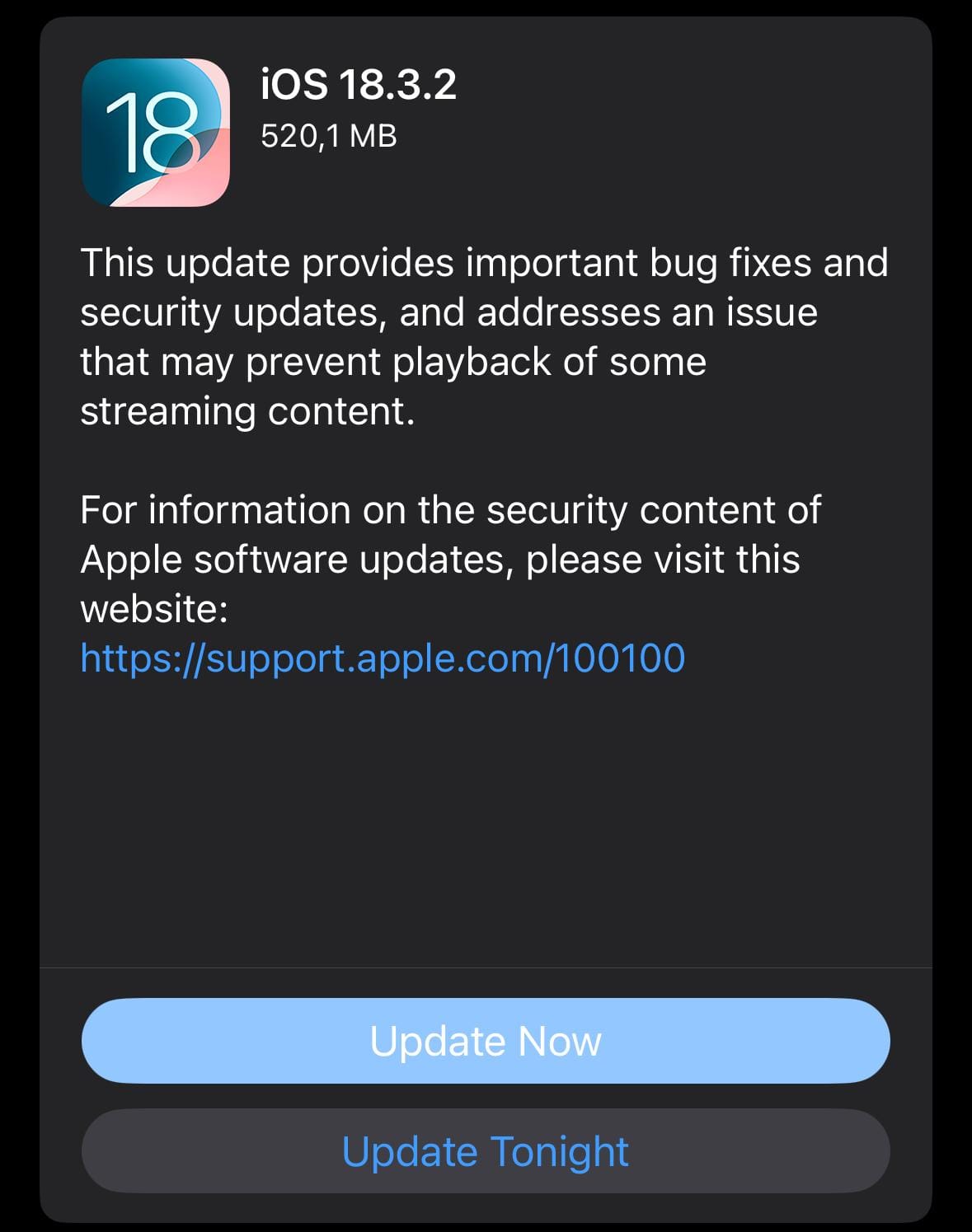
- iOS 26.2 / iPadOS 26.2
- iOS 18.7.3 / iPadOS 18.7.3 (for older devices)
Delaying these updates leaves devices exposed to known, active exploits.
2. Reboot Devices
A reboot ensures that security protections are fully applied. Until that happens, some mitigations may not activate correctly.
3. Enable Automatic Updates
Automatic updates reduce reliance on memory, availability, or employee follow-through — a critical factor in real-world security.
Where SofTouch Systems Fits In
If your business uses STS Managed Services, this type of issue is exactly what we plan for:
- Patch monitoring and enforcement
- Verification that updates are actually installed
- Device health and compliance checks
- Reduced reliance on manual action during security events
If you’re managing Apple devices internally or relying on users to “handle updates themselves,” this incident highlights a clear gap.

What to Do Next
If you’re unsure whether:
- All business-used Apple devices are fully updated
- Personal devices accessing company data are secured
- Mobile risks are accounted for in your IT plan
Schedule a Free Mobile Device Security Check with SofTouch Systems.
SofTouch will help you confirm what’s protected, what’s not, and where simple fixes can reduce real risk without surprises, pressure, or technical overload. Stay updated on “Goals 2.0 for Critical Infrastructure“
SofTouch Systems — No-Surprise IT for Texas Businesses.
Discover more from SofTouch Systems
Subscribe to get the latest posts sent to your email.