Use AI to save time, improve daily workflows, and protect your business from avoidable risk.
AI Business Solutions help small businesses save time, organize daily work, and use artificial intelligence without creating avoidable security risks. SofTouch Systems helps Texas SMBs choose practical AI tools, create safe usage rules, protect business accounts, and build workflows their teams can actually use.
However, AI also creates new risks when employees use the wrong tools, share private data, or connect AI systems without proper oversight.
SofTouch Systems helps Texas businesses use AI in a practical, secure, and “No-Surprise” way. We help you choose the right tools, set safe usage rules, protect your accounts, and build workflows your team can actually use.

What SofTouch Systems Helps Set-Up
SofTouch Systems does more than explain AI. We help small businesses turn AI into a usable business process.
We can help your team:
- Choose safe AI tools for business use
- Separate personal AI accounts from company AI accounts
- Create a simple AI use policy
- Protect AI logins with password management and MFA
- Build prompt templates for common office tasks
- Set up basic AI-assisted workflows
- Train employees on what they should and should not enter into AI tools
What Are AI Business Solutions?
AI business solutions are practical tools and workflows that help your team get work done faster.
For small businesses, that may include:
- Writing and editing emails
- Creating social media posts
- Summarizing meetings
- Drafting checklists and policies
- Organizing customer notes
- Building internal knowledge bases
- Automating repetitive office tasks
- Creating training materials
- Improving customer support responses
- Reviewing documents for clarity
The goal is not to replace your team. The goal is to reduce busywork, improve consistency, and help people spend more time on work that requires judgment.
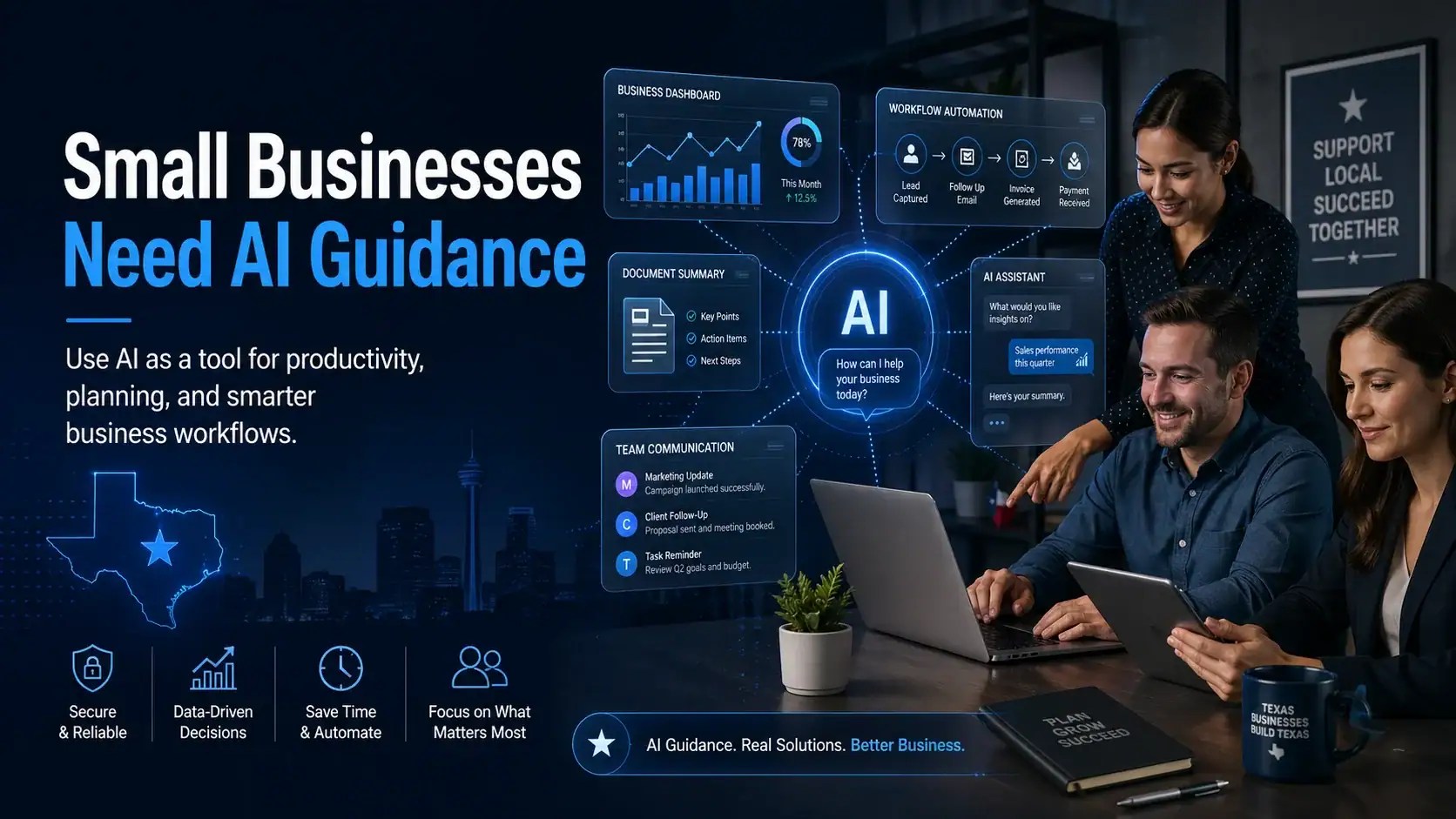
Why Small Businesses Need AI Guidance
Many employees already use AI tools at work, even when the business has no official policy.
That creates three problems.
First, business data may end up in personal AI accounts. Second, employees may rely on incorrect AI-generated answers. Third, AI tools may connect to email, files, calendars, or customer systems without clear permission.
That is why AI should not be treated like a random app download. It should be treated like business technology.
SofTouch Systems helps you answer the important questions before AI becomes a problem:
- Which AI tools should our team use?
- What information should never go into AI?
- Do we need a business AI account instead of personal accounts?
- How do we protect AI logins with strong passwords and MFA?
- Which workflows are safe to automate?
- Who reviews AI-generated work before clients see it?
- What happens if AI makes a mistake?
Not sure which AI tools are safe for your business? Schedule a free 15-minute AI Readiness Review with SofTouch Systems.
Which AI Tools Fit Common Small Business Tasks?
| Business Need | AI Can Help With | Example Tools | Risk to Manage |
|---|---|---|---|
| Writing and editing | Emails, letters, reports, newsletters, policies | ChatGPT, Claude, Gemini, Copilot, Gab.ai | Incorrect or generic output |
| Office productivity | Documents, spreadsheets, meetings, summaries | Microsoft 365 Copilot, Gemini for Workspace | Data access and file permissions |
| Marketing | Blog drafts, social posts, image ideas, campaign outlines | ChatGPT, Canva, Adobe Firefly, Runway | Brand mismatch or misleading visuals |
| Customer service | FAQ drafts, response templates, ticket summaries | Chatbots, Copilot Studio, Zapier Agents | Wrong answers sent to customers |
| Sales | Follow-up emails, proposal drafts, lead notes | ChatGPT, Claude, HubSpot AI, Copilot | Overpromising or weak personalization |
| Admin work | Meeting notes, scheduling support, task summaries | Gemini, Copilot, Otter, Fireflies | Sensitive information exposure |
| Automation | Moving data between apps, reminders, forms, follow-ups | Zapier, Make, Microsoft Power Automate | Mistakes repeated at scale |
| Agentic AI | Multi-step tasks with tool access | ChatGPT agents, Copilot Studio, Zapier Agents | Requires stronger controls |
ChatGPT Business includes shared workspaces and admin controls for company use, while OpenAI says business data is excluded from training by default and encrypted in transit and at rest. Microsoft 365 Copilot includes enterprise data protection, Microsoft 365 integration, and Copilot Studio for building agents. Google Workspace with Gemini emphasizes security, privacy, data governance, and compliance controls for business customers.
Productivity AI vs. Agentic AI
Productivity AI helps people work faster.
These tools help with writing, editing, summarizing, planning, brainstorming, and organizing information. A person still gives instructions, reviews the output, and decides what to do next.
Examples:
- Draft an email.
- Summarize a meeting.
- Rewrite a policy in plain English.
- Create a social media outline.
- Turn notes into a checklist.

AI Business Solutions for Productivity are like having extra sets of hands for each employee.
Agentic AI can complete multi-step tasks.
Agentic AI can follow instructions, use connected tools, retrieve information, and take actions across apps. That makes it powerful, but it also increases risk.
Examples:
- Research a topic and create a report.
- Review new form submissions and draft follow-up emails.
- Create a customer support summary from ticket history.
- Pull data from connected systems and prepare a task list.
- Monitor a workflow and alert a team member.
Microsoft describes agents as AI systems that can retrieve information, submit expense reports, update CRM systems, create IT help desk tickets, compile research, analyze data, and automate processes. OpenAI describes ChatGPT agent as able to reason, research, take actions, navigate websites, work with files, connect to data sources, fill forms, and edit spreadsheets while keeping the user in control.
STS recommendation: Start with productivity AI first. Move into agentic AI only after your business has clear policies, account security, approval steps, and human review.
Agentic AI works more like a digital assistant that can complete multi-step tasks. However, it needs clear limits, secure access, and human review.

Safe AI Starts with Security
AI tools often connect to the same systems your business already depends on: email, files, calendars, customer records, passwords, forms, and internal documents.
That means AI security starts with the basics.
SofTouch Systems helps businesses put practical controls in place:
- Strong password management
- Multi-factor authentication
- Approved AI tool lists
- Business-grade AI accounts
- Employee usage policies
- File and data access reviews
- Backup and recovery planning
- Safe workflow automation
- AI-generated content review steps
- Ongoing employee training
This fits STS’s “Password-First Security for Humans” strategy: lead with a daily security habit that SMBs can understand, then connect it to MFA, phishing prevention, vault policies, and practical training.
Download the AI Prompt Safety Checklist
Before your team uses AI for emails, meetings, notes, or workflows, make sure everyone understands the basics.
The Small Business AI Prompt Safety Checklist helps small businesses decide what AI can safely help with, what information should stay out of AI tools, and how to review AI-generated work before using it.
It is a practical first step for teams that want AI to save time without creating avoidable data risks.
Download the checklist from the SofTouch Systems Resource Center.
Where AI Solutions Can Help Your Business First
Most businesses should not start with complicated AI Business Solutions with agents.
Start with low-risk, high-value work.
1. Email and Communication
AI can help draft customer emails, internal updates, follow-up messages, and newsletter ideas. This is a repetitive task, but businesses should not “set it and forget it.” AI-generated messages still need human review. There are a lot of non-AI tools that do the same thing, the difference here is, the AI can make adjustments if you set them up in advance.
Best use: first drafts.
Risk: sending unreviewed messages.
2. Meetings and Notes
AI can summarize meetings, pull out action items, and turn conversations into task lists. Think of it this way, AI can organize the information in the meeting into actionable tasks.
Best use: internal organization.
Risk: recording or uploading sensitive discussions without approval.
3. Marketing Content
AI can help create blog outlines, social posts, ad ideas, image concepts, and campaign calendars. The sheer number of social media platforms and their different requirements for posting can be exhaustive. This is huge if you spend a lot on marketing.
Best use: speeding up content planning.
Risk: generic content, weak brand voice, or inaccurate claims.
4. Customer Support
AI can help draft FAQ answers, summarize tickets, and suggest response templates.
Best use: internal support assistance.
Risk: letting AI answer customers without human review.
5. Internal Documentation
AI can help turn scattered notes into checklists, training guides, onboarding steps, and internal procedures.
Best use: organizing knowledge.
Risk: including outdated or unverified processes.
6. Repetitive Office Tasks
AI and automation tools can help move information between forms, spreadsheets, email, CRMs, and task systems.
Best use: simple repeatable workflows.
Risk: bad automation repeating the same mistake many times.

The STS AI Business Solutions Readiness Process
Step 1: Review Your Current AI Use
We help identify which AI tools your team already uses and whether those tools are safe for business work.
Step 2: Separate Safe Use from Risky Use
We define what employees can use AI for, what needs approval, and what information should never be entered into AI tools.
Step 3: Secure Accounts and Access
We help strengthen passwords, enable MFA, review account ownership, and reduce risky personal-account use.
Step 4: Choose the Right Tools
We help match your business needs to practical tools, not hype.
Step 5: Build Simple Workflows
We start with useful workflows your team can understand, test, and manage.
Step 6: Train Your Team
We explain AI in plain English so your team knows how to use it safely and when to ask for help.
AI Use Policy Setup
Every small business should have a simple AI use policy.
It does not need to be complicated. It needs to be clear.
A good AI policy explains:
- Which AI tools are approved
- What data employees may enter
- What data employees may never enter
- Who reviews AI-generated work
- How employees should handle mistakes
- Whether AI can connect to business apps
- When to ask management or IT before using AI
SofTouch Systems can help create a practical policy your staff can understand and follow.
AI Business Solutions We Can Help With
AI Tool Selection
We help you choose tools that match your business needs, budget, and security requirements.
AI Account Setup
We help separate personal AI use from company AI use.
AI Security Review
We review account access, password security, MFA, data exposure risks, and connected apps.
AI Workflow Planning
We help identify repetitive tasks that may be good candidates for AI-assisted workflows.
AI Policy Creation
We help create clear rules for safe employee AI use.
AI Training
We help your team understand how to use AI without exposing private business information.
AI and Automation Consulting
We help connect AI to practical business workflows when automation makes sense.

What STS Will Not Recommend
We will not recommend AI just because it is popular.
Nor will we suggest connecting AI to sensitive business systems without proper controls.
We will not encourage employees to paste passwords, customer records, medical records, legal files, tax information, or financial data into random tools.
It is not our stance to treat AI as a replacement for human judgment.
AI can help your business move faster. However, speed without oversight creates expensive mistakes.
Is Your Business Ready for AI Business Solutions?
Your business may be ready for AI if:
- Your team repeats the same office tasks every week.
- You spend too much time writing emails or internal documents.
- You need better customer follow-up.
- Your files, notes, and procedures are scattered.
- Your team already uses AI without a clear policy.
- You want to automate simple workflows.
- You need help choosing safe business tools.
Your business may need a security review first if:
- Employees use personal AI accounts for company work.
- You do not know where company passwords are stored.
- MFA is not active on important accounts.
- Customer data gets copied into unapproved tools.
- You do not have backups or tested recovery steps.
- You do not have a written AI use policy.
AI Business Solutions Service Options
AI Readiness Review
Best for businesses that want to understand where to start.
Includes:
- Current AI use review
- Basic risk check
- Tool recommendations
- First workflow recommendation
AI Policy and Training Setup
Best for teams already using AI.
Includes:
- Simple AI use policy
- Employee training
- Approved tool guidance
- Data safety rules
AI Workflow Setup
Best for businesses ready to improve one repeatable process.
Includes:
- Workflow review
- Prompt template setup
- Tool recommendation
- Human review steps
- Basic documentation
Free 15-Minute AI Readiness Review
Not sure where to start?
SofTouch Systems can help you review your current AI Business Solutions use, identify quick wins, and reduce avoidable risk.
In a free 15-minute AI Readiness Review, we can help you answer:
- Which AI tools make sense for your business?
- Are your employees using AI safely?
- Do you need a business AI account?
- What information should your team protect?
- Which workflow should you improve first?
- What security steps should come before automation?