Are you still dealing with Daylight Saving Time patch issues on older Windows systems?
Microsoft released additional guidance about Daylight Saving Time changes after the U.S. government adjusted the DST schedule. Those changes created problems for many systems, especially older Windows machines, servers, and business applications that depended on accurate system time.
This post is a technical archive note for anyone still supporting legacy Microsoft environments.
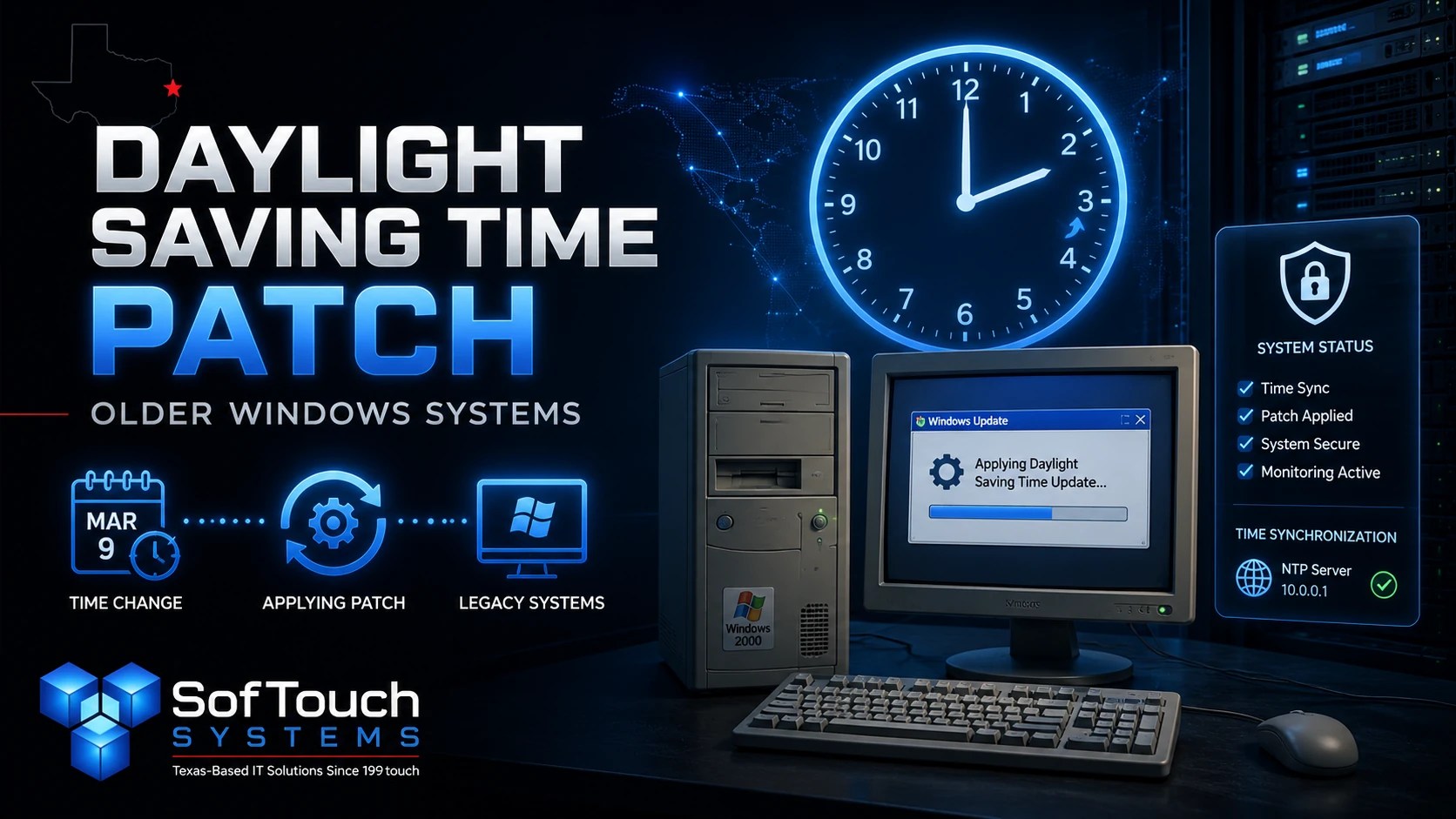
Why the DST Patch Mattered
When Daylight Saving Time rules change, computers do not automatically “know” the new schedule unless the operating system or application receives an update.
That can affect:
- Calendar appointments
- Email timestamps
- Server logs
- Scheduled tasks
- Authentication timing
- Business applications
- Backup schedules
- Domain services
- Time-sensitive reporting
For businesses, even a one-hour mismatch can create confusion. In some cases, it can also interfere with scheduled jobs or compliance records.
Was the DST Patch a Critical Update?
Microsoft did not mark the DST patch as a critical update at the time.
That decision caused some confusion. Since the U.S. government changed the Daylight Saving Time schedule, many administrators reasonably viewed the update as critical for business operations.
However, “critical” in Microsoft update language usually refers to security impact, not operational importance. So, while the patch may not have been classified as a critical security update, it was still important for systems that needed accurate time handling.
That distinction matters.
A patch can be non-critical from a security classification standpoint and still be very important for daily business operations.
Legacy Windows Systems Needed Extra Attention
The biggest concern was older Microsoft systems, especially environments still running Windows 2000 Professional or Windows 2000 Server.
At the time, many businesses still had these systems in production. That created a problem because older systems often required extra manual work, special patches, or workaround planning.
For IT administrators, the lesson was clear: unsupported or aging systems become harder to maintain when standards, laws, or vendor policies change.
What Administrators Needed to Check
If you were managing a Microsoft environment during the DST change, the practical checklist looked like this:
- Identify every affected server and workstation.
- Confirm which operating systems had official patches.
- Check Exchange, Outlook, SQL, and line-of-business applications.
- Review domain controllers and time synchronization settings.
- Test calendar entries before and after the DST change.
- Apply the correct patch for each supported system.
- Document any manual changes made to unsupported systems.
- Watch event logs and scheduled jobs after the update.
This was not just a desktop issue. Server roles, applications, and calendars all had to be reviewed.
Why Time Accuracy Matters in Business IT
Time settings look simple until they break.
Accurate time supports authentication, file tracking, backups, billing records, email flow, audit logs, and scheduled automation. When system time becomes inconsistent, troubleshooting becomes harder.
For example, a backup may appear to run at the wrong time. A log entry may not match the actual event. A calendar appointment may shift unexpectedly. A scheduled script may run too early or too late.
That is why time-related patches deserve careful attention, even when they are not labeled as critical security updates.
The Bigger IT Lesson
This Daylight Saving Time issue is a good reminder that business IT depends on more than antivirus and hardware health.
Small updates can have wide effects.
A routine time change can affect calendars, servers, backups, and business workflows. Older systems make that risk worse because they may not receive clean vendor support.
For small businesses, this is where proactive IT support matters. Someone needs to know which systems are running, which patches apply, and which outdated machines are creating hidden risk.
Final Thought
If your business still relies on older servers, unsupported software, or legacy applications, do not wait for a time change, failed update, or vendor cutoff to expose the problem.
Document the environment. Review patch status. Confirm backup health. Then create a replacement plan for systems that no longer receive dependable support.
No-Surprise IT starts with knowing what is running before it causes trouble.
Discover more from SofTouch Systems
Subscribe to get the latest posts sent to your email.