
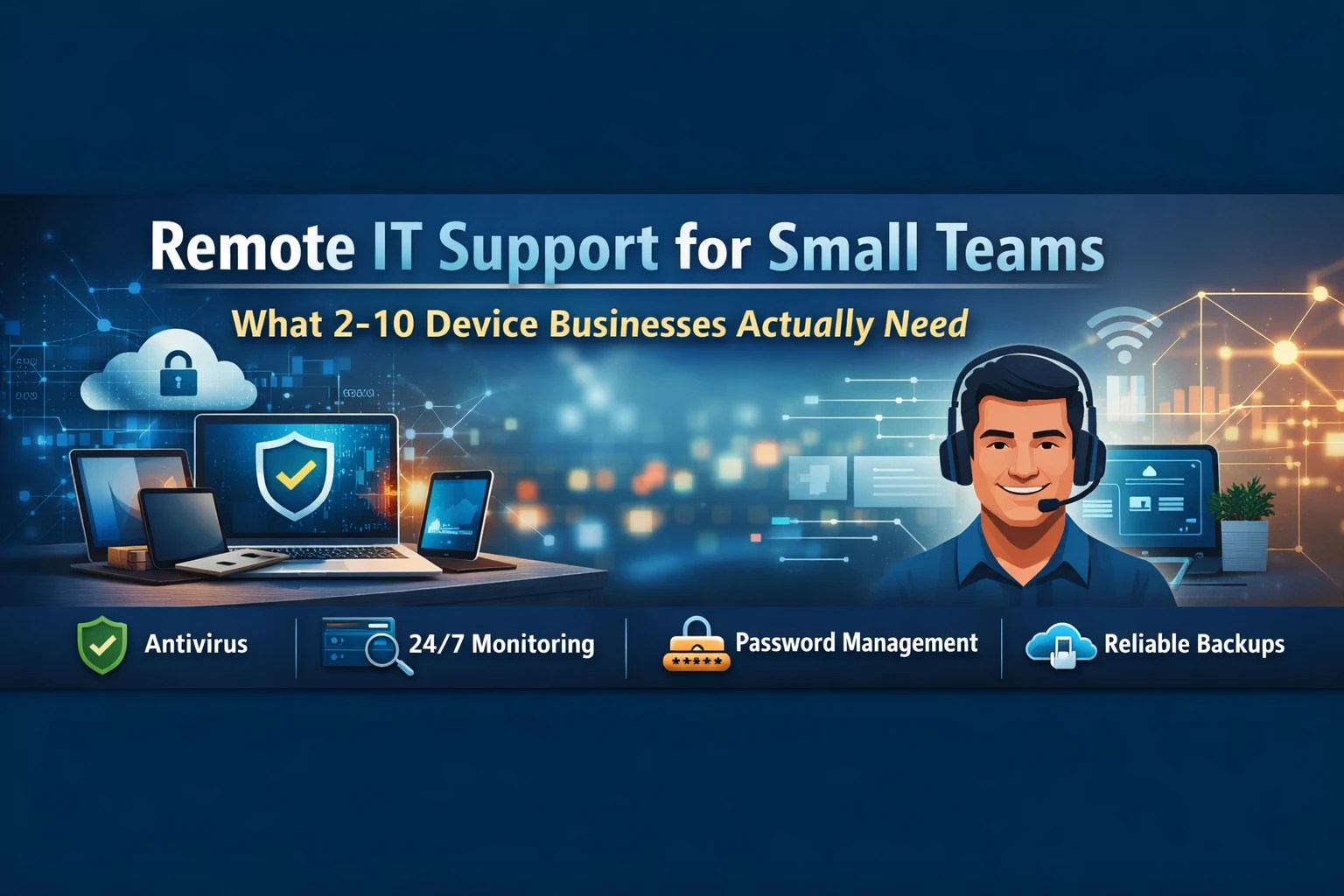
Small businesses with only a few devices still face real technology risk, which is why remote IT support for small teams matters more than many owners realize. If your company runs on 2–10 devices, you may not need a full internal IT department, but you do need reliable protection, fast support, and a simple way to prevent downtime before it hurts your business.
What is remote IT support for small teams?
Remote IT support for small teams is a practical way to manage, secure, monitor, and troubleshoot business technology without waiting for an on-site visit every time something goes wrong. Instead of using a break-fix approach, remote support allows a provider to watch your systems, respond faster, and resolve many issues before they interrupt work.
For a small business, that matters. A single failed update, weak password, or missed backup can stop operations just as easily in a five-device office as in a fifty-device office. In many cases, the smaller company feels the damage faster because there is less redundancy and less room for error.
Why small businesses with 2–10 devices still need real IT support
A common assumption is that a small office has simple risk. That sounds reasonable, but it is often false.
Even a very small team may rely on:
- business email
- shared files
- accounting platforms
- cloud apps
- saved customer information
- vendor logins
- mobile devices
- remote access
That means a small environment can still be exposed to ransomware, account compromise, data loss, and downtime. SMBs continue to increase spending on modernization, cybersecurity, and managed services because technology problems now hit revenue, customer trust, and productivity directly .
Therefore, the real question is not whether a small team needs support. The real question is whether that support is proactive, measurable, and affordable.
What small businesses actually need
Small teams do not need bloated enterprise tooling. However, they do need the right foundation.
1. Real-time antivirus and threat protection
Every business device should have active antivirus protection that is monitored, updated, and managed consistently.
That means more than installing antivirus once and hoping it works. Good protection should:
- scan in real time
- isolate threats quickly
- stay current automatically
- report problems centrally
Without oversight, antivirus becomes a false sense of security. With monitoring, it becomes part of a real defense layer.
2. 24/7 device and network monitoring
This is where remote support becomes truly valuable.
Monitoring helps catch:
- failed backups
- storage issues
- performance slowdowns
- unusual activity
- outdated software
- warning signs before a device fails
As a result, you reduce emergency calls and keep employees productive. Buyers consistently value predictable response and reliability, and they are frustrated by slow support and unclear service delivery from other providers .
3. Password management and access control
Passwords remain one of the easiest ways for attackers to get in. Many small teams still reuse passwords, text them, email them, or save them in unsafe places.
A business password manager helps by making strong security easier to follow. 1Password’s enterprise positioning emphasizes that employees often work around security when tools add friction, and that easier security drives real adoption . It also addresses credential-based attacks, which 1Password identifies as the top breach path for organizations .
For a small team, this means:
- strong unique passwords
- safer sharing
- fewer reused credentials
- visibility into weak or compromised logins
- easier onboarding and offboarding
4. Managed backups that are tested
Many owners think cloud sync equals backup. It does not.
A real backup strategy should include:
- automatic backup jobs
- off-site storage
- encryption
- restore testing
- retention planning
If no one has tested a restore lately, then the business does not truly know whether recovery will work. Your own year-end checkup guidance already frames backup verification and restore testing as critical questions for SMBs .
5. Patch management and software updates
Outdated systems create unnecessary exposure. Attackers routinely take advantage of old software, browsers, plugins, and operating systems.
Remote IT support should make sure:
- operating systems stay current
- third-party apps get patched
- critical issues are addressed quickly
- update gaps are identified before they become incidents
For small teams, this is one of the simplest ways to reduce risk without changing how staff works day to day.
6. Clear support when people need help
Small teams often wear multiple hats. They do not have time to chase down technical answers or guess whether an issue matters.
Good remote support should give them:
- a clear point of contact
- fast remote troubleshooting
- plain-English answers
- guidance during employee onboarding and offboarding
- simple escalation when needed
That matches the pain points described in your SMB and VSB customer profiles, where buyers rely on their MSP for low-complexity deployment, secure onboarding, and practical guidance .

Want a quick way to improve online privacy? SurfsharkVPN helps protect your connection on public Wi-Fi, while traveling, or when working remotely. If you sign up through our link, we may earn a tiny commission at no extra cost to you. Check it out here.
What small teams usually do not need
This is where many providers oversell.
Most 2–10 device businesses do not need:
- overbuilt server environments
- expensive enterprise security stacks they cannot manage
- multiple overlapping tools
- a part-time internal IT hire before basics are covered
- complicated contracts with unclear billing
A smarter approach is to secure the essentials first. Then, if the business grows, the stack can grow with it.
The biggest mistakes small teams make
Assuming they are too small to be targeted
Small businesses are often targeted because they are easier to exploit and slower to detect problems.
Treating cloud sync like backup
Cloud access is helpful, but it does not replace recovery planning.
Waiting until something breaks
Reactive support always feels cheaper until the first outage, missed invoice, lost file set, or compromised account.
Letting passwords stay informal
Shared credentials may feel convenient, but they create risk during turnover, growth, and phishing attempts. Check to see if you email has been leaked here.
What good remote IT support should feel like
Remote support should not feel vague or invisible. It should feel steady, transparent, easy to use, and useful.
That means:
- clear monthly pricing
- visible inclusions
- measurable response standards
- regular health reporting
- fewer surprises
That aligns directly with the SofTouch Systems “No-Surprise IT” positioning built around transparency, measurable service levels, and predictable support .

The bottom line
Remote IT support for small teams is not about giving a tiny office enterprise complexity. It is about giving a small business the exact protection and support it needs to stay productive, secure, and stable.
If your company operates on just a few devices, the essentials are straightforward:
- threat protection
- monitoring
- password security
- backup verification
- updates
- fast remote help
When those pieces are handled well, your business spends less time reacting and more time working.
Free IT Evaluation
If you want to know whether your current setup is actually protecting your business, SofTouch Systems can help.
Schedule a Free IT Evaluation and get a clear look at:
- what is covered
- what is missing
- where small problems could become expensive ones
That is the point of No-Surprise IT: fewer guesses, fewer disruptions, and clearer answers.
Discover more from SofTouch Systems
Subscribe to get the latest posts sent to your email.