
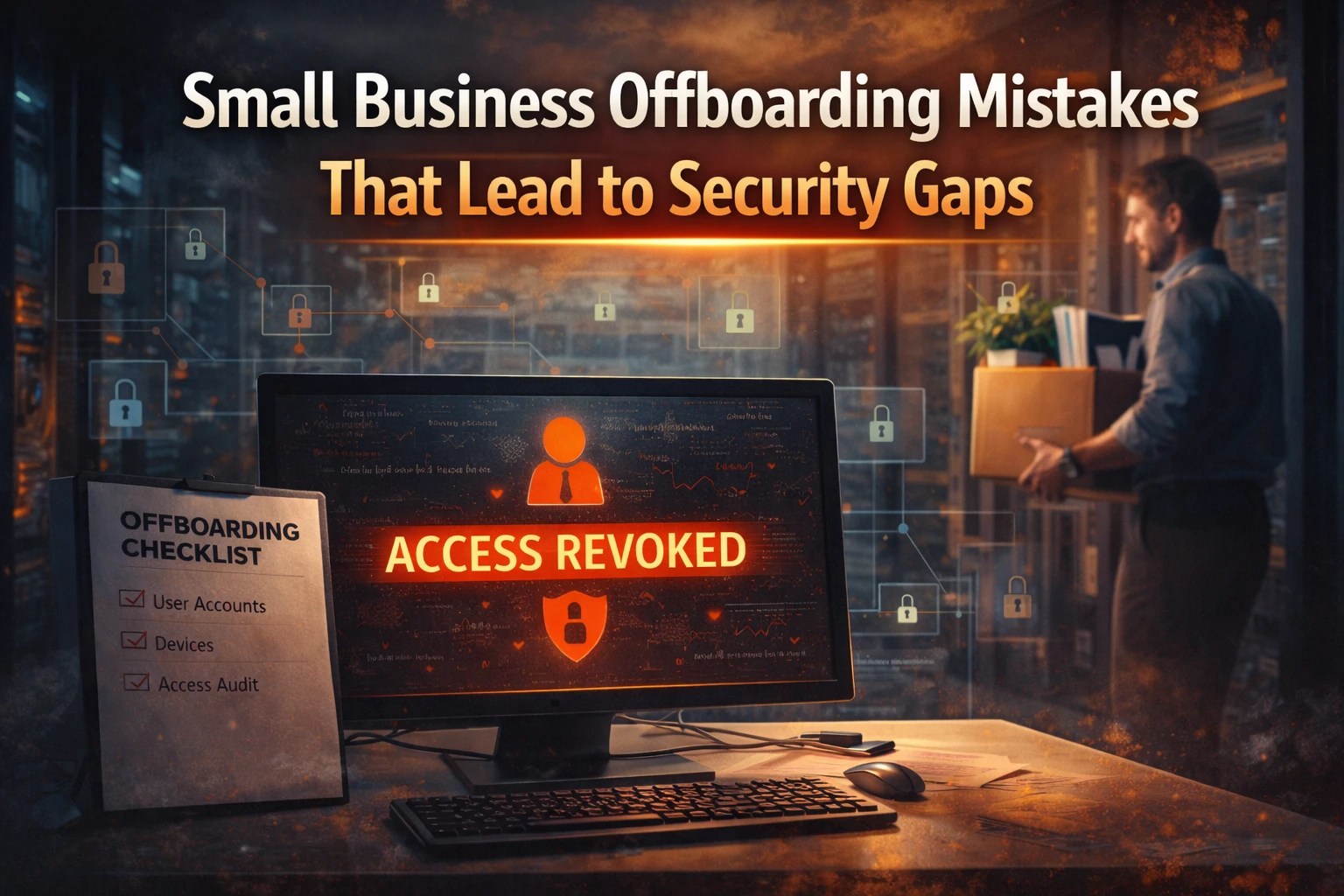
Employee departures happen every day, and as a result, small business offboarding security gaps often go unnoticed until something breaks. In many cases, the issue is not a hacker forcing entry; rather, it is access that was never removed, devices that were never secured, or accounts that were never reviewed.
For small businesses with limited IT oversight, offboarding creates one of the highest-risk moments in the employee lifecycle. However, many teams still handle it manually, rush through key steps, or apply inconsistent processes. As a result, this combination creates exposure that can last for weeks or even months.
In this article, we break down where those gaps come from, explain why they matter, and show you how to close them before they turn into real problems.
Why Offboarding Is a High-Risk Event
When an employee leaves, they take more than their role with them. They also leave behind:
- Login credentials
- Access to shared systems
- Knowledge of internal processes
- Potential access to sensitive data
If those elements are not properly controlled, your business remains exposed.
This is especially true for small businesses. Many rely on informal processes, shared passwords, or limited documentation. As a result, offboarding becomes inconsistent.
That inconsistency is where risk grows.
The Most Common Offboarding Mistakes
1. Accounts Are Not Fully Disabled
Many businesses deactivate email accounts but overlook other systems.
Commonly missed:
- CRM platforms
- Cloud storage (Google Drive, OneDrive)
- Accounting software
- Vendor portals
- Password manager vaults
Even one active account can create a backdoor into your systems.
2. Shared Passwords Are Not Rotated
If your team shares login credentials, removing one person does not remove access.
This is a major risk. According to security best practices, reused or shared credentials are one of the most common entry points for attackers.
Without a password reset process:
- Former employees may still have access
- Credentials may already be exposed elsewhere
- There is no visibility into usage
3. Devices Are Not Properly Secured or Recovered
Laptops, phones, and tablets often leave with the employee or sit untracked.
Key risks:
- Stored credentials remain accessible
- Company data is not wiped
- Devices connect to unsecured networks
If devices are not enrolled in a managed system, you lose control the moment they leave your office.
4. Access Reviews Are Skipped
Most small businesses do not maintain a full inventory of who has access to what.
That leads to:
- “Shadow access” in unused tools
- Forgotten admin privileges
- Old integrations that remain active
Without a structured review, access removal becomes guesswork.
5. No Documentation or Process Exists
Many offboarding actions live in someone’s head.
When that person is unavailable:
- Steps are skipped
- Tasks are delayed
- Security gaps remain open
This is one of the most common issues in very small businesses. Limited time and resources push process documentation to the side.
However, that decision creates long-term risk.
How These Mistakes Turn Into Real Problems
These gaps do not always lead to immediate incidents. That is what makes them dangerous.
Instead, they create conditions where problems can happen later:
- A reused password is exposed in a breach
- A former employee account is still active
- A device reconnects to your systems
- A vendor portal remains accessible
At that point, it is no longer an offboarding issue. It becomes a security incident.
Privacy is not just about passwords and antivirus. Incogni helps reduce your public exposure by requesting removal of your personal information from data brokers and people-search sites, with ongoing tracking through its reports and dashboard. If you sign up through our link, we may earn a miniscule commission at no extra cost to you.

What a Secure Offboarding Process Looks Like
A structured process removes uncertainty. It ensures every departure is handled the same way.
A strong offboarding workflow includes:
Account Control
- Disable all user accounts immediately
- Remove access from SaaS platforms
- Revoke VPN and remote access
Credential Security
- Rotate shared passwords
- Remove vault access in password managers
- Enforce multi-factor authentication
Device Management
- Recover company devices
- Wipe and reimage systems
- Remove device access from networks
Access Review
- Audit permissions across systems
- Remove unnecessary admin rights
- Review integrations and third-party access
Documentation
- Use a repeatable checklist
- Track completion for each step
- Maintain records for compliance
Why Businesses Struggle With This
The challenge is not awareness. Most owners understand that security matters.
The challenge is execution.
From a real-world standpoint:
- There is no dedicated IT team
- Processes are manual
- Tools are disconnected
- Time is limited
These factors make consistency difficult. However, consistency is exactly what prevents gaps.
Closing the Gap Before It Becomes a Problem
The most effective approach is not reactive. It is proactive.
That means:
- Defining a standard offboarding process
- Using tools that provide visibility and control
- Reducing reliance on shared credentials
- Ensuring every step is completed every time
Small improvements here create a measurable reduction in risk.
Use a Structured Offboarding Checklist
If your business does not have a formal process, start with a checklist.
A checklist ensures:
- Nothing is missed
- Steps are repeatable
- Responsibility is clear
We provide a structured Employee Offboarding Security Checklist designed specifically for small businesses. The checklist walks through each step needed to close security gaps during employee transitions.

SofTouch Thoughts
Most breaches do not begin with advanced attacks. They begin with overlooked access.
Offboarding is one of the easiest places to fix that. Visit CISA for more SMB resources HERE.
When done correctly, it protects your data, your systems, and your business continuity. However, if ignored, it leaves gaps that others can exploit.
Contact Us
Unsure whether your offboarding process is secure, start with a review.
- Download the Employee Offboarding Security Checklist from our Resource Center
- Or schedule a Free IT Evaluation to identify gaps in your current process
SofTouch Systems helps Texas small businesses eliminate risk with clear processes, secure systems, and No-Surprise IT.
Discover more from SofTouch Systems
Subscribe to get the latest posts sent to your email.