
Old computers rarely fail at a convenient time.
They usually fail during payroll, a customer deadline, a tax filing, a busy sales day, or right before someone needs an important file. For small businesses, outdated hardware is not just an inconvenience. It can create security gaps, downtime, lost productivity, surprise repair costs, and serious business disruption.
Many small businesses keep old computers, servers, routers, and backup drives running because they still “work.” That logic feels practical, especially when cash flow is tight. However, old hardware can quietly become one of the weakest parts of your business technology stack.
At SofTouch Systems, we help small businesses look past the sticker price of replacement hardware. The real question is not, “Can this device still turn on?” The better question is, “Can this device still support the business safely, reliably, and efficiently?”
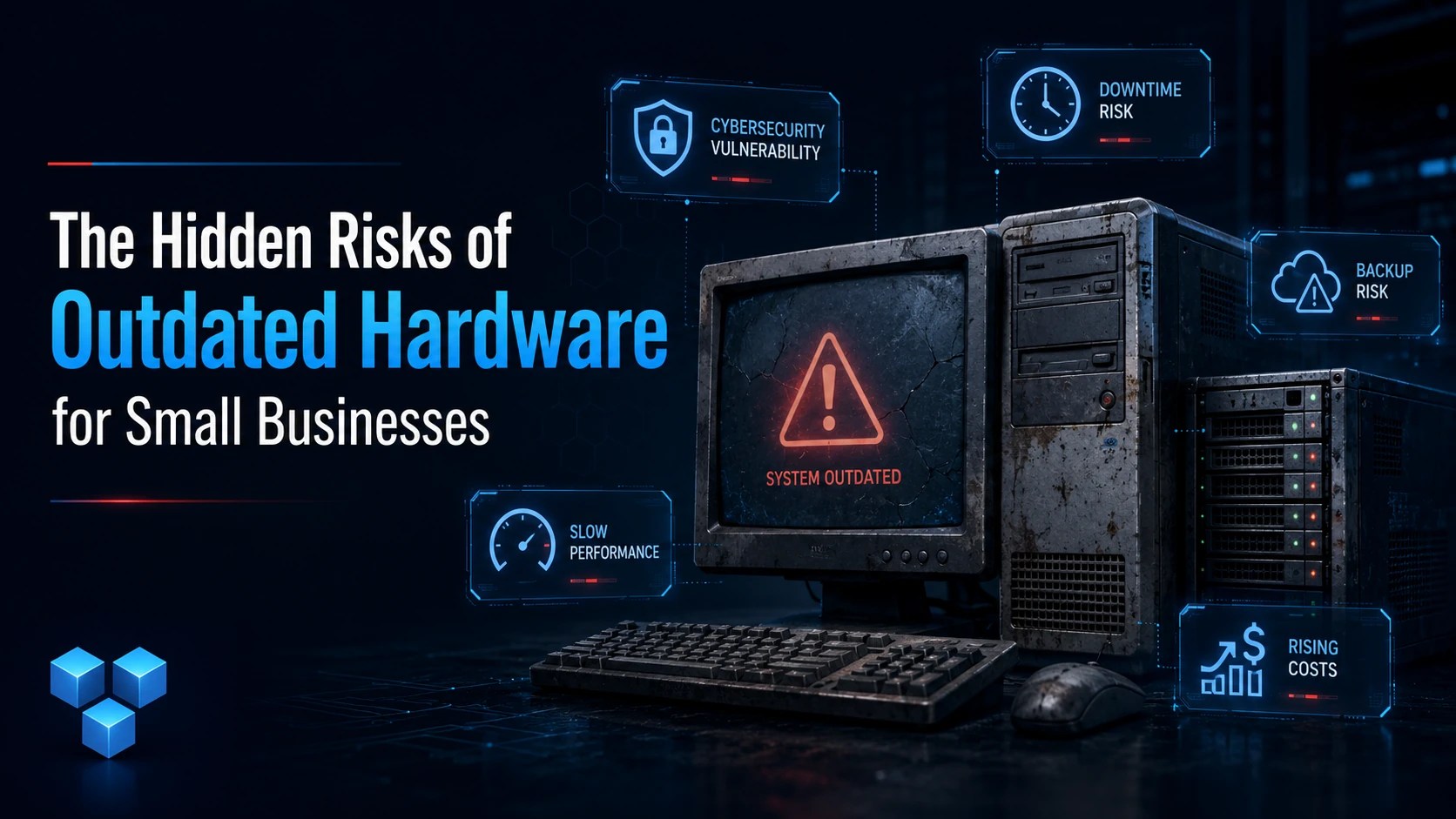
Outdated Hardware Creates More Than Performance Problems
Most business owners notice aging hardware when a computer becomes slow. However, speed is only the obvious symptom.
Aging devices can also create deeper problems. They may no longer support current operating systems or may struggle with modern security tools. They may lack storage capacity, memory, firmware updates, or hardware-level protections required by newer software.
That matters because unsupported technology becomes harder to protect over time. Microsoft ended support for Windows 10 on October 14, 2025. Windows 10 PCs still work, but Microsoft no longer provides regular software updates, security fixes, or technical support for standard Windows 10 systems.
For a small business, that creates a planning problem. If older computers cannot upgrade to Windows 11, they may need replacement, isolation, or another managed plan. Ignoring the issue does not make the risk disappear.
Risk #1: Security Gaps Become Easier to Exploit
Cybersecurity depends on layers. Antivirus, backups, password protection, patching, monitoring, and user training all matter. However, weak hardware can undercut the entire stack.
Outdated devices may not support current operating systems or security updates. They may also rely on old firmware that no longer receives fixes. That leaves known weaknesses sitting inside the business.
CISA has warned about the risks linked to end-of-support software and devices, especially when they remain connected to networks. Unsupported systems are harder to defend because vendors no longer maintain them at the same level.
This does not mean every old computer will be hacked tomorrow. That would be fear-based marketing, and it would be lazy. The real issue is simpler: old hardware increases the number of weak points attackers can probe.
Small businesses often assume they are too small to be targeted. That assumption is dangerous. Attackers do not need to know your business personally. They can scan for outdated systems, exposed devices, weak passwords, and unpatched software at scale.
Risk #2: Downtime Costs More Than Replacement Planning
A slow computer wastes time every day. A failed computer can stop work completely.
Think about the real cost of one aging workstation:
An employee waits several minutes every morning for startup.
Applications freeze during basic tasks.
Updates fail because storage is too low.
The device crashes during customer work.
Eventually, the computer dies without a replacement plan.
That is not a hardware issue anymore. That is a business continuity issue.
The cost is not only the new device. You also lose work time, customer confidence, staff patience, and possibly access to important data. If the device supports billing, scheduling, inventory, email, design work, or customer service, the disruption grows quickly.
Outdated hardware creates hidden labor costs. Employees adapt to bad systems by creating workarounds. They save files in strange places, avoid updates, and delay tasks. They blame “the computer” instead of fixing the root issue.
That is how small inefficiencies become normal.
Risk #3: Old Hardware Can Break Backup and Recovery Plans
Backups are only useful if they can be restored.
Older hardware can complicate recovery in several ways. Failing drives may corrupt files before anyone notices. Old external backup devices may stop working. Legacy systems may use outdated software that is difficult to reinstall. Aging servers may depend on parts that are hard to find.
A business may believe it has a backup plan when it really has a backup hope.
This is where small businesses need discipline. Backup files should be monitored. Restores should be tested. Devices should be replaced before failure becomes an emergency.
A proper backup strategy does not only ask, “Do we have copies?” It asks:
Can we restore the data?
How long would recovery take?
Who knows the process?
What happens if this specific machine fails today?
If the answers are vague, the business has a risk.
Risk #4: Old Devices May Not Support Modern Business Software
Software keeps moving forward.
Accounting tools, browsers, cloud apps, password managers, security platforms, remote access tools, and productivity software all expect a certain baseline. Older hardware may technically run these tools, but poorly.
That creates a frustrating middle ground. The business can still open the software, but the experience becomes unreliable. Staff lose time. Updates become risky. Support teams have fewer options.
Microsoft also notes that Microsoft 365 Apps on Windows 10 can continue running after Windows 10 support ends, but recommends upgrading to Windows 11 to avoid performance and reliability problems over time.
For businesses, this matters because software reliability affects daily operations. If employees spend more time fighting the machine than serving customers, the device is already costing money.
Risk #5: Emergency Replacement Usually Costs More
Waiting until hardware fails feels cheaper. Usually, it is not.
Emergency replacement often means rushed decisions. The business may buy whatever is available instead of what fits. Staff may lose time setting up the new device. Files may need recovery. Software licenses may be missing. Passwords may not be documented. The old device may still contain sensitive data.
That creates both operational and security concerns.
Planned replacement is different. A business can budget for it, transfer files properly, confirm backups, document software, remove sensitive data, and deploy the new device without panic.
This is the difference between lifecycle planning and crisis spending.
Risk #6: Outdated Network Gear Can Expose the Whole Business
Old computers are not the only concern.
Routers, firewalls, switches, Wi-Fi access points, storage devices, and edge devices also age out. These devices often sit quietly in closets for years. Because they are out of sight, they are easy to ignore.
That is a mistake.
Network hardware controls how data moves through the business. If that gear is unsupported, misconfigured, or unpatched, it can expose multiple systems at once. CISA has specifically highlighted the need to reduce risks tied to end-of-support edge devices because those systems can create attack surface problems.
For small businesses, the lesson is direct: do not only check the computers employees touch. Check the devices that keep the business connected.
How to Know When Hardware Is Becoming a Business Risk
Age alone is not the only factor. Some older machines are still useful in limited roles. However, a device deserves serious review when it shows several warning signs.
The device cannot run a supported operating system.
Security updates fail or no longer apply.
The hard drive or SSD shows errors.
The device takes too long to start or open basic apps.
Employees avoid using it.
The device stores important files without verified backup.
Replacement parts are difficult to find.
The device supports a critical business function.
The warranty has expired, and no replacement plan exists.
One of these signs may not justify immediate replacement. Several of them together should trigger action.
Repair, Replace, or Repurpose?
Not every old device needs to go straight to recycling.
Some hardware can be repaired or upgraded with more memory or a solid-state drive. Some can be repurposed for low-risk, limited use. However, businesses should be careful with false savings.
A $150 repair on a device that still cannot run supported software may not be wise. A cheap upgrade may help performance, but it will not fix end-of-support risk. A spare computer may be useful, but not if it contains old data or becomes an unmanaged security gap.
The decision should be practical:
Repair when the device is still supported and the fix extends useful life.
Replace when the device blocks security, reliability, or productivity.
Repurpose only when the device can be safely limited and monitored.
Retire when the device creates more risk than value.
What Small Businesses Should Do Next
A business does not need a massive IT department to manage hardware wisely. It needs a simple process.
First, create a hardware inventory. List computers, servers, network devices, backup drives, printers, and other business-critical equipment.
Next, identify the age, operating system, warranty status, user, and business role for each device.
Then, flag unsupported systems and devices that cannot receive updates. These should move to the top of the planning list.
After that, check backup status. Any device storing important data should have verified backups.
Finally, build a replacement schedule. Replace the highest-risk devices first instead of waiting for failure.
This gives the business control. It turns hardware replacement from a surprise expense into a planned business decision.
How SofTouch Systems Helps
SofTouch Systems helps small businesses manage technology before it becomes a crisis.
Our Shield services are designed to help businesses reduce avoidable risk through practical IT support, monitoring, backups, security tools, and planning. We help clients understand which devices are safe to keep, which need attention, and which should be replaced before they create downtime.
This is not about selling new hardware for the sake of selling hardware. It is about protecting the business from preventable failures.
Small businesses need clear answers:
Which devices are risky?
Which systems are unsupported?
Are backups working?
Can we recover quickly?
What should we replace first?
What can wait?
That is the difference between guessing and managing.
FAQ: Outdated Hardware for Small Businesses
There is no single age limit, but most business computers should be reviewed carefully after four to five years. Devices that cannot run supported software, receive updates, or support daily work should be prioritized for replacement.
Windows 10 still runs, but standard support ended on October 14, 2025. Microsoft no longer provides regular security fixes or technical support for standard Windows 10 PCs, which increases business risk over time.
Repair makes sense when the device still supports current software, security updates, and daily productivity. Replacement is usually better when the device is unsupported, unreliable, slow, or used for critical business work.
Yes. Unsupported hardware and software can create security gaps because vendors may no longer provide fixes. CISA has warned that end-of-support devices can increase attack surface risk.
The biggest hidden cost is usually lost productivity. Slow computers, failed updates, crashes, and emergency repairs waste staff time and can disrupt customer service.
Yes. A simple replacement plan helps prevent surprise costs, emergency downtime, and rushed purchasing decisions. It also helps businesses replace the riskiest devices first.

Outdated hardware is not the only weak point in a small business technology stack. Unprotected internet connections can also expose daily work to unnecessary risk, especially when employees travel, work from home, or use public Wi-Fi. SurfsharkVPN adds a practical privacy layer by encrypting internet traffic and helping reduce exposure on unsecured networks. It is not a replacement for managed IT, antivirus, backups, or password security, but it can strengthen everyday browsing habits for small teams. For business owners who want a simple way to improve online privacy without adding complicated tools, Surfshark VPN is a smart addition to a layered security approach. SofTouch Systems recommends using VPN protection as one part of a broader plan to reduce avoidable risk.
Final Thoughts
Outdated hardware is easy to ignore because it often fails slowly.
A slow startup becomes normal. A noisy fan becomes background noise. A failed update gets postponed. A warning message gets dismissed. Then one day, the device stops working when the business needs it most.
Small businesses do not need perfect technology. They need reliable technology that supports daily work, protects data, and reduces surprise costs.
Old hardware is not automatically bad. Unmanaged outdated hardware is the problem.
If your business is relying on aging computers, unsupported systems, or forgotten network gear, now is the time to review the risk.
SofTouch Systems can help your business evaluate aging hardware, prioritize replacements, strengthen backups, and reduce avoidable downtime. Schedule a free 15-minute consultation today and find out where your technology stack may be weaker than it looks.
Discover more from SofTouch Systems
Subscribe to get the latest posts sent to your email.