
Business encryption is one of the most effective ways to protect sensitive information from unauthorized access. For example, it doesn’t matter if your business stores customer records, financial documents, employee information, or proprietary files. Encryption helps ensure that even if data is stolen, it cannot be easily read or used.
Many small business owners think encryption is only for banks, hospitals, or government agencies.
It isn’t.
Today, every small business relies on digital information. That information deserves protection.
Encryption quietly works behind the scenes every day, protecting emails, cloud storage, laptops, backups, websites, online banking, and business applications.
Therefore, if your business uses technology, encryption should already be part of your cybersecurity strategy.
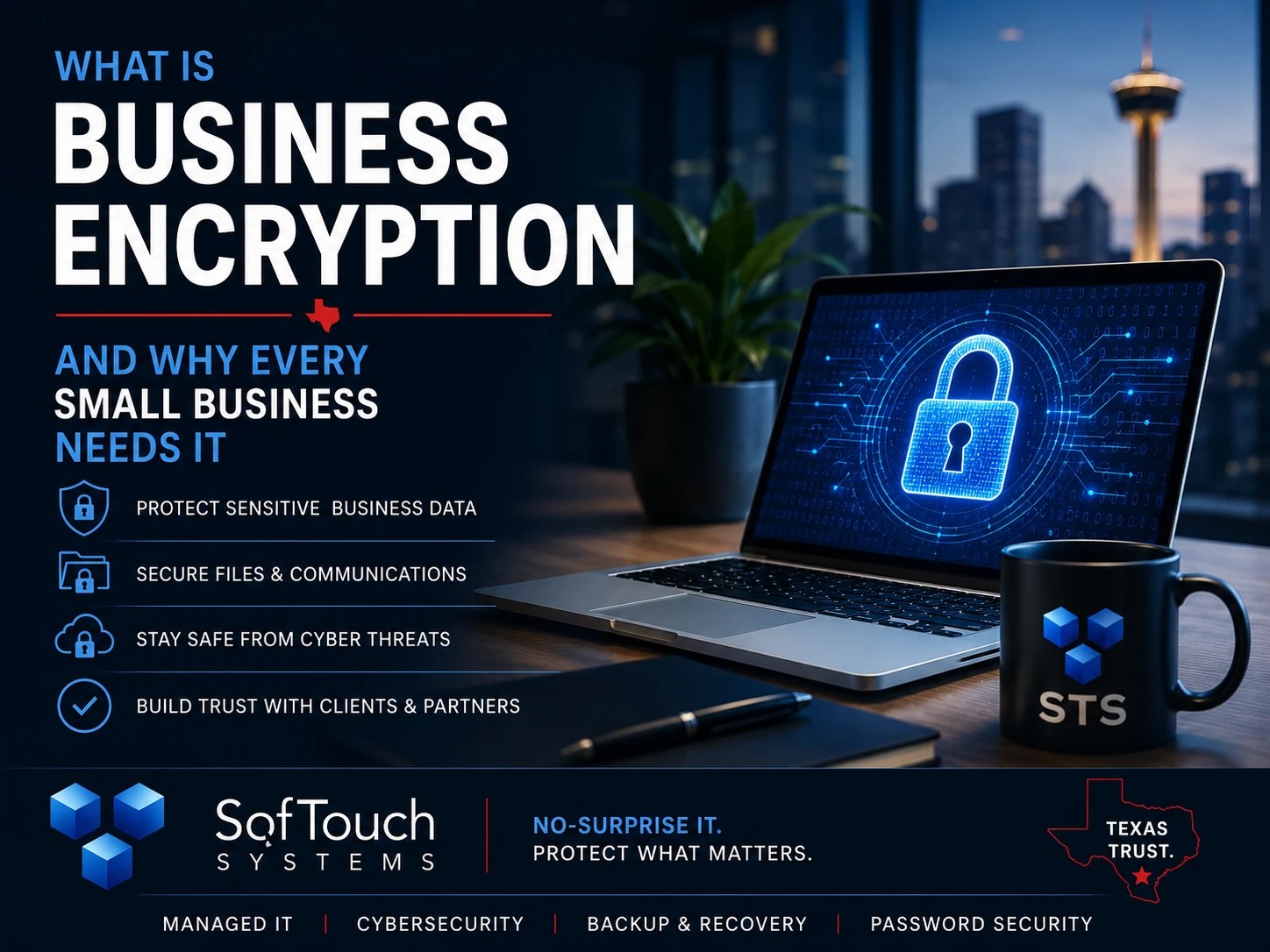
What Is Encryption?
Encryption converts readable information into unreadable code using mathematical algorithms.
Only someone with the correct encryption key can convert that data back into its original form.
Think of it like placing important documents inside a safe.
Anyone can see the safe exists.
Without the combination, however, the contents remain protected.
Encryption works the same way for digital information.
Even if cybercriminals steal encrypted files, the information remains largely useless without the proper decryption key.
Why Small Businesses Need Encryption
Additionally, cybercriminals don’t specifically target large corporations anymore.
Instead, they look for businesses with weaker security.
Small businesses often store:
- Customer information
- Employee records
- Payroll files
- Financial statements
- Tax documents
- Contracts
- Medical records
- Legal documents
- Vendor information
- Password databases
If these files are exposed, businesses may face:
- Financial losses
- Legal obligations
- Regulatory penalties
- Operational downtime
- Reputation damage
- Loss of customer trust
Encryption significantly reduces the impact if sensitive data is stolen.
Where Business Encryption Should Be Used
Many business owners assume encryption only applies to laptops.
In reality, encryption should protect data in several places.
Full-Disk Encryption
If a company laptop is stolen from a vehicle or airport, full-disk encryption helps prevent someone from accessing the files stored on the device.
Modern operating systems include encryption technologies such as:
- Windows BitLocker
- Apple FileVault
These tools help protect business data even if a device is physically lost.
Email Encryption
Email often contains invoices, contracts, employee information, and customer communications.
Without encryption, sensitive emails may be exposed during transmission or through compromised accounts.
Businesses handling confidential information should understand when encrypted email is appropriate.
Cloud Storage Encryption
Cloud services are generally secure, but businesses should still understand how providers encrypt stored data and protect information during transfer.
Security is strongest when combined with:
- Multi-factor authentication
- Strong passwords
- Access controls
- Activity monitoring
Encryption is only one layer.
Backup Encryption
Backups frequently contain every important file in the business.
If backup data is stolen without encryption, attackers may gain access to years of sensitive information.
Encrypted backups help reduce that risk.
Businesses should ensure both local and cloud backups are encrypted whenever possible.
Website Encryption
Every business website should use HTTPS.
HTTPS encrypts information exchanged between your website and visitors.
Without HTTPS, login credentials, contact forms, and other sensitive information may be exposed while traveling across the internet.
Customers also expect to see the secure padlock icon before sharing information.
Encryption Protects Data in Transit and at Rest
Business encryption generally protects information in two different situations.
Data at Rest
This refers to information stored on:
- Computers
- Servers
- Backup drives
- Cloud storage
- Mobile devices
If someone steals the storage device, encryption helps protect the information stored on it.
Data in Transit
This refers to information moving across networks.
Examples include:
- Website traffic
- File transfers
- Video meetings
- Cloud synchronization
- Remote work connections
Encryption helps prevent attackers from reading intercepted communications.
Both types of protection are important.
What Encryption Does Not Do
Encryption is powerful, but it is not magic.
It does not:
- Stop phishing attacks
- Remove malware
- Block ransomware
- Replace antivirus
- Replace backups
- Replace employee training
- Prevent weak passwords
- Eliminate insider threats
Cybersecurity works best when multiple security layers support one another.
Encryption is one of those essential layers.
Encryption and Remote Workers
Remote employees regularly work from:
- Home offices
- Hotels
- Airports
- Coffee shops
- Customer locations
Those locations often rely on networks outside your control.
Encryption helps protect business information as employees access company resources remotely.
Combined with VPNs, MFA, endpoint protection, and secure password management, encryption helps create a much stronger remote work environment.
Common Business Encryption Myths
“Encryption Will Slow Down Our Computers.”
Modern computers experience very little performance impact from today’s encryption technologies.
For most businesses, employees won’t notice any difference.
“We’re Too Small to Need Encryption.”
Cybercriminals frequently target small businesses because they often have weaker defenses.
Encryption helps reduce the consequences of lost devices and stolen data regardless of company size.
“Cloud Providers Handle Everything.”
Cloud providers secure their infrastructure, but businesses remain responsible for protecting their own accounts, passwords, permissions, and users.
Understanding shared responsibility is an important part of cloud security.
“Encryption Is Too Complicated.”
Years ago, this may have been true.
Today, encryption is often built directly into Windows, macOS, smartphones, cloud services, and many business applications.
With proper planning, implementation is straightforward.
How Business Encryption Fits into a Layered Security Strategy
At SofTouch Systems, we believe cybersecurity works best when multiple protections work together.
Business encryption is most effective when combined with:
- Managed endpoint protection
- Multi-factor authentication
- Password management with 1Password
- Backup and disaster recovery
- Patch management
- 24/7 monitoring
- Remote IT support
- Security awareness training
No single tool protects every business.
Layered security reduces overall risk.
That’s the foundation of our No-Surprise IT approach.
Business Encryption Checklist
Ask yourself:
- Are company laptops encrypted?
- Are mobile devices encrypted?
- Are backups encrypted?
- Does your website use HTTPS?
- Are remote workers protected with encrypted connections?
- Is sensitive cloud data encrypted?
- Are encryption keys managed securely?
- Are former employees removed from systems promptly?
- Do employees understand how to handle sensitive information?
If several answers are “I’m not sure,” your business may have unnecessary security gaps.
How SofTouch Systems Helps
SofTouch Systems helps small Texas businesses implement practical encryption without unnecessary complexity.
Our services include:
- Device encryption guidance
- Backup encryption review
- Secure cloud configuration
- Password management with 1Password
- Multi-factor authentication deployment
- Managed endpoint protection
- Backup and disaster recovery
- 24/7 monitoring
- Remote worker security
- IT security evaluations
Our goal isn’t to overwhelm you with technology.
It’s to make sure your business data stays protected while your employees stay productive.
That’s No-Surprise IT.
FAQ What and Why Business Encryption
Business encryption converts readable data into coded information that can only be accessed with the correct encryption key. It helps protect sensitive information if devices or files are stolen.
Yes. Small businesses store valuable customer, financial, and employee information. Encryption helps reduce the risk of data exposure after theft, loss, or unauthorized access.
Yes. Windows Professional editions include BitLocker, which provides full-disk encryption for supported devices. macOS includes FileVault for similar protection.
No. Encryption protects data from unauthorized access, while antivirus helps detect and stop malware. Both are important parts of a layered cybersecurity strategy.
Yes. Businesses should understand how their cloud providers encrypt stored data and should also protect accounts with MFA, strong passwords, and proper access controls.
Yes. SofTouch Systems can evaluate your current security, recommend practical encryption solutions, and integrate encryption into a complete managed IT and cybersecurity strategy.
Final Thoughts
Business encryption is no longer optional for organizations that depend on digital information.
Whether you’re protecting customer records, financial data, employee files, or business communications, encryption adds an essential layer of defense against theft and unauthorized access.
It won’t solve every cybersecurity problem.
However, when combined with strong passwords, MFA, backups, endpoint protection, and ongoing monitoring, encryption helps create a security strategy that is practical, resilient, and ready for today’s threats.
Next Steps
Schedule a free 15-minute IT Security Evaluation with SofTouch Systems. We’ll review how your business protects sensitive data and identify practical ways to strengthen encryption, backups, password security, and overall cybersecurity.
Discover more from SofTouch Systems
Subscribe to get the latest posts sent to your email.