
How do you know you’ve been hacked when nothing appears broken?
That is one of the harder cybersecurity questions for a small-business owner to answer. Many people imagine a cyberattack ending with a locked computer, a ransomware message, or a giant warning across the screen.
Real compromises are not always that obvious.
Sometimes the first clue is an employee getting an unexpected MFA request. Perhaps a customer receives an email nobody remembers sending. Maybe a computer suddenly runs harder than usual, an antivirus alert keeps returning, or an unfamiliar account appears in a cloud service.
Individually, these events may look like ordinary IT problems. Together, they can indicate something much more serious.
For a small Texas business without an internal security team watching its systems all day, recognizing these early warning signs matters.
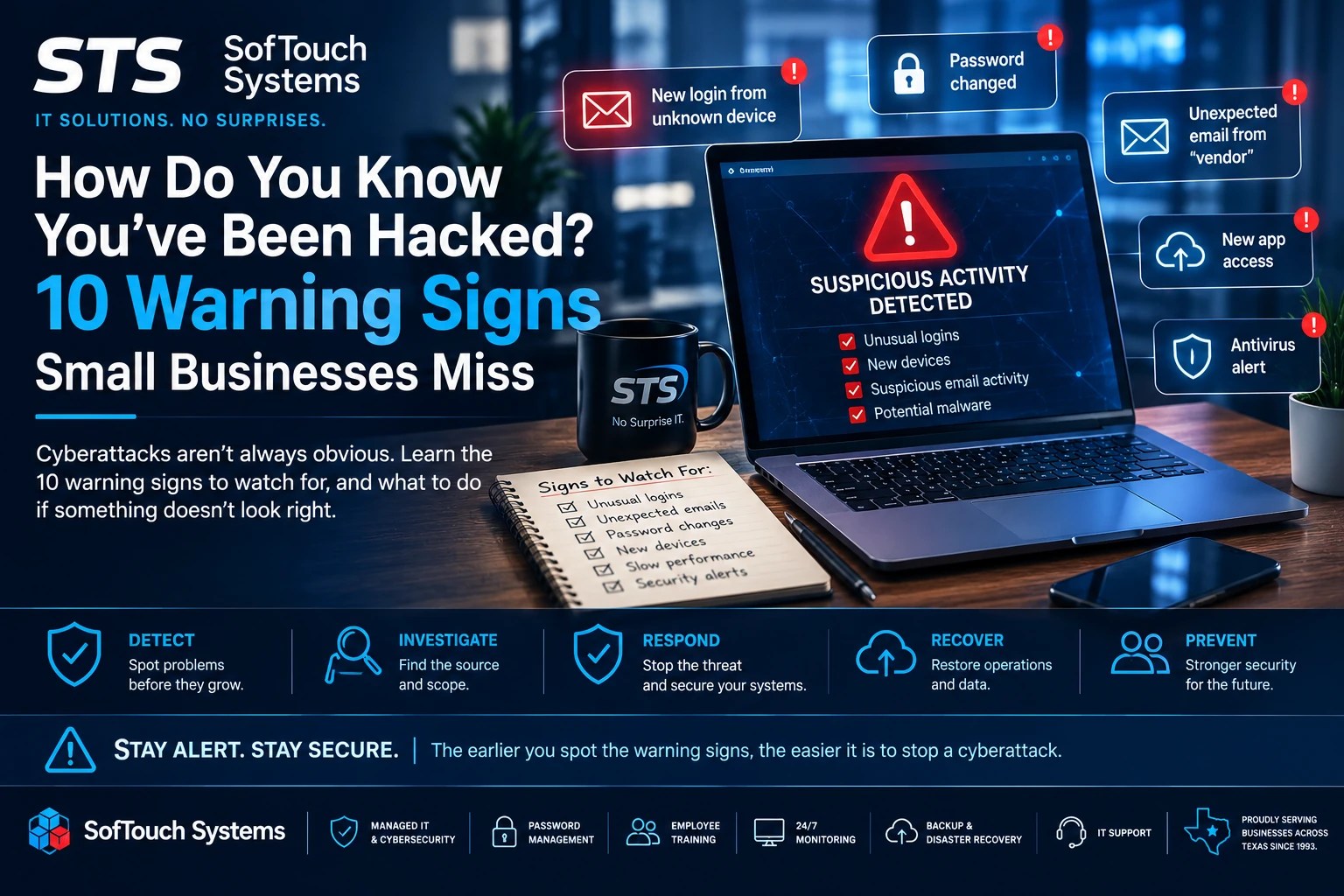
Here are 10 signs you should not ignore.
1. You Receive an MFA Request You Didn’t Initiate
An unexpected multi-factor authentication request deserves immediate attention.
Suppose your phone suddenly asks you to approve a Microsoft 365, Google Workspace, VPN, or other business login while you are sitting at lunch.
Don’t approve it.
Someone may already have your password and could be trying to complete the login.
Employees sometimes approve unexpected requests because they assume an application logged them out or because they simply want the notification to disappear.
Instead:
Deny the request and report it.
Then have your IT provider investigate the account.
MFA is an important layer of protection, but employees must understand what an unexpected authentication request means.
2. Your Password Suddenly Stops Working
A forgotten password is normal.
A password that worked this morning and unexpectedly stops working deserves more attention.
An attacker who gains access to an account may change the password, recovery email, phone number, or other security information to maintain control.
This becomes particularly concerning when combined with other unusual activity.
Don’t repeatedly try different passwords or immediately assume someone in the office changed it.
Contact IT.
If the account has been compromised, the response may need to include resetting credentials, terminating active sessions, reviewing MFA settings, and examining connected applications and devices.
STS’s Email Breach Response Guide recommends reviewing connected accounts and devices and removing anything you don’t recognize after an email compromise.
3. Customers Receive Emails You Didn’t Send
This warning sign is easy to miss because you may not be the person who notices it first.
A customer might call and ask:
“Did you send me this invoice?”
Or:
“Why did you send me a password reset?”
Or worse:
“I paid the invoice you sent. Why are you saying you haven’t received payment?”
That could indicate a compromised business mailbox.
As we discussed in our Business Email Compromise guide, criminals may use legitimate accounts to communicate with customers, employees, and vendors.
That makes the attack more convincing because the email can actually come from your domain.
If a customer reports a suspicious message from your business, don’t simply tell them to delete it.
Investigate the sending account.
4. You Find Email Rules You Didn’t Create
This is one of the less obvious warning signs of an email compromise.
Email platforms allow users to create rules that automatically move, forward, categorize, or delete messages.
Those features are useful.
They can also help an attacker hide.
For example, someone with unauthorized mailbox access may create rules designed to move certain replies away from the inbox or otherwise manipulate what the legitimate user sees.
Consequently, the employee may continue working without realizing someone else has access to the account.
If an email account is suspected of compromise, mailbox rules and forwarding settings should be reviewed as part of the investigation.
5. Your Computer Suddenly Becomes Slow, Hot, or Unusually Busy
A slow computer does not automatically mean you have malware.
Computers slow down for plenty of legitimate reasons.
However, an unexplained performance change should not automatically be dismissed either.
Watch for combinations such as:
- Fans running constantly
- Applications taking much longer to open
- Unexplained CPU or disk activity
- Strange processes
- Frequent crashes
- New browser extensions
- Unexpected pop-ups
- Security software behaving differently
Malware can consume system resources, but failing hardware, software problems, updates, or other legitimate issues can create similar symptoms.
The right response isn’t:
“We’ve definitely been hacked.”
It is:
“Something changed. Let’s find out why.”
That distinction keeps cybersecurity practical instead of turning every technical problem into a crisis.
6. Antivirus Alerts Keep Coming Back
One antivirus notification may mean the security software did its job.
A repeating alert deserves investigation.
For example, suppose your endpoint protection detects a suspicious file, removes it, and then detects the same threat again later.
Why did it return?
Is another process recreating it?
Did the original threat leave something behind?
Is another device involved?
Did the detection actually resolve?
Small-business owners should not judge antivirus protection solely by whether the dashboard says “protected.”
The important questions are:
What was detected?
Was it resolved?
Has it happened before?
Is every expected device still reporting correctly?
This is one reason managed monitoring adds value beyond simply installing antivirus software.
7. A Device or Account Appears That Nobody Recognizes
Ask a deceptively simple question:
Do you know what is connected to your business?
Look at your computers, user accounts, email sessions, cloud services, network devices, and administrative accounts.
Now imagine finding:
- An unknown administrator
- An unfamiliar computer
- A login from an unexpected device
- An application nobody approved
- A browser extension nobody installed
- An old employee account still active
- An unknown connected cloud application
None should automatically be treated as proof of a breach.
However, every one deserves an explanation.
STS’s Year-End IT Checkup specifically recommends reviewing endpoint protection, MFA, password policies, software inventories, network devices, and shared-data permissions rather than assuming they remain secure simply because they worked previously.
If nobody can explain an account or device, investigate it.
8. Files Are Changed, Missing, Renamed, or Suddenly Inaccessible
Ransomware makes this sign obvious when large numbers of files become encrypted.
Other incidents can start smaller.
Perhaps an employee notices that:
- A shared file disappeared
- A folder’s permissions changed
- Files have unfamiliar extensions
- Documents contain changes nobody made
- A cloud folder suddenly becomes inaccessible
- Large quantities of files have been moved
- Someone appears to have accessed sensitive information unexpectedly
Don’t immediately start deleting or moving things around.
Preserve what you can and contact IT.
Unexpected file changes can result from synchronization problems, user error, permissions issues, software problems, or malicious activity.
Again, investigation matters.
This is also where reliable backups become critical. STS’s security approach includes backup and disaster recovery alongside monitoring and incident-response planning because prevention alone cannot cover every scenario.
9. Your Network or Internet Behavior Suddenly Changes
Internet problems happen.
A cyberattack is not the most likely explanation every time the Wi-Fi slows down.
Still, unusual network activity can provide another clue.
Examples include:
- Unexpected spikes in traffic
- Devices communicating when nobody is using them
- Unusual outbound connections
- Repeated connection attempts
- Unexpected remote-access activity
- Security tools reporting blocked connections
- Major performance changes without an obvious explanation
The problem for a small business is visibility.
If nobody monitors the network, who notices unusual behavior?
STS Managed IT includes 24/7 system monitoring as part of its No-Surprise IT model specifically so problems can be identified instead of waiting for employees to notice the consequences.
You can’t investigate what you can’t see.
10. Your Employees Say, “Something Weird Happened”
This may be the most overlooked warning sign on the list.
An employee says:
“My screen flashed something strange.”
“I got a login notification.”
“Microsoft asked me to sign in again.”
“I clicked something, but then the page disappeared.”
“I got an email that looked strange.”
“My password didn’t work earlier, but now it does.”
“I think I accidentally downloaded something.”
Don’t train employees to ignore those observations.
More importantly, don’t create a workplace where employees are afraid to report them.
If someone clicks a phishing link and believes admitting the mistake will get them in trouble, they may stay quiet.
That costs valuable response time.
STS’s phishing training follows a simple approach:
Pause. Verify. Ask.
The same philosophy should apply after something suspicious happens.
Employees don’t need to determine whether an event is a cyberattack.
They need to know who to tell.
One Warning Sign Doesn’t Always Mean You’ve Been Hacked
This point is important.
A slow computer isn’t proof of malware.
A failed login isn’t proof someone stole your password.
A missing file isn’t proof of ransomware.
A network slowdown isn’t proof of an attacker.
Cybersecurity becomes counterproductive when every normal technical problem creates panic.
Instead, look for changes, patterns, combinations, and events without a reasonable explanation.
One strange event might be a technical problem.
Several strange events occurring together deserve immediate attention.
That is why monitoring, reporting, and professional investigation matter.
What Should You Do If You Think You’ve Been Hacked?
Don’t start experimenting.
Don’t randomly uninstall software, erase files, reset equipment, or attempt to “fight the hacker” yourself.
Instead:
Report the problem immediately.
Document what happened and when you noticed it.
Take screenshots when appropriate.
Avoid deleting potential evidence.
If an account may be compromised, your IT provider may need to reset credentials, revoke active sessions, review MFA, check connected applications, inspect forwarding rules, or investigate other accounts.
If a device may be compromised, the response may be different.
If money has been transferred fraudulently, your financial institution and appropriate authorities may also need immediate notification.
The exact response depends on what happened.
That’s why businesses should establish an incident-response process before they need one.
Why 24/7 Monitoring Changes the Equation
There is a fundamental problem with relying entirely on employees to detect cyberattacks.
Employees are busy running the business.
Your receptionist isn’t a security analyst.
Your accountant shouldn’t have to inspect network logs.
Your sales manager shouldn’t be responsible for determining whether an antivirus alert represents an active threat.
That’s where managed IT becomes valuable.
STS Managed IT combines services such as:
- 24/7 monitoring
- Antivirus and malware protection
- Password management
- MFA support
- Software and patch management
- Employee cybersecurity training
- Managed email
- Backup and disaster recovery
- Remote IT support
- Breach planning and recovery
STS’s own service framework combines continuous monitoring, incident-response planning, employee training, and backup/recovery rather than relying on a single defensive tool.
The goal isn’t to promise that nothing bad will ever happen.
No responsible IT provider can make that promise.
The goal is to reduce risk, improve visibility, recognize problems sooner, and have a plan when something goes wrong.
FAQ
Look for unexplained changes such as unexpected MFA requests, password changes, unknown logins, suspicious emails sent from employee accounts, recurring security alerts, unfamiliar devices, unusual network activity, and unexplained file changes. One symptom alone may have an innocent explanation, but suspicious patterns should be investigated.
Not necessarily. Hardware problems, updates, storage limitations, software conflicts, and other normal issues can cause poor performance. However, a sudden unexplained performance change combined with other suspicious behavior warrants investigation.
Report it immediately. If credentials were entered, the affected account may need to be secured quickly. STS phishing guidance instructs employees who accidentally enter credentials to change the affected password and contact IT.
Antivirus and endpoint-security tools can identify many threats, but no single security tool provides complete protection or visibility. Review detections, unresolved alerts, device status, accounts, network activity, and other security information together.
Access itself can be valuable. An attacker may attempt to gather information, steal credentials, observe business communications, find additional systems, or wait for a more valuable opportunity. A quiet compromise can therefore be more difficult for employees to recognize.
Continuous monitoring can be particularly valuable for small businesses without dedicated internal IT staff because employees cannot reasonably watch systems, security alerts, backups, and device health around the clock.

The Best Time to Discover a Breach Is Before It Becomes Obvious
If ransomware locks every computer in your office, you know you have a problem.
If customers start receiving fraudulent invoices, you know you have a problem.
If your business systems stop working entirely, you know you have a problem.
The real advantage comes from identifying the warning signs before the incident reaches that point.
Security isn’t only about blocking attacks.
It is also about visibility.
You need to know what devices you have, who has access, whether your security tools are reporting, whether backups are working, and what unusual activity deserves investigation.
For a small business, that can be difficult to manage while also serving customers, paying employees, handling inventory, and running daily operations.
That’s the job managed IT should handle.
SofTouch Systems helps small Texas businesses monitor their technology, manage cybersecurity, protect passwords, maintain backups, train employees, and respond when something doesn’t look right.
Not sure whether your systems are showing warning signs you’re missing? Schedule a Free IT Security Review with STS.
We’ll help you identify where you have visibility, where you have gaps, and what deserves attention.
SofTouch Systems — No Surprise IT. Predictable. Proactive. Proven.
Discover more from SofTouch Systems
Subscribe to get the latest posts sent to your email.