
RMM tool abuse creates a difficult security problem because the software installed on the computer may be completely legitimate.
Microsoft recently documented a phishing campaign that delivered a real, digitally signed MSP360 remote-monitoring installer under a deceptive filename.
Once installed, the legitimate software gave attackers persistent remote access. Microsoft then observed the attackers using MSP360 to install another legitimate remote-support product, ConnectWise ScreenConnect, creating a second way into the device.
Microsoft was clear: it did not observe exploitation of ScreenConnect itself.
The attackers were abusing legitimate administrative tools.
The software was real. The IT support was not.
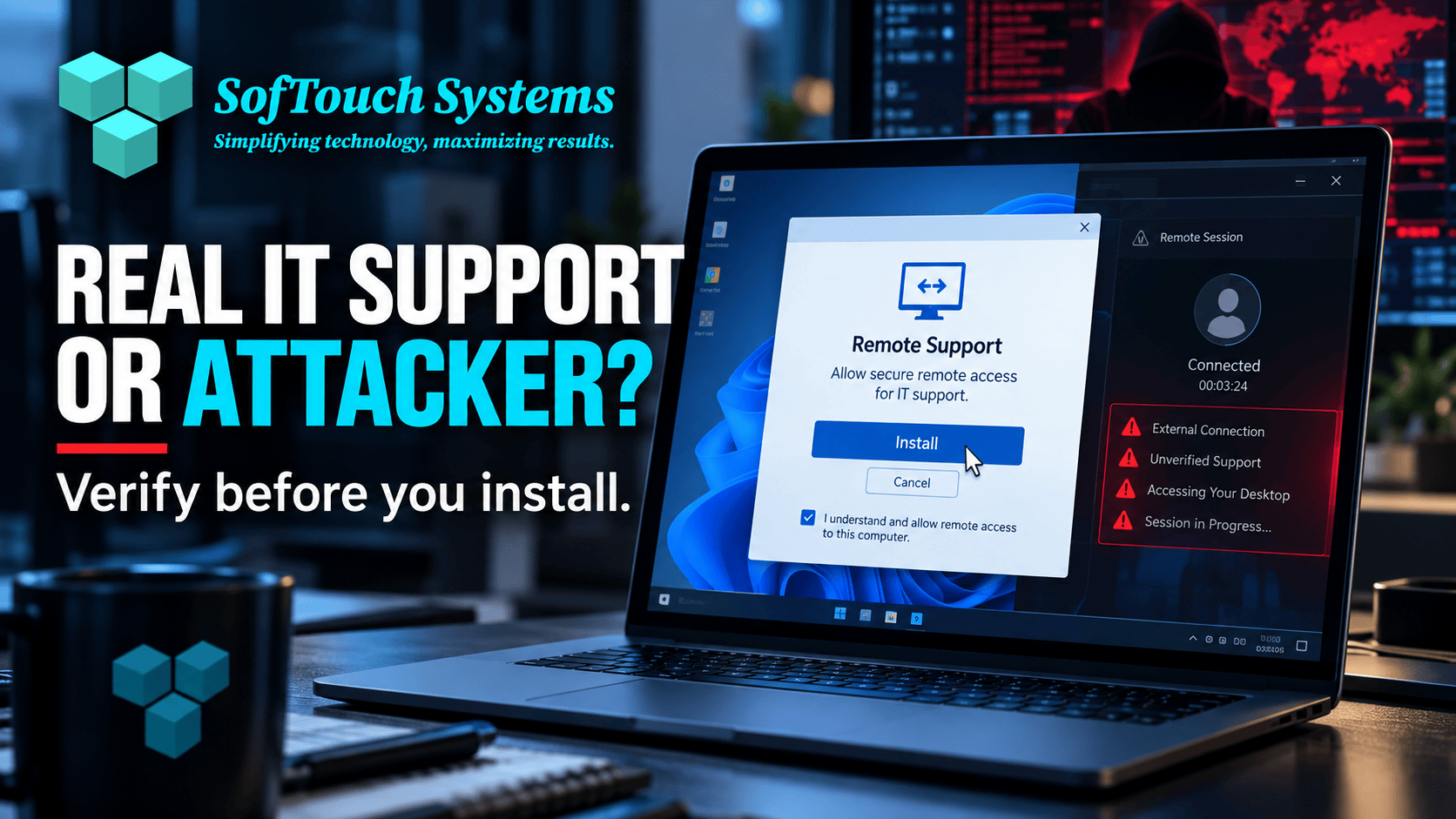
What Did Microsoft Find?
Microsoft reported a multi-stage intrusion beginning with phishing.
The victim received a legitimate MSP360 installer disguised under a deceptive filename.
After the installer received Windows User Account Control approval, MSP360 services were established on the computer.
The attackers then used that remote-management channel to run PowerShell and silently install a ConnectWise ScreenConnect client.
This created redundant remote access.
From there, Microsoft observed activity involving information collection, credential access, and additional post-compromise tools.
Why Is Legitimate Software Attractive to Attackers?
Remote support software is designed to do useful things:
- Connect to computers remotely
- Run scripts
- Install software
- Troubleshoot problems
- Collect device information
- Maintain persistent access for support
Those same capabilities are useful to an attacker.
Legitimate tools also create another advantage.
They may be digitally signed, familiar to antivirus products, and common in business environments.
That can make malicious use harder to distinguish from normal IT work.
This Is Not a Reason to Stop Using Remote IT Support
Remote monitoring and management is essential to modern managed IT.
SofTouch Systems uses remote-first support because it allows small businesses to receive faster help without waiting for a technician to drive across Texas.
The lesson is not “remote support is unsafe.”
The lesson is that a business should know which remote-support tools are authorized and who is allowed to use them.
Unknown remote-access software should be treated as a security event until proven otherwise.
Would Your Employees Recognize Real IT Support?
This is the process question every small business should answer.
If an employee receives a call saying:
“This is IT. We need you to install this support tool.”
How does the employee verify that request?
If the answer is “They would probably trust it,” the business has a gap.
Employees should know:
- The name of the company providing IT support
- How that provider normally contacts them
- Whether technicians ever ask them to install software
- Which remote-support tools are approved
- Which phone number or email address can independently verify a request
A security procedure should remove guesswork.
Do Not Verify Support Through the Suspicious Message
If a message tells the employee to install software, do not use that same message to verify the request.
Use an established contact method.
Call the known IT provider number.
Open the normal support portal.
Contact the office manager.
Use the help desk information already documented by the business.
This follows the same principle used for payment fraud: verify through a second trusted channel.
Inventory Approved Remote-Access Software
A business should be able to identify the RMM and remote-support tools that belong on its computers.
The list does not need to be complicated.
For each tool, record:
- Product name
- Purpose
- IT provider or owner
- Which devices should have it
- How employees should recognize it
If another remote-control product appears unexpectedly, investigate it.
More Than One RMM Tool Deserves Attention
Some environments legitimately use more than one support tool.
However, attackers also deploy backup remote-access channels in case one is discovered and removed.
That is exactly what makes Microsoft’s MSP360 and ScreenConnect example useful.
The second tool created redundant access.
If a computer suddenly contains an additional remote-support application nobody approved, that is not something to ignore.
Administrator Rights Increase the Risk
The Microsoft attack chain depended on the installer receiving elevated Windows privileges.
That reinforces a basic security practice.
Employees should not routinely use administrator accounts for everyday work unless their job truly requires it.
Limiting local administrator rights makes it harder for a phishing lure to turn one click into a persistent system-level installation.
When elevation is necessary, the request should be expected and understood.
Endpoint Monitoring Should Look for Unusual Administration
Traditional antivirus may not flag every legitimate remote-support program as malicious.
That would create problems for real IT teams.
Instead, modern endpoint protection can look at context and behavior.
Questions include:
- Is this remote-management tool normally used here?
- Who installed it?
- Did it appear after a phishing event?
- Is it running unusual PowerShell commands?
- Did it install another remote-access product?
- Is it contacting unexpected infrastructure?
This is another reason monitored endpoint protection provides more value than antivirus installed and forgotten.
Passwords and Sessions Are Still at Risk
Once attackers gain remote access, they may search the computer for credentials, browser sessions, files, and cloud access.
Use unique passwords stored in a business password manager.
Use MFA or passkeys where available.
Avoid saving critical business passwords directly in browsers.
If unauthorized remote access is confirmed, treat the incident as more than a software-removal task. Review accounts and sessions that may have been exposed.
What Should a Small Business Do Now?
- Ask your IT provider which remote-support tools are authorized.
- Document how employees verify IT requests.
- Review computers for unexpected remote-access software.
- Limit local administrator rights.
- Use monitored endpoint protection.
- Train employees not to install support software from unsolicited messages.
- Investigate duplicate RMM tools that appear without explanation.
Frequently Asked Questions
RMM stands for remote monitoring and management. IT providers use RMM software to monitor devices, install updates, run scripts, troubleshoot problems, and provide remote support.
Microsoft described attackers abusing legitimate software. It specifically said it did not observe exploitation of ScreenConnect itself in the documented activity.
Remote-support applications are legitimate business software. Security products must distinguish malicious use from normal administration, which is why behavioral monitoring and an approved-software inventory are important.
Only through a known and verified IT process. If an unexpected caller or email asks an employee to install remote-control software, the request should be independently verified first.
Disconnect or contain the affected system as appropriate, contact your trusted IT provider, identify how and when the software was installed, review associated activity, and check whether credentials or other systems may have been exposed.
Real IT Support Should Be Easy to Verify
Attackers benefit when employees do not know what legitimate support looks like.
A small business can reduce that risk with a simple rule:
Know your IT provider. Know the approved tools. Verify unexpected requests before granting access.
SofTouch Systems provides remote-first managed IT support for small Texas businesses with clear processes and practical security.
If you are unsure which remote-access tools are installed across your business computers, start with a free 15-minute IT security check.
Your employees should never have to guess whether the person asking for access is really IT.

Sources:
- Microsoft Security: Phishing abuses RMM tools for persistent access
- Huntress: How threat actors abuse remote management tools
Discover more from SofTouch Systems
Subscribe to get the latest posts sent to your email.