
Human error IT disruption usually starts with something small.
A password gets reused.
An update gets delayed.
A backup goes untested.
A warning gets ignored.
An old employee account stays open.
A file gets saved in the wrong place.
At first, nothing looks broken. The business keeps moving. Email still works. The internet still loads. Employees still log in. However, the weak spot is already there.
Then, one bad click, failed device, missed renewal, or locked account turns that small mistake into a business problem.
Technology does fail. Computers crash. Routers age. Software breaks. Even AI produces wrong answers. Still, every system begins with human choices. People design it, configure it, maintain it, and approve it. People also forget, rush, assume, and skip steps.
That is not an insult. It is reality.
Humans make errors because humans are not perfect. Therefore, smart IT planning should never depend on perfect behavior.
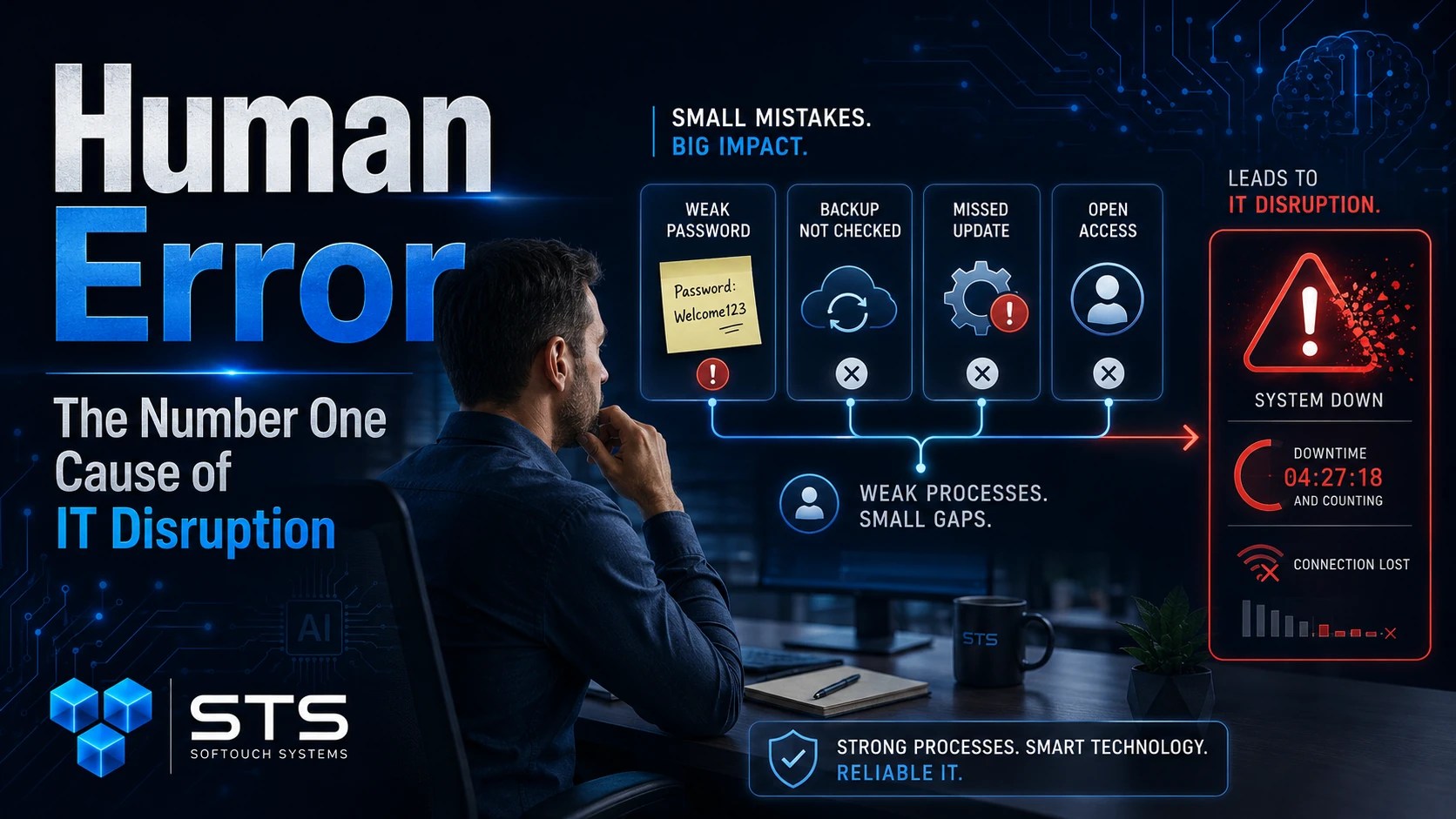
The Problem Is Not People. The Problem Is Unguarded Mistakes.
Employees usually do not wake up planning to create an IT problem.
They are trying to finish payroll or they are answering customers. They are helping patients, students, members, residents, or clients. Meanwhile, security rules may feel confusing, slow, or easy to work around.
Because of that, people take shortcuts.
They save passwords in browsers, share logins through text messages and ignore update notices. Sometimes they click links too quickly, store important files on personal desktops, or assume someone else checked the backup.
Eventually, the shortcut becomes the weak point.
However, blaming the employee does not fix the system. Better guardrails do.
Most IT Disruption Comes From Ordinary Habits
Small businesses often imagine IT failure as something dramatic. In reality, many disruptions come from normal daily habits.
For example, a business may lose access to its website because only one person knows the domain login. Another company may lose files because cloud sync was mistaken for backup. A clinic may struggle during staff turnover because no one documented who had access to key systems.
Likewise, a school office, church, nonprofit, or local business may discover too late that a former employee still has access to email, social media, or shared files.
None of these failures require advanced hacking.
Instead, they come from missing process.
AI Does Not Remove Human Responsibility
AI can help small businesses work faster. It can draft emails, summarize meetings, organize notes, and explain complex ideas. However, AI does not remove responsibility from the people using it.
If an employee pastes private client data into an unapproved AI tool, the problem is not only the tool. It is also a policy gap. If a business relies on AI output without review, the issue is not only automation. It is judgment.
Therefore, AI belongs inside the same practical IT framework as every other tool.
Set rules. Train users. Protect data. Review outputs. Limit access. Then, use AI where it helps the business without exposing what should stay private.
Good IT Assumes Mistakes Will Happen
The best IT plans do not pretend people will be perfect.
Instead, they assume mistakes will happen and reduce the damage when they do.
A password manager helps employees stop reusing passwords. Multi-factor authentication protects accounts when a password gets exposed. Backup verification proves recovery works before disaster hits. Monitoring catches warning signs earlier. Written checklists reduce missed steps during onboarding, offboarding, and emergencies.
As a result, one mistake is less likely to become a full disruption.
That is the real goal.
Not perfection. Protection.
Small Businesses Need Simple Guardrails
Human error drops when the right habits become easy.
Start with the basics:
- Use strong, unique passwords.
- Store passwords in a managed password system.
- Turn on multi-factor authentication.
- Remove old employee accounts quickly.
- Test backups on a schedule.
- Keep software and devices updated.
- Separate guest Wi-Fi from business systems.
- Document vendor access.
- Write down recovery steps.
- Train employees with plain examples.
These steps are not complicated. However, they work because they reduce guesswork.
When the process is clear, people make fewer risky decisions. And the tools are easy, employees are more likely to use them. When someone checks the system regularly, small problems get fixed before they spread.
FAQ: Human Error and IT Disruption
Human error means a mistake, missed step, bad assumption, or poor process that creates technology risk. Examples include reused passwords, missed updates, untested backups, and forgotten accounts.
No. Most employees are trying to work efficiently. The real issue is usually missing training, unclear rules, weak tools, or poor documentation.
No. However, good IT systems can reduce risk. Password managers, MFA, backup verification, monitoring, and checklists help limit damage when mistakes happen.
AI can help, but it can also amplify mistakes if employees use it without rules. Businesses should set clear AI policies before sensitive data goes into any tool.
Start with passwords, backups, employee access, software updates, vendor access, and recovery steps. These areas create major disruption when ignored.
Reduce Risk When People Work Anywhere
Human error often happens when employees rush, travel, or connect from unsafe networks. STS recommends SurfsharkVPN as a practical privacy layer for SMB owners and remote workers using hotels, cafés, airports, or home Wi-Fi. It helps protect internet traffic when work leaves the office.

No-Surprise IT Starts With Human Reality
SofTouch Systems does not expect small business owners to become technical experts.
Instead, STS helps Texas businesses build practical systems around how people actually work. That means clear password practices, verified backups, monitored devices, safer remote access, documented vendor control, and plain-English training.
Because people make mistakes, businesses need systems that catch mistakes early.
Because technology changes, businesses need regular reviews.
Most importantly, because disruption costs time, money, and trust, small businesses need IT that reduces surprises before they reach the customer.
Schedule a SofTouch Systems IT Evaluation. We’ll help you find the human-error risks hiding in your passwords, backups, accounts, devices, vendor access, and daily workflows before they interrupt your business.
Discover more from SofTouch Systems
Subscribe to get the latest posts sent to your email.