Small businesses can use AI without exposing private data, but only if they set clear rules before employees start pasting information into AI tools. AI can save time, improve communication, summarize meetings, draft emails, and help teams work faster. However, it can also create privacy risks when businesses treat it like a normal search box.
That assumption is dangerous.
AI tools are not all the same. Some consumer tools may use submitted prompts, uploaded files, or conversations to improve their services, depending on their settings and terms. Business-grade platforms often offer stronger privacy controls, but companies still need to verify the terms before using them. For example, OpenAI states that business data from ChatGPT Enterprise, ChatGPT Business, ChatGPT Edu, ChatGPT for Healthcare, ChatGPT for Teachers, and the API is not used to train models by default.
That distinction matters. A small business should not build its AI process on hope, habit, or hearsay. It needs a simple privacy-first workflow.
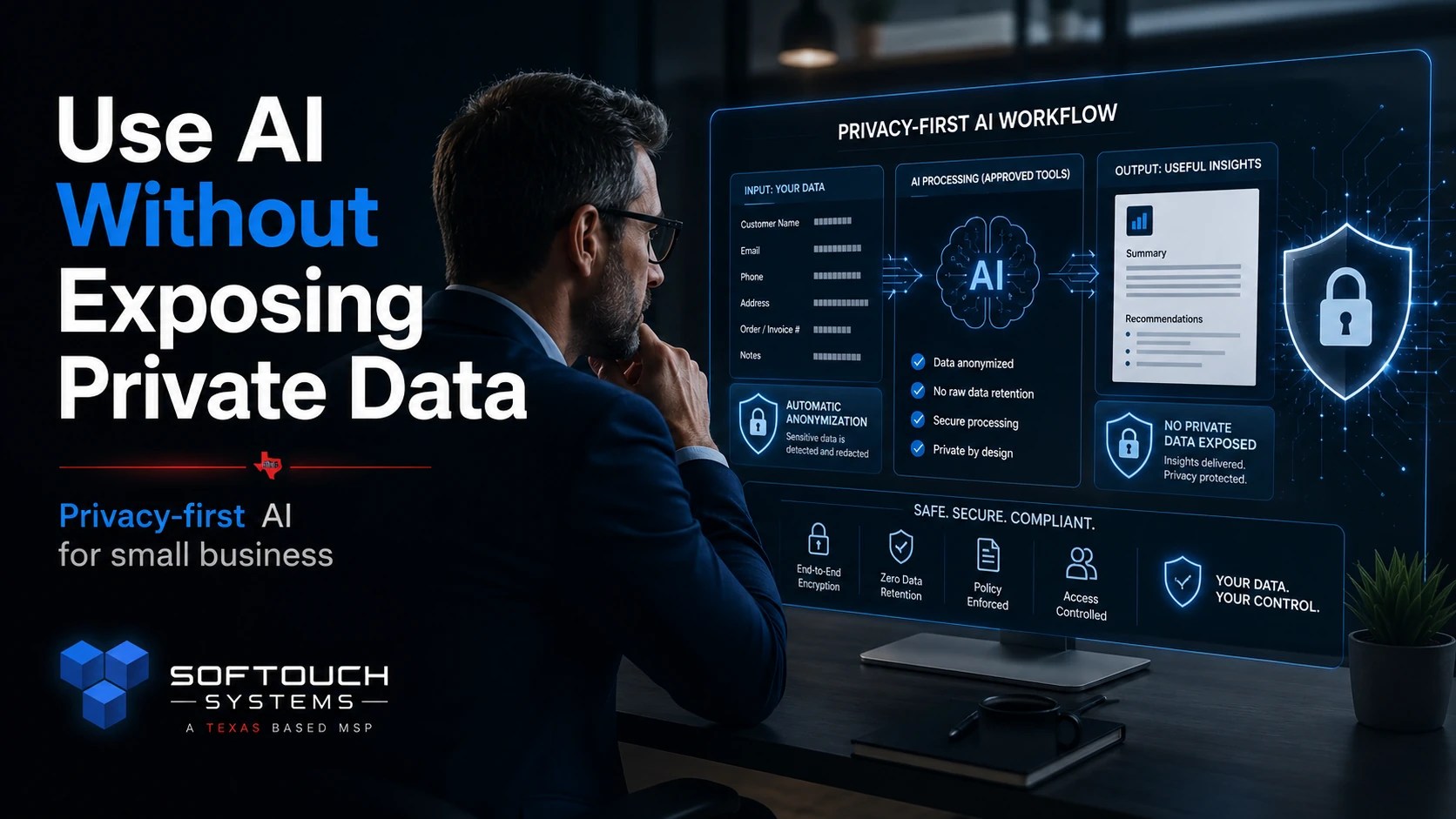
Why AI Privacy Matters for Small Businesses
Most small businesses handle more sensitive data than they realize. Even a two-person company may manage customer names, phone numbers, invoices, addresses, passwords, contracts, quotes, employee records, medical details, legal notes, vendor information, or payment-related details.
That information should not be copied into an AI tool without a policy.
A careless AI prompt can expose:
- Customer contact details
- Private business conversations
- Employee information
- Financial records
- Passwords or login details
- Vendor contracts
- Internal procedures
- Client problems or disputes
- Health, legal, or regulated information
The real issue is not that AI is “bad.” The issue is that AI is powerful, fast, and easy to misuse.
The Federal Trade Commission has warned companies that privacy promises matter, including how companies collect and use customer data. Businesses should pay attention to the privacy commitments of the AI tools they use, not just the features listed on the sales page.
Rule 1: Never Paste Sensitive Data Into Public AI Tools
The first rule should be simple: do not paste sensitive business data into public or personal AI accounts.
That includes free AI accounts, personal browser extensions, unknown AI writing tools, random PDF summarizers, and free chatbot websites.
Employees may think they are being efficient. In reality, they may be uploading private company information into a system the business has not reviewed.
A safe internal rule could say:
Do not enter customer data, employee data, financial data, passwords, private contracts, or confidential business records into any AI tool unless that tool has been approved for business use.
That one sentence can prevent many problems.
Rule 2: Redact Before You Prompt
Small businesses do not have to avoid AI completely. They just need to remove unnecessary private details before using it.
Instead of pasting this:
“Write a reply to John Smith at 210-555-2199 about his overdue invoice for $4,850 from March 12.”
Use this:
“Write a polite follow-up email to a customer about an overdue invoice. Keep it professional, firm, and brief.”
The AI does not need the customer’s real name, phone number, invoice amount, address, or account history to help draft a useful message.
Before using AI, remove or replace:
- Real names
- Phone numbers
- Email addresses
- Account numbers
- Invoice numbers
- Payment details
- Passwords
- Medical information
- Legal details
- Private client facts
- Internal security information
Use placeholders instead. For example: [Customer Name], [Invoice Amount], [Due Date], or [Service Issue].
Rule 3: Use Approved Business AI Tools
A business should choose approved AI tools instead of letting every employee pick their own.
This does not need to be complicated. A small company can start with a short approved list:
- One approved AI writing assistant
- One approved meeting summary tool
- One approved document review tool
- One approved image or design tool
- One approved internal workflow process
Then the business should decide what each tool may and may not be used for.
For example:
| AI Task | Allowed? | Notes |
|---|---|---|
| Drafting general emails | Yes | Use placeholders |
| Summarizing public articles | Yes | Check source accuracy |
| Reviewing contracts | Limited | Remove names and sensitive terms |
| Entering customer records | No | Unless approved business tool allows it |
| Uploading passwords | Never | Use a password manager instead |
| Summarizing employee issues | No | Requires stricter review |
This approach gives employees room to use AI without turning privacy into guesswork.
Rule 4: Create an AI Use Policy
A written AI use policy does not need to be long. In fact, short policies are often better for small teams.
A basic AI policy should answer five questions:
- Which AI tools are approved?
- What information is never allowed?
- What tasks are allowed?
- Who reviews AI-generated work?
- What should employees do if they make a mistake?
The goal is not to scare employees. The goal is to make safe behavior easy.
A good policy also protects the business owner. Without clear rules, employees may assume that using AI is allowed for everything. That assumption creates risk.
Rule 5: Treat AI Output Like a Draft, Not a Decision
AI can produce useful drafts. It can also make mistakes.
Small businesses should not treat AI output as final without human review. This matters even more when the content involves customers, pricing, contracts, security, legal questions, health topics, or technical instructions.
NIST’s AI Risk Management Framework focuses on managing risks linked to AI systems, including risks to organizations and individuals. That framework reinforces a basic business principle: AI use should be governed, reviewed, and managed rather than treated as automatic truth.
For small businesses, that means every AI-assisted workflow should include a human checkpoint.
Before sending or publishing AI-generated content, check:
- Is it accurate?
- Is it appropriate for the customer?
- Does it reveal private data?
- Does it make promises the business cannot keep?
- Does it match company policy?
- Does it need expert review?
AI can help write the first draft. A human should own the final decision.
Rule 6: Keep Passwords and Credentials Out of AI
No employee should ever paste passwords, API keys, login links, security codes, recovery phrases, private keys, or admin credentials into an AI tool.
That rule should be absolute.
If an employee needs help writing a password reset message, they can ask for a general template. However, they should not include real credentials or internal system access details.
Better yet, businesses should use a managed password manager. AI should not be used as a password storage system, troubleshooting vault, or shortcut around access controls.
Rule 7: Separate Public, Internal, and Confidential Information
One useful way to manage AI risk is to divide company information into three categories.
Public information is safe to use with AI. This includes published website copy, public blog posts, public service descriptions, public FAQs, and public marketing material.
Internal information may be used carefully. This includes internal procedures, draft emails, staff notes, and workflow documents. Remove names, numbers, and sensitive details first.
Confidential information should not be used in AI tools unless the platform has been reviewed and approved for that purpose. This includes client records, employee files, financial details, passwords, contracts, legal matters, health information, and security documentation.
This system is simple enough for employees to remember.
Public is usually fine. Internal needs caution. Confidential requires approval.
Rule 8: Train Employees With Real Examples
A policy alone is not enough. Employees need examples.
Show them bad prompts and better prompts.
Bad prompt:
“Summarize this customer complaint from Mary Jones at 555-0134 about her payment dispute and account cancellation.”
Better prompt:
“Summarize this anonymized customer complaint. Identify the main issue, the customer’s concern, and a professional response strategy.”
Bad prompt:
“Here is our admin password list. Organize it by department.”
Better prompt:
Never use AI for password handling. Use an approved password manager.
Training should be practical. Give employees the exact wording they can use.
Rule 9: Review AI Tool Settings
Small businesses should review privacy settings before using AI tools for work.
Check whether the tool:
- Uses prompts for model training
- Allows chat history to be disabled
- Offers a business or team account
- Provides admin controls
- Supports data retention settings
- Allows file uploads
- Stores uploaded files
- Lets users delete data
- Provides clear privacy terms
- Supports access control by employee
The key mistake is assuming all AI tools work the same way. They do not.
Some tools are designed for casual personal use. Others are designed for business environments. Small businesses should know the difference before employees begin using them with company information.
Rule 10: Start With Low-Risk AI Workflows
A small business does not need to automate everything at once. That is a bad starting point.
Start with low-risk AI uses first.
Good beginner workflows include:
- Drafting general email templates
- Rewriting public website copy
- Creating social media post ideas
- Summarizing public articles
- Building meeting agendas
- Creating internal checklists
- Turning rough notes into cleaner drafts
- Brainstorming customer service responses without real customer data
Avoid high-risk workflows at first.
That includes legal review, HR decisions, medical information, financial approvals, cybersecurity configuration, customer record analysis, or anything involving private data.
Add an Extra Privacy Layer Before You Connect
AI privacy starts with smart data habits, but your internet connection matters too. When employees work from hotels, coffee shops, airports, or shared networks, business activity can become easier to monitor or intercept.
SurfsharkVPN helps add a privacy layer by encrypting your internet connection and masking your IP address. That makes it a practical tool for small business owners, remote workers, and traveling teams who need safer access to online accounts.

Recommended by STS for privacy-conscious browsing and remote work.
How SofTouch Systems Helps Small Businesses Use AI Safely
SofTouch Systems helps small businesses use AI in a practical, controlled, and privacy-aware way.
AI should support the business. It should not create new exposure, confusion, or risk.
STS can help your team:
- Choose approved AI tools
- Create a simple AI use policy
- Build safe prompt templates
- Train employees on what not to enter
- Set up privacy-conscious workflows
- Connect AI use with password security, backups, and managed IT support
- Review business processes before AI is added
The goal is not to chase every new AI trend. The goal is to help small businesses use AI where it makes sense, while protecting customer trust and private company information.
SofTouch Takeaway
Small businesses can use AI without exposing private data, but they need rules before they need automation.
The safest path is simple:
Use approved tools. Remove private details. Train employees. Review AI output. Keep confidential data out of unapproved systems.
AI can help your business move faster. However, privacy still needs a human owner.
FAQ
Yes. Small businesses can use AI safely when they use approved tools, remove private data from prompts, train employees, and review AI-generated output before using it.
Businesses should not enter passwords, customer records, employee files, financial data, legal details, health information, contracts, or confidential business information into unapproved AI tools.
Often, yes. Business AI tools may include stronger privacy controls, admin settings, and data protection terms. Free or personal tools may not provide the same protections.
Employees can use AI to draft general customer email templates. However, they should remove names, phone numbers, account details, invoice numbers, and private customer facts first.
Yes. Even a short policy helps employees understand which tools are approved, what data is restricted, and how AI-generated work should be reviewed.
Want to use AI safely in your business? Contact SofTouch Systems for a practical AI workflow review and a simple AI use policy built around your team, tools, and privacy needs.
Discover more from SofTouch Systems
Subscribe to get the latest posts sent to your email.