
Password security myths are still causing real problems for Texas business owners. The frustrating part is that most of these problems are preventable. A weak password, reused login, shared spreadsheet, or missing MFA setting can turn a normal workday into a breach response.
Small businesses do not usually get attacked because they are famous. They get attacked because criminals know many small companies run lean, owners are busy, and employees reuse passwords. They also know some businesses still depend on browser-saved logins, sticky notes, and “we trust everyone here” access habits. (The most common lapse in security is simply not having it.)
That is not a strategy. That is a liability.
Here are 10 password security myths Texas business owners still believe, and what to do instead.
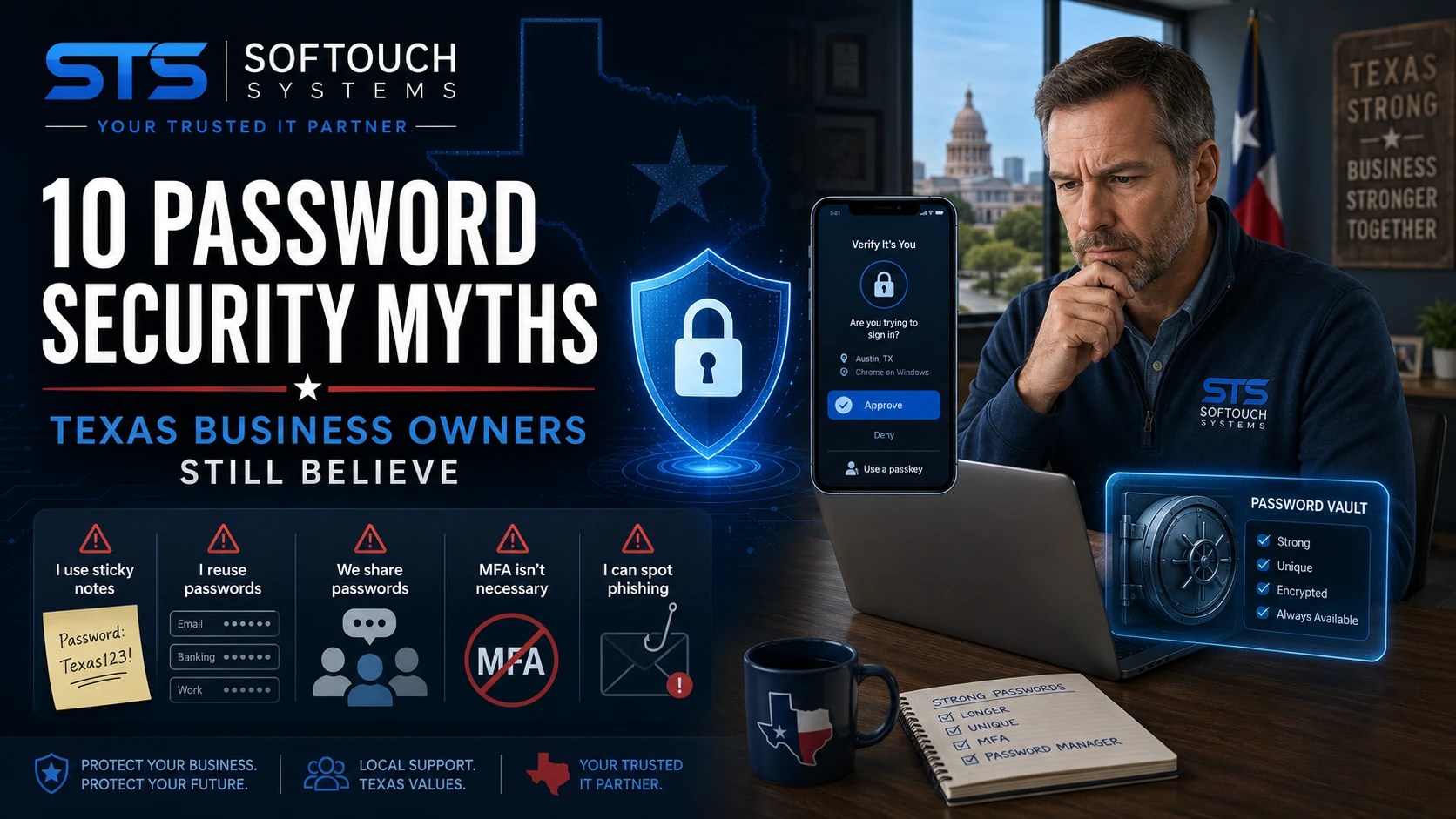
Myth 1: “We’re Too Small to Be a Target”
This is one of the most expensive myths in small business cybersecurity.
Criminals do not need to know your company name to attack you. Many attacks are automated. They scan for exposed accounts, weak passwords, reused credentials, outdated systems, and unprotected email logins.
A two-person office can still have bank accounts, payroll access, customer records, tax files, vendor portals, and email accounts. That is enough value for an attacker.
What to do instead: Treat every business account like it matters. Start with email, banking, payroll, accounting software, cloud storage, and admin accounts.
Myth 2: “A Strong Password Is Enough”
A strong password helps, but it is not enough by itself.
Employees can still fall for phishing pages. Passwords can still appear in breaches. Old passwords can still get reused across sites. Even a strong password becomes weak when someone types it into a fake login page.
This is why multi-factor authentication matters. MFA gives your account a second layer of protection. If someone steals the password, they still need the second proof.
What to do instead: Use strong, unique passwords and turn on MFA for every important account.
Myth 3: “Changing Passwords Every 90 Days Solves the Problem”
Forced password changes can backfire.
When employees must change passwords too often, they tend to create predictable patterns. For example, “Summer2026!” becomes “Fall2026!” Then “Winter2026!” That looks better on paper than it works in real life.
The stronger approach is simple: use long, unique passwords and change them when there is a risk, such as a breach, employee departure, suspicious login, or shared-password exposure.
What to do instead: Stop relying on routine password rotation as your main defense. Focus on unique passwords, MFA, and breach monitoring.
Myth 4: “It’s Fine If Employees Save Passwords in the Browser”
Browser-saved passwords are convenient. However, they are not the same as a business-grade password manager.
Most browsers were built for personal convenience, not company-wide credential control. They usually do not give business owners strong visibility into shared access, employee offboarding, vault permissions, password health, or team-wide security rules.
That matters when an employee leaves. It also matters when several employees need shared access to a vendor portal, social media account, or cloud service.
What to do instead: Use a dedicated password manager such as 1Password for business credentials. Convenience should not come at the cost of control.
Myth 5: “Shared Passwords Are Easier for a Small Team”
Shared passwords feel easy until something goes wrong.
When five people use the same login, you lose accountability. You cannot easily tell who accessed what. You cannot safely remove one person without changing the password for everyone. Also, shared passwords often end up in text messages, email threads, notes apps, and spreadsheets.
That creates a mess.
What to do instead: Give employees their own accounts whenever possible. When sharing is necessary, use controlled sharing through a password manager.
Passwords protect the front door. SurfsharkVPN helps protect the road your data travels on.
If your team works from cafés, hotels, airports, home offices, or shared Wi-Fi, a VPN adds a practical privacy layer by encrypting internet traffic and helping mask your IP address. Surfshark also supports unlimited device connections under one account, which makes it easier to protect phones, laptops, tablets, and other work devices without juggling separate subscriptions.
A VPN does not replace MFA, a password manager, antivirus, backups, or managed IT. However, it can reduce exposure when employees connect outside the office.
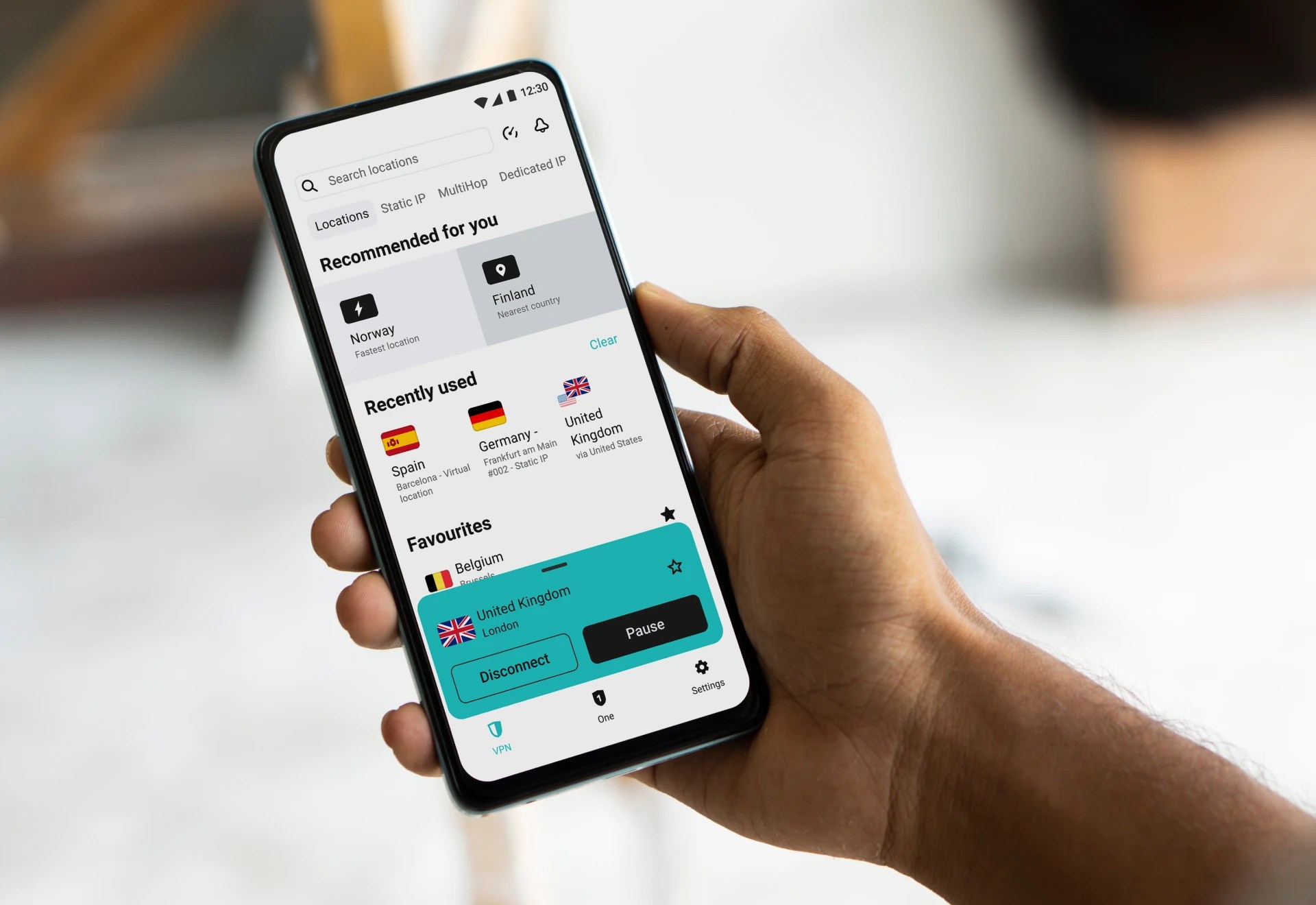
SofTouch Systems may earn a small commission if you buy through our Surfshark link. It helps support our content, but our security advice stays practical either way.
Myth 6: “MFA Is Too Annoying for Employees”
MFA adds a step. A breach adds a nightmare.
Most employees can handle MFA when it gets explained clearly and set up properly. The bigger issue is poor rollout. If the business owner announces MFA with no training, no recovery plan, and no explanation, employees see it as another hassle.
However, when MFA protects payroll, email, customer files, and bank access, the purpose becomes clear.
What to do instead: Roll out MFA with plain-English training. Explain what to approve, what to deny, and how to report unexpected login prompts.
Myth 7: “Our IT Person Handles Passwords”
This myth usually hides a bigger problem: nobody owns the process.
An IT person may set up accounts, reset passwords, or recommend tools. Still, business leadership must decide the rules. Who gets access? Who approves shared credentials? What happens when an employee leaves? Which accounts require MFA? Where do emergency recovery codes live?
If those answers are not written down, the business is guessing.
What to do instead: Create a simple password and access policy. It does not need to be complicated. It needs to be clear.
Myth 8: “Cybersecurity Training Fixes Password Problems”
Training helps. Training alone does not fix bad systems.
You can teach employees to use strong passwords all day long. If they have to remember 50 logins, they will cut corners. Without a password manager, they will reuse passwords. If the company has shared accounts, they will share passwords.
People need tools that make the secure choice easy.
What to do instead: Pair training with the right setup: password manager, MFA, access reviews, and documented offboarding.
Myth 9: “Old Employee Accounts Don’t Matter”
Old accounts are dangerous because nobody watches them.
A former employee account may still have access to email, files, vendor portals, payroll, website tools, or social media pages. If that account uses an old password or lacks MFA, it becomes an open door.
This is especially common in small businesses where everyone wears several hats. The owner trusts the team, and that trust is good. But trust does not replace access control.
What to do instead: Review accounts every quarter. Remove former employees immediately. Change shared credentials when staff changes happen.
Myth 10: “Password Security Is a One-Time Setup”
Password security is not a one-time project. It is a business habit.
New employees join. Old employees leave. Vendors change. Apps get added. Devices get replaced. Passwords appear in breaches. A company that looked secure six months ago may have new gaps today.
That is why small businesses need simple, repeatable checks.
What to do instead: Review password security at least quarterly. Check MFA, shared accounts, password reuse, admin access, and employee offboarding.
What Texas Business Owners Should Do This Month
Start with a practical password security review.
Ask these questions:
- Do all email accounts have MFA turned on?
- Are passwords unique across all business systems?
- Do employees use a business password manager?
- Are shared passwords controlled and documented?
- Are former employees fully removed from all systems?
- Do admin accounts have stronger protection?
- Do employees know how to report suspicious login prompts?
- Does the business have a recovery plan if the owner loses access?
If the answer is “I’m not sure,” that is the place to start.
How SofTouch Systems Helps
SofTouch Systems helps small Texas businesses replace risky password habits with simple, manageable security.
Our password-first security approach can include:
- Password security reviews
- 1Password onboarding
- MFA setup and training
- Shared credential cleanup
- Access control reviews
- Employee onboarding and offboarding procedures
- Dark-web credential checks
- Plain-English staff education
- Ongoing managed IT support
This is not about scaring business owners. It is about removing easy openings before criminals find them.
That is No-Surprise IT: clear steps, practical tools, and security that normal employees can actually follow.
Bottom Line: Password Habits Are Business Risk
Passwords are not just an employee problem. They are a business risk.
A stolen login can expose customer data, redirect payments, lock files, disrupt payroll, or damage trust. The fix does not need to be complicated. Start with strong unique passwords. Add MFA. Use a real password manager. Remove old access. Train your people.
Small steps can close big doors.
FAQ: 10 Password Security Myths Texas Business Owners Still Believe
The biggest myth is that small businesses are too small to be targeted. Many attacks are automated, and criminals often look for easy access rather than famous company names.
MFA may be required in some regulated industries and under some insurance or compliance rules. Even when it is not required, it is strongly recommended for email, banking, payroll, cloud storage, and admin accounts.
They may be better than memorizing passwords, but they usually lack the management, sharing, reporting, and offboarding controls a business needs.
Change passwords when there is a risk, such as a breach, employee departure, suspicious login, shared-password exposure, or weak/reused password discovery. Strong, unique passwords plus MFA matter more than routine forced changes.
Start with email, banking, payroll, accounting software, cloud storage, remote access tools, website hosting, domain registrar accounts, and admin accounts.
Yes. SofTouch Systems can help set up 1Password, organize shared vaults, train employees, and build safer password habits for small business teams.
Next Steps
Schedule a free 15-minute password security review with SofTouch Systems. We will help you find weak spots, prioritize the most important accounts, and build a password-first security plan your team can actually use.
Discover more from SofTouch Systems
Subscribe to get the latest posts sent to your email.