
Chrome extension security should be part of every small business’s cybersecurity strategy. Most people think cybercriminals attack through viruses or phishing emails. However, browser extensions have quietly become another way attackers steal usernames, passwords, session cookies, and other sensitive business data.
Recently, security researchers identified malicious Chrome extensions designed to collect credentials and send them to criminals. Although these extensions often appear legitimate, they can secretly monitor browsing activity, intercept login information, or abuse the permissions users grant during installation.
For small businesses across Central and South Texas, this is another reminder that cybersecurity isn’t just about installing antivirus software. Every application, browser, and employee device deserves attention.

Why Browser Extensions Are Attractive Targets
Chrome extensions are useful because they integrate directly into your web browser. Many businesses rely on them every day for:
- PDF editing
- AI assistants
- Grammar checking
- Marketing tools
- Password management
- Shopping utilities
- Productivity enhancements
Unfortunately, that convenience comes with risk.
Many extensions request permissions such as:
- Reading every webpage you visit
- Accessing clipboard contents
- Viewing browser tabs
- Modifying website data
- Managing downloads
While many legitimate extensions genuinely require these permissions, malicious ones abuse them to gather information without attracting attention.
Unlike traditional malware, these extensions often look completely normal to the average employee.
What Information Can a Malicious Extension Steal?
Depending on its permissions, a rogue browser extension may collect:
- Usernames
- Passwords
- Authentication cookies
- Session tokens
- Browsing history
- Credit card information entered into websites
- Internal company web applications
- Customer portals
- Cloud service logins
In many cases, criminals don’t even need your password. If they steal an authenticated session cookie, they may gain access to an account that has already completed multi-factor authentication.
That makes browser security just as important as password security.
Warning Signs of a Dangerous Chrome Extension
Most malicious extensions don’t announce themselves. Instead, they quietly collect information over weeks or months.
Watch for these warning signs:
- Your browser suddenly becomes slow.
- Pop-up advertisements appear unexpectedly.
- Search results look different.
- New tabs open automatically.
- Websites redirect without explanation.
- Browser settings change on their own.
- Extensions appear that nobody remembers installing.
Even if none of these symptoms appear, an extension may still be collecting data behind the scenes.
How Your Business Can Reduce the Risk
Fortunately, protecting your organization doesn’t require eliminating browser extensions altogether. Instead, follow a few practical security habits.
1. Install Only Trusted Extensions
Download extensions only from reputable developers with a long history of positive reviews.
Avoid installing tools simply because they promise to save time or boost productivity.
2. Review Permissions Carefully
Before clicking Add to Chrome, ask yourself:
“Does this extension really need access to every website I visit?”
If the permissions seem excessive, look for another solution.
3. Remove Unused Extensions
Many businesses accumulate dozens of extensions over several years.
Each unused extension increases your attack surface.
Review installed extensions quarterly and remove anything employees no longer use.
5. Keep Chrome Updated
Google regularly patches browser vulnerabilities.
Enable automatic updates so every workstation receives security fixes as soon as they become available.
6. Use Strong Password Management
Even if one account becomes compromised, unique passwords prevent criminals from accessing every other system.
Business password managers generate strong credentials and eliminate password reuse across employees.
7. Enable Multi-Factor Authentication
MFA remains one of the best defenses against stolen credentials.
While some attacks attempt to bypass MFA using stolen session cookies, most credential theft attempts still fail when MFA is enabled correctly.
Employee Awareness Is Still Your Best Defense
Technology alone cannot stop every attack.
Employees install extensions every day while trying to solve legitimate business problems. Unfortunately, criminals know this and disguise malicious software as helpful productivity tools.
Regular cybersecurity awareness training helps employees recognize:
- Unsafe browser extensions
- Fake software updates
- Phishing emails
- Suspicious permission requests
- Social engineering tactics
An educated employee often stops an attack before technology ever becomes involved.
Don’t Forget About Password Hygiene
Credential-stealing extensions become much more dangerous when employees reuse passwords.
If attackers obtain one password that’s also used for:
- Microsoft 365
- Banking
- CRM software
- Payroll
- Cloud storage
the damage can spread quickly.
This is why password-first security remains one of the simplest and most effective cybersecurity investments a small business can make.
How Cyber Essentials Shield Helps Protect Your Business
Cybersecurity works best when multiple layers work together.
The Cyber Essentials Shield plan from SofTouch Systems helps reduce everyday risks by combining practical security tools with proactive management.
Depending on your organization’s needs, Cyber Essentials Shield can include:
- Managed endpoint protection
- Password management with 1Password
- Multi-factor authentication guidance
- Ongoing security updates
- Device monitoring
- Web protection
- Security best practices
- Employee cybersecurity education
Rather than depending on employees to identify every threat themselves, Cyber Essentials Shield creates multiple layers of protection that help reduce the chance of a successful attack.
That’s the kind of “No-Surprise IT” approach small businesses appreciate.
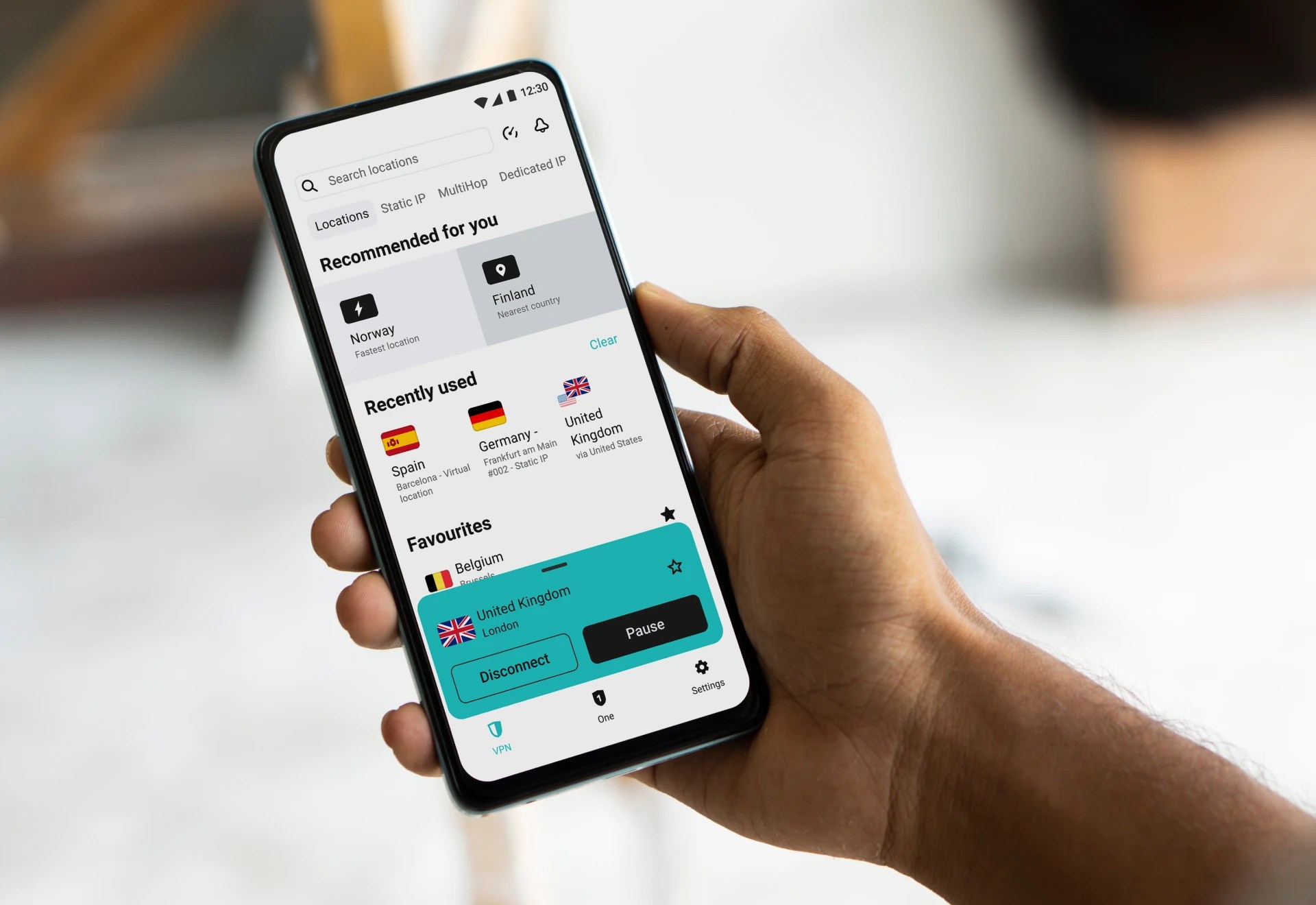
Summer travel can turn a simple work login into a security headache. SurfsharkVPN helps small business owners and remote workers protect their internet connection when using hotel, airport, café, or public Wi-Fi. It adds a practical privacy layer when employees work away from the office, especially during vacation season. Pair it with strong passwords, MFA, monitored devices, and good backup habits.
Frequently Asked Questions
Yes. Malicious extensions can abuse browser permissions to capture credentials, authentication cookies, browsing activity, and other sensitive information.
Most are legitimate, but some malicious or compromised extensions have appeared in the Chrome Web Store over the years. Always review the developer, permissions, and reputation before installing.
No. Many extensions are valuable business tools. Instead, install only trusted extensions, remove unused ones, and regularly review permissions.
Sometimes, but not always. Because extensions often use legitimate browser features, additional security measures and user awareness remain essential.
SofTouch Systems helps businesses improve browser security, manage passwords, deploy endpoint protection, educate employees, and implement layered cybersecurity through our Cyber Essentials Shield services.
Final Thoughts
Cybercriminals continue looking for new ways to steal credentials. Browser extensions have become another tool in their arsenal because they often receive broad permissions that users rarely question.
Fortunately, protecting your business doesn’t require complicated technology. Careful extension management, strong password practices, multi-factor authentication, employee training, and proactive monitoring dramatically reduce your risk.
At SofTouch Systems, we help small businesses across Central and South Texas simplify cybersecurity without overwhelming employees. Whether you need help reviewing browser security or strengthening your entire IT environment, we’re here to help.
Schedule a FREE IT Security Evaluation today and learn how Cyber Essentials Shield can help protect your business from modern credential theft and other everyday cyber threats.
Discover more from SofTouch Systems
Subscribe to get the latest posts sent to your email.