
When summer arrives, many small businesses focus on vacations, seasonal sales, and keeping operations moving with fewer staff in the office. Unfortunately, cybercriminals know this too. Reduced staffing, delayed software updates, and relaxed security practices create opportunities for attacks.
A Summer IT Security Checklist helps identify weaknesses before they become expensive problems. Spending a few hours reviewing your technology now can prevent days of downtime later.
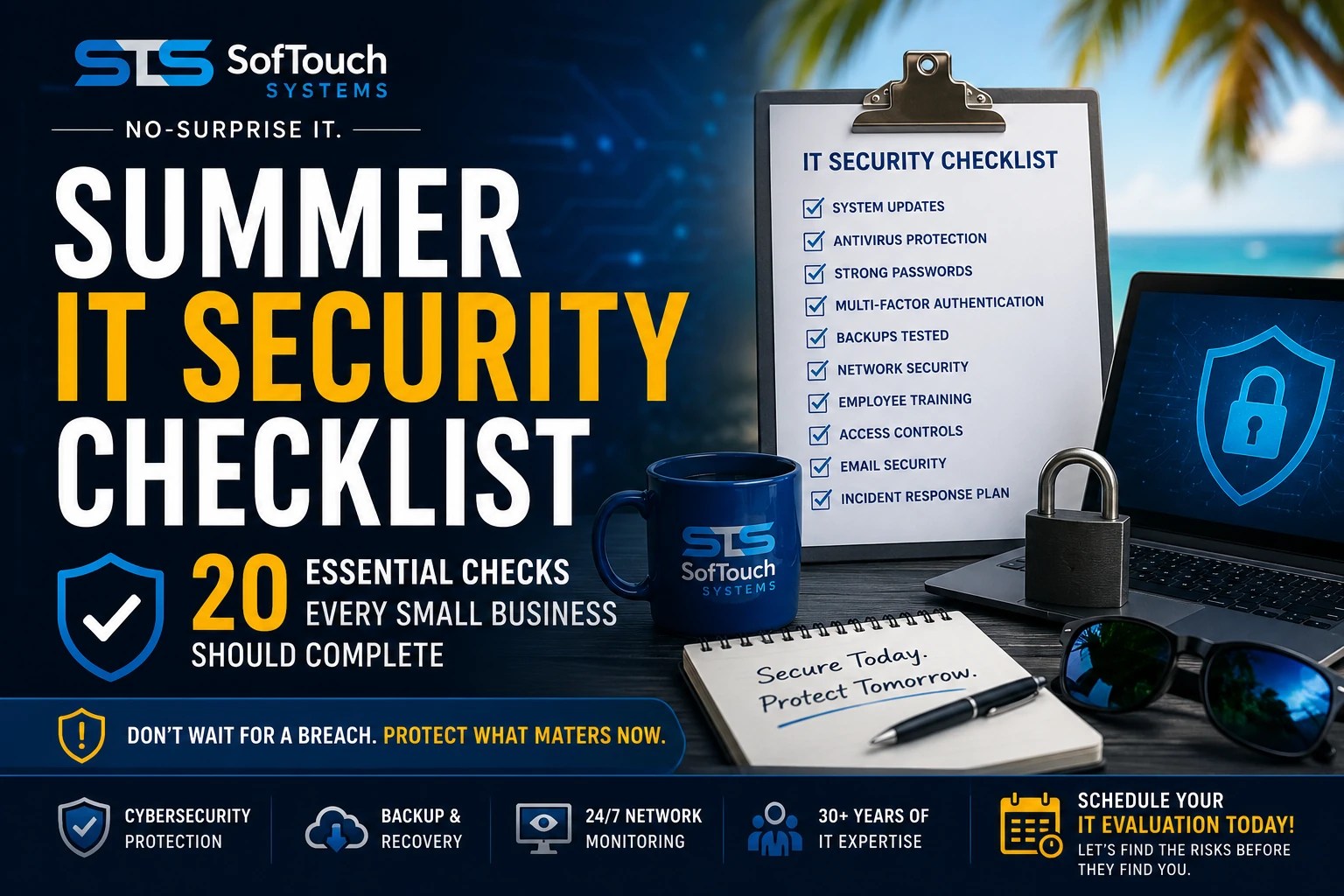
Whether your business has five computers or fifty, these twenty security checks should be completed every summer.
Why Summer Is a High-Risk Time for Small Businesses
Summer often changes how employees work.
People work remotely, travel with company laptops, connect through public Wi-Fi, and postpone maintenance until “things slow down.” Unfortunately, attackers never take a vacation.
Instead, they actively look for:
- Outdated software
- Weak passwords
- Unsecured remote access
- Failed backups
- Unmonitored devices
- Forgotten employee accounts
The good news is that most of these risks are easy to reduce with regular maintenance.
20 Essential Summer IT Security Checks
1. Install Every Available Security Update
Operating systems, browsers, firewalls, and business software should all be fully patched.
Delayed updates leave known vulnerabilities exposed.
2. Verify Antivirus Protection
Make sure every workstation and server has active endpoint protection.
Confirm:
- Licenses are current
- Definitions are updating
- Devices are reporting correctly
3. Review Administrator Accounts
Remove unnecessary administrator privileges.
Employees should only have the access required to perform their jobs.
4. Change Weak or Reused Passwords
Every business account should have:
- Unique passwords
- Long passphrases
- No password reuse
A password manager makes this much easier.
5. Verify Multi-Factor Authentication (MFA)
MFA should protect:
- Microsoft 365
- Remote access
- Accounting software
- Cloud storage
- Password manager accounts
If MFA is optional, enable it today.
6. Test Your Backups
Never assume backups are working.
Actually restore several files and verify they open correctly.
7. Confirm Off-Site Backup Storage
Backups stored on the same network may also be encrypted during ransomware attacks.
Always maintain secure off-site copies.
8. Review User Accounts
Remove access for:
- Former employees
- Temporary workers
- Contractors who no longer need access
Inactive accounts are common attack targets.
9. Check Remote Access
Review:
- VPN users
- Remote desktop settings
- Remote management software
Disable anything no longer required.
10. Review Device Inventory
Know exactly which devices connect to your network.
Unknown devices deserve immediate investigation.
11. Verify Firewall Protection
Ensure your firewall:
- Has current firmware
- Blocks unnecessary ports
- Uses secure administrator credentials
12. Remove Unused Software
Old software often becomes unsupported.
If employees no longer need an application, uninstall it.
13. Review Email Security
Check for:
- Spam filtering
- Anti-phishing protection
- Suspicious forwarding rules
- Blocked malicious senders
Email remains one of the most common entry points for cyberattacks.
14. Secure Company Wi-Fi
Review wireless security.
Use:
- WPA3 when available
- Strong passwords
- Separate guest networks
Never let visitors use your primary business network.
15. Encrypt Business Laptops
Every mobile device should use full-disk encryption.
If a laptop disappears during travel, encrypted data stays protected.
16. Review Security Logs
Look for:
- Failed login attempts
- Unusual activity
- Unexpected administrator changes
- Login attempts from unfamiliar locations
Small warning signs often prevent major incidents.
17. Check Hardware Health
A failing hard drive can be just as disruptive as ransomware.
Review:
- Drive health
- Server alerts
- Network equipment
- UPS batteries
18. Train Employees
Technology alone cannot stop phishing attacks.
Spend a few minutes reminding employees to:
- Verify unexpected emails
- Avoid unknown links
- Report suspicious messages immediately
19. Review Your Incident Response Plan
Ask yourself:
- Who gets called first?
- Who contacts customers?
- Who restores backups?
- Who handles insurance notifications?
If no one knows the answers, now is the time to create a plan.
20. Schedule a Professional IT Evaluation
Many security problems remain invisible until someone performs a comprehensive review.
An experienced IT partner can identify:
- Hidden vulnerabilities
- Backup failures
- Password risks
- Compliance gaps
- Aging hardware
- Network weaknesses
Finding these issues early costs far less than recovering from a cyberattack.
What Happens If You Skip These Checks?
Ignoring routine IT maintenance increases the likelihood of:
- Ransomware infections
- Data loss
- Business downtime
- Lost productivity
- Compliance issues
- Expensive emergency repairs
Most cyber incidents don’t happen because criminals are brilliant.
They happen because basic security maintenance was postponed.
How Often Should a Small Business Complete an IT Security Checklist?
Security reviews should occur throughout the year.
A good schedule includes:
- Monthly software updates
- Quarterly security reviews
- Annual disaster recovery testing
- Seasonal IT evaluations
Summer is an ideal time because many businesses naturally slow down enough to complete preventive maintenance.
Frequently Asked Questions
An IT security checklist is a structured review of your technology environment to identify weaknesses before they become security incidents.
Summer often brings employee vacations, remote work, and delayed maintenance. These conditions create opportunities for cybercriminals to exploit overlooked systems.
Many of the basic checks can be completed internally. However, a professional IT Evaluation often discovers hidden risks that employees may not recognize.
Most small businesses benefit from a professional IT Evaluation at least once each year, with additional reviews after major technology changes or security incidents.
One such site is the FTC. Cybercriminals target companies of all sizes. Knowing some cybersecurity basics and putting them into practice will help you protect your business and reduce the risk of a cyberattack. Click here or copy the address. https://www.ftc.gov/business-guidance/small-businesses/cybersecurity?utm_source=chatgpt.com
Stay Ahead of Cyber Threats This Summer
Cybersecurity isn’t about reacting after something goes wrong.
It’s about finding problems before attackers do.
At SofTouch Systems, our IT Evaluation provides a comprehensive review of your business technology. We’ll identify vulnerabilities, verify backups, review your network security, and give you clear recommendations, without confusing technical jargon or surprise fees.
If you’re unsure whether your business would pass all twenty checks, now is the perfect time to find out.
Discover more from SofTouch Systems
Subscribe to get the latest posts sent to your email.