
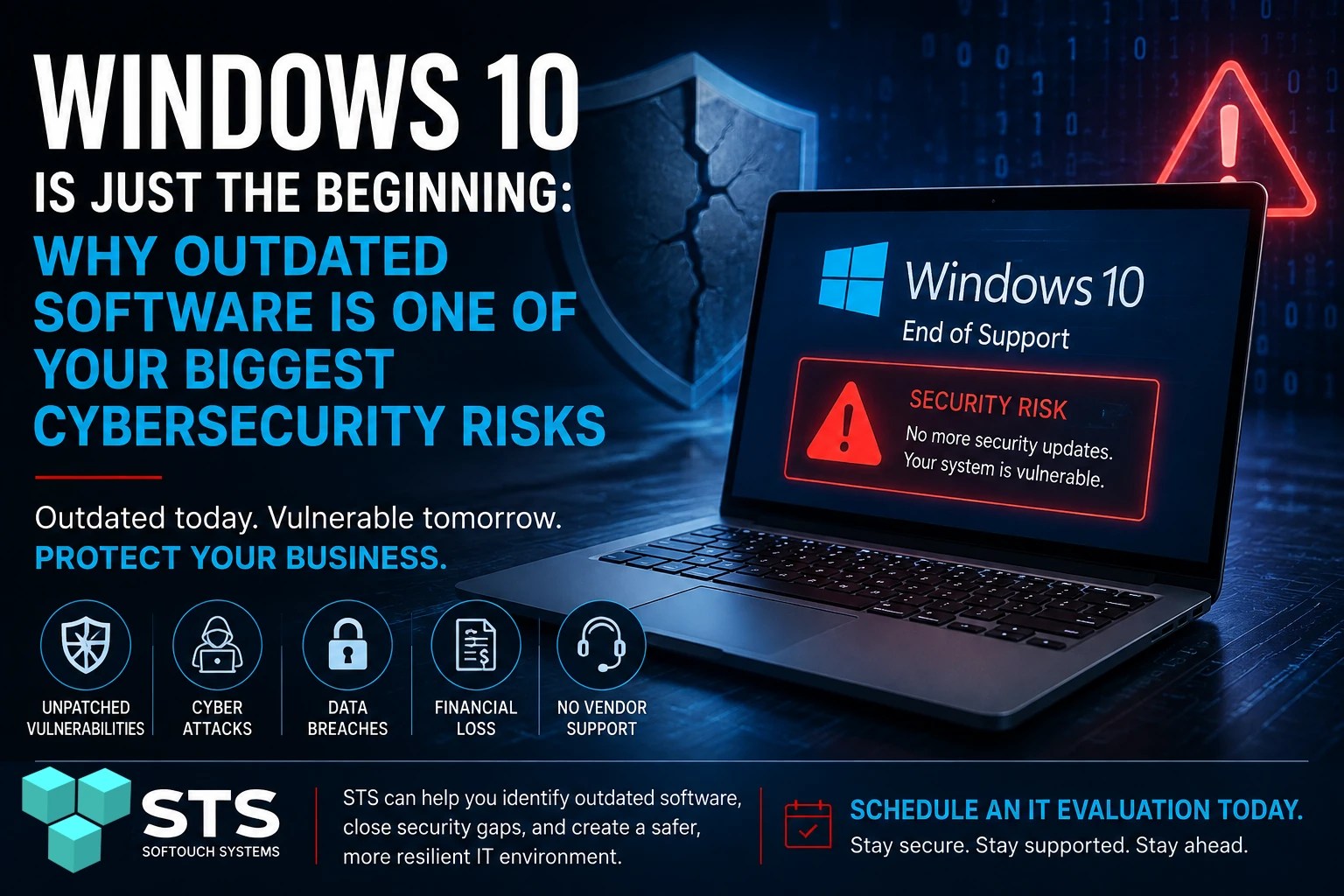
When Microsoft ended mainstream support for Windows 10, many businesses faced an uncomfortable decision: upgrade their computers or continue using an operating system that no longer receives regular security updates. While some organizations can temporarily extend protection through Microsoft’s Extended Security Updates (ESU) program, the situation highlights a much larger problem.
Windows 10 isn’t the real story. Outdated software is.
Every year, operating systems, business applications, web browsers, accounting software, and network devices reach the end of their supported life. Once that happens, cybercriminals know exactly where to look for vulnerable businesses.
For small businesses, continuing to run outdated software without a plan can become one of the easiest ways for attackers to gain access to sensitive information.
Why Older Software Becomes Dangerous
Software developers regularly release security updates to fix newly discovered vulnerabilities. These updates protect against attacks that didn’t even exist when the software was first released. “Can You Stay On Windows 10? – PCMag.com
When software reaches its end of support:
- Security vulnerabilities remain unpatched.
- Newly discovered exploits are never fixed.
- Compatibility with modern security tools begins to decline.
- Compliance requirements may no longer be met.
- Vendors stop providing technical support.
Cybercriminals actively search for businesses still using unsupported software because they know these systems are less likely to receive critical security updates.
It’s More Than Just Windows
Many business owners assume they’re safe because they upgraded Windows recently. Unfortunately, an operating system is only one part of your technology environment.
Other commonly overlooked software includes:
- Older versions of Microsoft Office
- Legacy QuickBooks installations
- Adobe Acrobat and Creative Cloud applications
- Internet browsers that no longer receive updates
- Printer firmware
- Network switches and routers
- NAS storage devices
- Remote access software
- Database applications
- Industry-specific business software
Any one of these can become an entry point for attackers if left unpatched.
The Hidden Cost of “If It Isn’t Broken”
Many businesses continue using older software because it still works.
That’s understandable. Replacing software or upgrading hardware costs money and can interrupt daily operations.
However, there’s an important difference between working and being secure.
An unsupported application may perform its intended function perfectly while quietly exposing your business to:
- Ransomware attacks
- Data theft
- Credential theft
- Remote code execution
- Financial fraud
- Regulatory compliance issues
- Extended downtime after a cyber incident
In many cases, the software itself isn’t failing, the security surrounding it is.
When You Can’t Upgrade Immediately
Sometimes upgrading isn’t practical.
Older accounting software may only run on Windows 10. Specialized manufacturing equipment might require legacy operating systems. Medical or industrial devices can remain in service for years after support ends.
If replacing the software isn’t immediately possible, you should reduce the risk by implementing additional security controls.
These may include:
- Keeping antivirus and endpoint protection fully updated
- Enabling multi-factor authentication wherever possible
- Limiting internet access for legacy systems
- Using strong firewalls and network segmentation
- Removing unnecessary administrator privileges
- Maintaining verified offline and cloud backups
- Monitoring systems for unusual activity
- Developing a phased replacement plan
These measures don’t eliminate the underlying vulnerability, but they can significantly reduce the likelihood of a successful attack while you prepare for an upgrade.
How STS Helps Businesses Stay Protected
Many business owners simply don’t know which devices or applications have reached end of support.
That’s where an IT evaluation becomes valuable.
At SofTouch Systems, we help businesses identify:
- Unsupported operating systems
- Outdated business applications
- Missing security updates
- Aging hardware
- Network vulnerabilities
- Backup gaps
- Opportunities to improve overall cybersecurity
Rather than waiting for a security incident to reveal a weakness, we help clients identify risks before they become expensive problems.
Don’t Wait for a Breach to Find Out
The recent attention surrounding Windows 10 serves as an important reminder that every piece of software has a lifecycle.
Eventually, every operating system, application, and network device will stop receiving security updates.
The businesses that stay protected are the ones that plan ahead—not the ones that wait until something breaks.
If you’re unsure whether your computers or business software are still supported, now is the perfect time to find out.
Next Steps
Our team can identify outdated software, uncover hidden security risks, and recommend practical solutions that fit your business and budget. A proactive evaluation today can help prevent a costly cybersecurity incident tomorrow.
Discover more from SofTouch Systems
Subscribe to get the latest posts sent to your email.