
Think about how much of your business depends on software every day.
Your accounting team may rely on QuickBooks. Your sales team may work in a CRM. Employees may use Adobe, Google Workspace, browsers, antivirus software, cloud applications, and dozens of other tools to get their jobs done.
The software may be different from business to business, but the problem is often the same: someone has to manage it.
Who installs it? Who keeps it updated? Who makes sure employees know how to use it? Who handles licensing? Who helps when an update causes a problem? And what happens when an employee leaves the company and still has access to important applications?
For many small businesses, those responsibilities fall on the owner, office manager, or an employee who happens to be “good with computers.”
That can work for a while. Eventually, however, the cost shows up in lost time, unnecessary subscriptions, security gaps, and frustrated employees.
That is where SofTouch Systems can help.
What Does Software Management Actually Mean?
Software management is more than installing an application and making sure it opens.
STS can help businesses manage the software their employees depend on as part of a broader Managed IT environment. Our services include software updates, patches, upgrades, licensing, procurement, help desk support, and employee training.
The goal is simple: keep your business software working, secure, current, and useful without making the business owner responsible for every technical detail.
Depending on your environment, that can include applications such as:
- QuickBooks and other accounting software
- CRM platforms
- Adobe applications
- Google Workspace
- Antivirus and security software
- Web browsers
- Cloud-based business applications
- Industry-specific software
- Other SaaS applications your employees rely on
STS does not replace the software companies themselves. Instead, we help manage the technology environment around those applications and can help determine when an issue belongs with the software vendor.
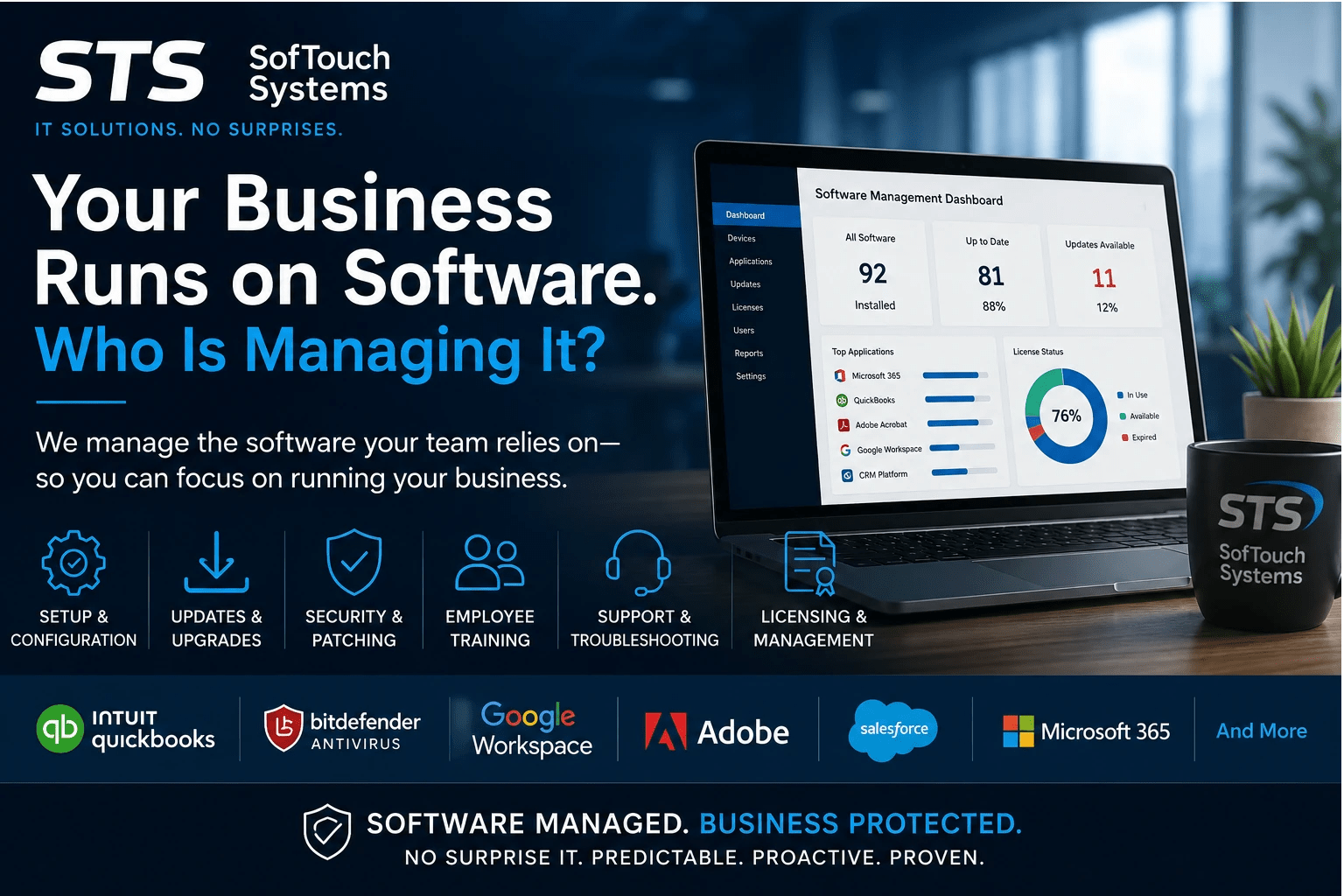
Software Setup Should Not Become Your Employee’s Job
A new employee shouldn’t have to spend their first day figuring out which applications they need.
Consider a small business hiring a new office manager.
That employee may need access to Google Workspace, QuickBooks, a CRM, Adobe, the company’s password manager, antivirus protection, shared files, and several other systems.
Without a consistent process, someone inside the business has to remember all of those steps.
STS can help establish and manage that process.
We can help with software setup, account access, configuration, onboarding, and employee education. Our existing service approach specifically includes hands-on training so employees can use technology confidently and productively.
That means the business owner can focus on getting the new employee productive rather than becoming the company’s unofficial IT administrator.
Updates and Upgrades Matter More Than You Think
Software companies regularly release updates and upgrades. Some add features. Others fix bugs, improve compatibility, or address security problems.
The problem is that small-business employees already have plenty to do.
An employee may see an update notification and click “remind me later” because they are in the middle of an important task.
Do that often enough and the business can end up with outdated software.
STS Managed Services can handle routine updates, patches, and upgrades. Our Year-End IT Checkup specifically identifies third-party applications such as Adobe, QuickBooks, and browsers as software that should be checked for current updates.
Keeping software current can also help identify compatibility problems before they turn into larger disruptions.
What About Software Licenses?
Software subscriptions create another management problem.
A business may purchase licenses for ten employees and later have only seven people using the application. Or an employee leaves but their license remains active. Another employee may need access, but nobody knows whether the company has an unused license available.
Those small problems can quietly become recurring expenses.
STS can help with software licensing and procurement as part of managed IT services.
The objective isn’t simply to buy more software.
It is to help you understand what your business uses, what it needs, and where unnecessary complexity or spending may exist.
When Software Stops Working, Who Do You Call?
This is one of the biggest reasons software management matters.
Imagine an employee opens QuickBooks on Monday morning and it doesn’t work.
They don’t know whether the problem is QuickBooks, Windows, the network, an update, a permissions issue, or something else.
Now the employee has to troubleshoot it.
Then someone has to decide whether to call QuickBooks support.
Meanwhile, the employee isn’t doing their actual job.
With STS as your IT partner, the first question doesn’t have to be, “Which technology company do I call?”
We can investigate the problem, determine where the issue originates, and help resolve it or coordinate with the appropriate vendor when necessary.
That is one of the practical advantages of having a managed IT partner instead of making every employee responsible for solving their own technology problems.
Employee Training Is Part of Software Management
Buying good software does not automatically make employees good at using it.
Employees may know the basics of an application but still struggle with features that could save them time. They may also develop workarounds that create security or efficiency problems.
STS provides help desk support and training as part of its broader service offering.
Training can be particularly valuable when:
- A company introduces new software
- An application receives a major upgrade
- A new employee joins the team
- Employees are not using existing tools effectively
- Security features need to be enabled or understood
- The business changes its workflow
The objective is not to turn employees into IT professionals.
It is to help them use the tools they already depend on more effectively.
Software Management Is Also a Security Issue
Software management isn’t only about convenience.
Outdated applications, unmanaged accounts, weak configurations, and forgotten user access can create security problems.
For example, a business may have excellent antivirus protection but still allow employees to use outdated applications. Or a former employee may retain access to a cloud application long after leaving the company.
STS approaches software management as part of the larger IT environment.
Managed IT services can combine software management with cybersecurity protection, monitoring, backup and recovery, help desk support, and strategic IT planning.
That matters because your business technology does not operate as a collection of isolated applications.
Your software, devices, accounts, employees, network, and data all interact.
Software Management Can Save More Than Money
When business owners think about IT costs, they often look at the price of software.
That is only part of the equation.
Consider the cost of:
- An employee spending three hours troubleshooting an application
- Multiple employees using different versions of the same software
- Paying for licenses nobody uses
- Losing access to an important application
- Rebuilding a poorly configured system
- Delaying an important software update
- Teaching every new employee the same technology setup from scratch
- Calling multiple vendors when something goes wrong
None of those costs necessarily appears as an IT invoice.
They show up as lost productivity.
STS‘s goal is to reduce that friction by managing technology proactively rather than waiting for every problem to become an emergency. The STS service model emphasizes proactive monitoring, help desk support, software management, and strategic IT planning.
A Small Business Doesn’t Need to Manage Every Piece of Technology Alone
Small businesses often don’t have the time or budget to maintain a large internal IT department.
That doesn’t mean they should have to manage their technology themselves.
With STS, a business can have access to IT professionals who can help manage its technology environment without requiring the business owner to become an expert in every application.
That is the idea behind No Surprise IT: predictable, proactive IT support without confusing technology jargon or unnecessary surprises.
What Can STS Manage for Your Business?
Software is only one part of your IT environment.
STS can also help businesses with:
- Managed IT services
- 24/7 system and network monitoring
- Cybersecurity and antivirus protection
- Password management
- Backup and recovery
- Cloud solutions
- Managed email and domains
- Help desk support
- IT consulting
- Employee training
- Strategic IT planning
In other words, software management is not an isolated service. It is part of managing the technology your business relies on every day.
FAQ
Yes. STS can help manage existing business software, including updates, patches, upgrades, licensing, support, configuration, and training, depending on the application and service arrangement.
STS can help manage the technology environment surrounding these applications and troubleshoot issues. When a problem requires specialized support from the software manufacturer, STS can help identify the issue and coordinate with the appropriate vendor.
STS’s IT consulting and business solutions services can help businesses evaluate technology options and make informed decisions about their IT environment.
Yes. Software and technology onboarding can be incorporated into an employee onboarding process, including account setup, software access, configuration, and training.
Managed software and account administration can help businesses remove access and manage technology transitions when employees leave. This is particularly important for cloud applications and systems containing sensitive business information.
Yes. Keeping software current, managing access, and maintaining security applications are important parts of a broader cybersecurity strategy. Software management should be considered alongside passwords, MFA, endpoint protection, backups, monitoring, and other security controls.

Your Business Has Enough to Manage
You started your business to serve customers, manage employees, sell products, provide professional services, or build something valuable.
You probably did not start it because you wanted to spend your afternoon figuring out why Adobe stopped working or determining whether your company is still paying for an unused software license.
Your business runs on software.
SofTouch Systems can help manage it.
From setup and updates to licensing, troubleshooting, employee training, and ongoing support, SofTouch Systems helps small Texas businesses get more from the technology they already depend on.
If you’re not sure whether your current software environment is being managed effectively, start with a Free IT Security Review. STS can help identify what is working, what needs attention, and where better IT management could save your business time and reduce unnecessary headaches.
SofTouch Systems — No Surprise IT. Predictable. Proactive. Proven.
Discover more from SofTouch Systems
Subscribe to get the latest posts sent to your email.