
Your employees probably don’t need another three-hour presentation about cybersecurity, software, or company technology.
They need training that helps them do their jobs better.
That distinction matters.
Employee IT training can easily become a box-checking exercise. Someone reads through a presentation, employees click through a few slides, everyone signs a form, and six months later nobody remembers what they learned.
There is a better approach.
At SofTouch Systems, we believe technology training should be practical, understandable, and connected to the work employees actually perform. STS provides hands-on employee training as part of its broader IT support and management services, helping employees use technology confidently and productively.
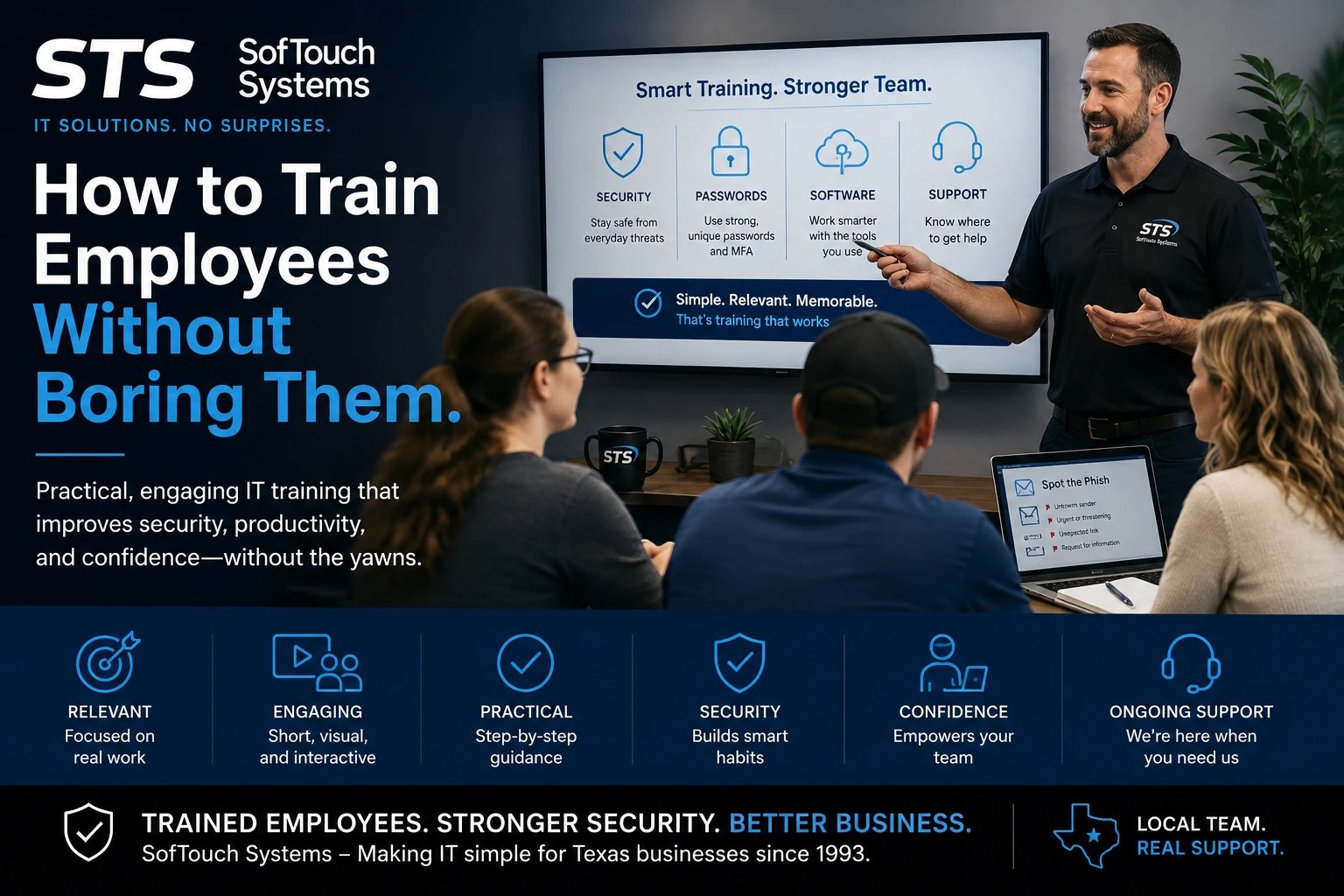
Why Do Employees Get Bored With IT Training?
The problem usually isn’t that employees don’t care.
It’s that the training doesn’t seem relevant to them.
Imagine telling an employee:
“Today we’re going to discuss endpoint security protocols.”
Their eyes may glaze over before you finish the sentence.
Now try:
“Here’s what to do when an email asks you to reset your password.”
That’s something they can use.
Good employee IT training should answer three basic questions:
- What do I need to know?
- Why does it matter to my job?
- What should I do when I encounter this situation?
The simpler those answers are, the more likely employees are to remember them.
Start With the Problems Employees Actually Face
Training should begin with the employee’s daily experience rather than with the technology itself.
For example, your employees may regularly:
- Sign into Google Workspace
- Use a CRM
- Work with QuickBooks
- Create documents or PDFs in Adobe
- Access shared files
- Use a password manager
- Receive invoices by email
- Work remotely
- Install or update software
- Share information with customers and vendors
Those activities provide natural opportunities for training.
Instead of teaching “cybersecurity” as an abstract subject, teach employees how to recognize a suspicious invoice.
Instead of explaining password security for 45 minutes, show them how to create and use a secure password manager.
Instead of giving employees a technical explanation of software updates, explain why they should not continually postpone them.
The training becomes relevant because it is connected to something they already do.
Keep Training Short and Focused
One of the easiest ways to lose an employee’s attention is to give them too much information at once.
A better approach is to break training into smaller lessons.
For example:
Lesson 1: How to recognize a suspicious email
Lesson 2: How to use the company’s password manager
Lesson 3: How to report a security problem
Lesson 4: How to safely handle business files
Lesson 5: What to do when software stops working
Each lesson has one primary objective.
Employees don’t need to become IT experts. They need to know how to perform the right action when it matters.
STS’s own training resources use this practical approach. For example, the STS phishing training guide focuses on recognizable warning signs such as suspicious senders, urgent requests, unexpected attachments, credential requests, and unusual context.
That’s much easier to remember than a long technical explanation of how phishing infrastructure works.
Show Employees What to Do
People learn technology better when they can see it.
Instead of saying:
“You should use MFA.”
Show employees how to activate it.
Instead of saying:
“Don’t reuse passwords.”
Show them how a password manager creates and stores unique credentials.
Instead of saying:
“Report suspicious emails.”
Show them exactly where and how to report one.
This is particularly important for employees who are less comfortable with technology.
STS’s customer profile research recognizes that many small-business employees have limited technical and security knowledge and need tailored training and support. The goal is to help employees work securely without unnecessarily disrupting productivity.
Don’t Make Security the Enemy of Productivity
This is one of the most important principles in employee IT training.
If security procedures make employees’ jobs unnecessarily difficult, employees may look for shortcuts.
That doesn’t necessarily mean they don’t care about security.
They may simply be trying to get their work done.
For example, an employee who has to remember 25 passwords may write them down.
An employee who finds a security process confusing may avoid it.
An employee who doesn’t understand why an update matters may keep postponing it.
The solution isn’t simply to tell employees to “be more secure.”
The better solution is to give them tools and training that make the secure behavior easier.
That’s one reason STS emphasizes practical technology solutions. For example, its 1Password offering is positioned around making secure logins easier for employees while giving the business better control over credentials.
Use Real Examples Instead of Scare Tactics
Fear can get someone’s attention.
It doesn’t necessarily produce good long-term training.
Employees don’t need to hear that hackers are everywhere every five minutes.
They need to understand what a problem looks like and what they should do about it.
Consider a phishing exercise.
Instead of saying:
“Phishing attacks are extremely dangerous.”
Show an example:
Subject: Urgent: Your Microsoft account will be deleted
Message: “Click here within 30 minutes to verify your account.”
Then ask:
What looks suspicious?
Employees can identify the urgent language, unexpected request, and link.
Now they have something they can remember.
STS’s phishing training materials follow this type of practical format by identifying specific red flags and giving employees a clear action to take.
Make It Safe to Ask Questions
Employees sometimes avoid asking technology questions because they don’t want to look uninformed.
That can create a problem.
An employee who is embarrassed to ask about a suspicious email may click it.
An employee who doesn’t understand how to use a password manager may return to an unsafe password habit.
An employee who is afraid to report a mistake may try to hide it.
Good training should make it clear that asking for help is part of the process.
The message should be:
When you’re unsure, stop and ask.
That is especially important for cybersecurity.
A suspicious email reported early is much easier to deal with than a compromised account discovered later.
Train Employees When Something Changes
Employee training shouldn’t happen only once a year.
Technology changes.
Employees change.
Your business changes.
When you introduce new software, upgrade an existing application, change security policies, or hire new employees, training may be necessary.
STS’s broader service model includes software management, updates, upgrades, help desk support, and employee training.
That creates an important advantage.
Training can happen alongside technology changes instead of being treated as a completely separate activity.
For example, if your business introduces a password manager, employees can receive the software, account setup, and training as part of the same implementation.
Employee Onboarding Is a Training Opportunity
New employees shouldn’t have to learn your technology environment through trial and error.
A consistent onboarding process can explain:
- Which applications they use
- How they access company accounts
- How passwords are managed
- Where files are stored
- How to report IT problems
- What security practices are expected
- Who to contact when something goes wrong
This saves time for the employee and for the person responsible for training them.
It also creates consistency.
Instead of every employee learning a slightly different version of your company’s technology practices, everyone starts with the same basic expectations.
Training Should Continue After the First Week
Technology training isn’t finished when an employee successfully logs in.
Employees will encounter new situations.
They may receive a suspicious email. They may forget a password. They may encounter a new software feature. They may work from a different location. They may accidentally click something they shouldn’t have.
That is where ongoing support matters.
STS combines training with help desk and managed IT services so employees have somewhere to turn when they encounter a technology problem. The STS service model specifically describes help desk support and hands-on training as tools for helping staff work confidently and productively.
What Does Effective Employee IT Training Look Like?
Effective training doesn’t need to be complicated.
A good program should be:
Relevant: Teach employees about technology they actually use.
Practical: Show them what to do instead of simply explaining concepts.
Short: Focus on one skill or behavior at a time.
Repeatable: Reinforce important lessons periodically.
Accessible: Give employees a simple way to get help.
Consistent: Make sure everyone receives the same basic guidance.
Connected to security: Explain how everyday technology decisions affect the business.
Most importantly, training should respect employees’ time.
Your Employees Don’t Need More IT Jargon
They need useful information.
They need to know which tools to use, how to use them, and what to do when something doesn’t look right.
That is the difference between training employees and simply giving employees training.
At SofTouch Systems, employee education is part of a larger approach to managed IT. We help businesses manage software, security, passwords, devices, backups, and support while giving employees the practical knowledge they need to use those systems effectively.
If your employees are constantly asking the same technology questions, struggling with software, or unsure what to do when they encounter a security problem, your business may need more than another training presentation.
It may need a better IT support and training process.
FAQ
There isn’t one schedule that fits every business. New employees should receive appropriate onboarding, while existing employees should receive additional training when technology, security procedures, or business processes change.
Start with practical behaviors such as recognizing phishing attempts, protecting passwords, using MFA, reporting suspicious activity, and knowing who to contact when something goes wrong.
Yes. Software training can cover the applications employees use every day, including setup, features, updates, security settings, and best practices.
STS provides hands-on employee training as part of its broader IT support and management services. Training can help employees use technology more confidently while supporting the security and productivity goals of the business.
That is exactly when practical training matters most. Training should use plain language, real examples, demonstrations, and simple instructions rather than unnecessary technical terminology.
Better Training Creates Better Technology Habits
Your employees are one of the most important parts of your technology environment.
Give them complicated systems without guidance, and they may struggle.
Give them secure tools without training, and they may not use them correctly.
Give them practical training and ongoing support, and they have a much better chance of using technology confidently and securely.
SofTouch Systems can help.
From software management and employee training to cybersecurity, password management, monitoring, backups, and help desk support, STS helps small Texas businesses make technology easier to manage.
Not sure where your business stands? Schedule a Free IT Security Review with STS and find out where your technology and employee practices could be improved.
SofTouch Systems — No Surprise IT. Predictable. Proactive. Proven.
Discover more from SofTouch Systems
Subscribe to get the latest posts sent to your email.