
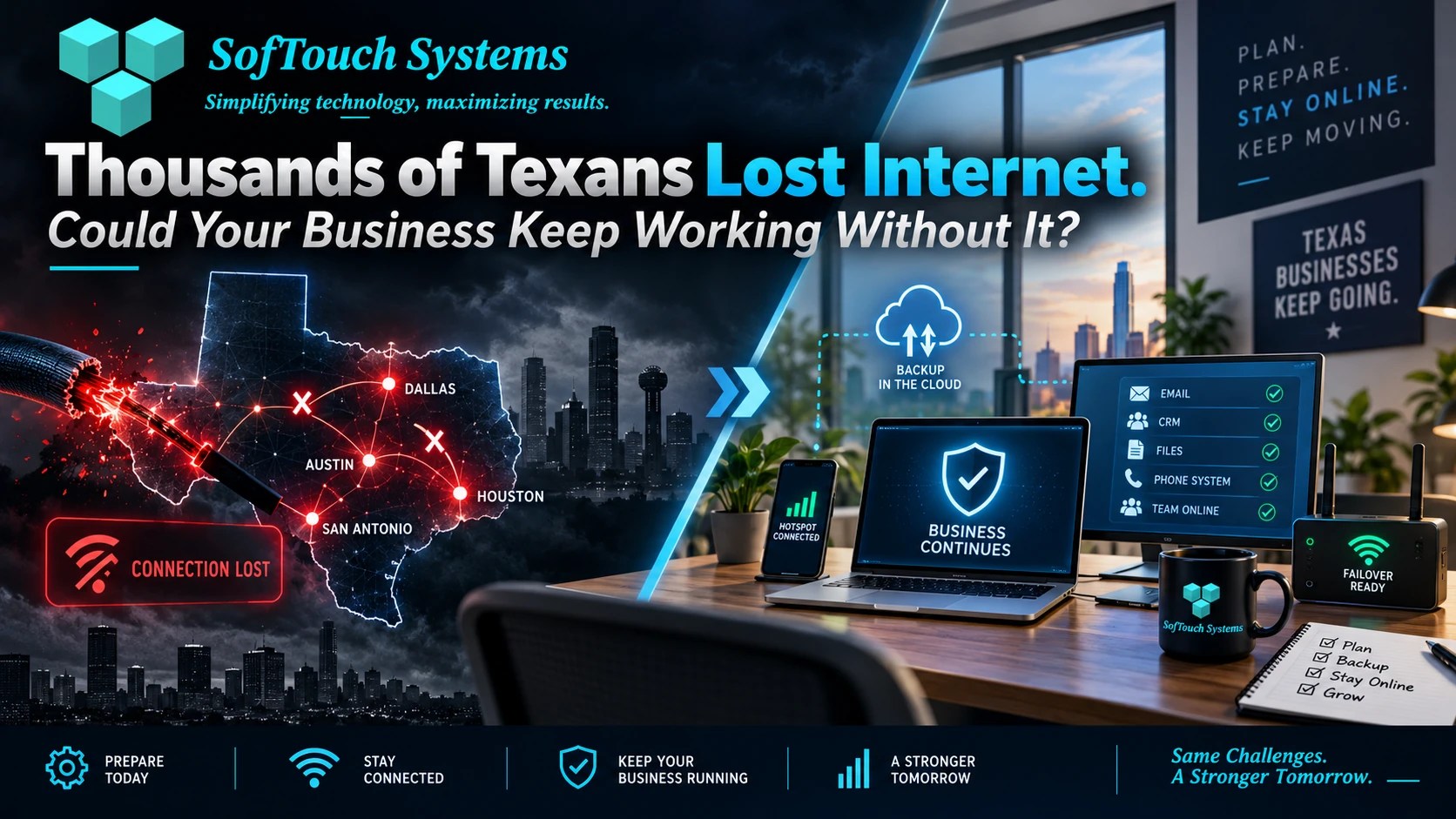
A major Texas internet outage recently disrupted service across parts of Dallas, Houston, Austin, San Antonio, and surrounding areas. Thousands of customers reported problems with broadband, Wi-Fi, and home internet service.
Then the story became more complicated.
An Iranian-linked hacking group claimed responsibility for the outage. AT&T rejected that claim and said its investigation found no evidence of a cyberattack. Instead, the company said an attempted cable theft contributed to the Dallas-area disruption.
For Texas business, the disputed cause is interesting.
The operational lesson is more important.
If your internet connection disappeared for six hours, could your business still function?
Could employees access cloud files, process payments or could customers reach you?
Was staff able to use Microsoft 365 or reach your IT provider?
Would your phones still work?
Business continuity is not only about ransomware, hackers, hurricanes, or major disasters.
Sometimes a damaged cable is enough.
Was the Texas AT&T Outage a Cyberattack?
There is currently no verified evidence that the outage was caused by a cyberattack.
The Iranian-linked group known as APT IRAN claimed that it had disrupted AT&T service across Texas and also claimed to have targeted an unnamed water utility.
AT&T said it had no evidence supporting the hacking claim and attributed the Dallas-area outage to attempted cable theft.
That distinction matters.
Security companies should not turn an unverified claim into a confirmed cyberattack simply because it makes a stronger headline.
However, the outage itself was real.
Businesses and households lost connectivity.
That is the part small companies should pay attention to.
Your Business Does Not Need to Be Hacked to Go Offline
Cybersecurity gets a lot of attention because attacks can be expensive and disruptive.
However, technology failures have many causes.
Internet service can disappear because of:
- Fiber cuts
- Cable theft
- Construction damage
- Equipment failure
- Power outages
- Severe weather
- Provider outages
- Router failures
- Configuration mistakes
- Cyberattacks
From an operational standpoint, the immediate result may look exactly the same.
Your employees cannot connect.
The important business question is therefore not:
“What caused the outage?”
It is:
“What happens to us when the connection disappears?”
What Stops Working When the Internet Goes Down?
For many small businesses, almost everything now depends on internet access.
A short outage can affect more than browsing the web.
It may interrupt:
- Microsoft 365
- Google Workspace
- Cloud accounting
- Customer relationship management systems
- VoIP phones
- Online payment processing
- Cloud file storage
- Scheduling software
- Remote access
- Vendor portals
- Security cameras
- Online ordering
- AI business tools
- Help-desk support
Twenty years ago, losing internet access might have been inconvenient.
Today, it can shut down the office.
Start With Your Most Important Business Functions
A continuity plan does not need to begin with complex disaster-recovery software.
Start by asking what the business absolutely needs to keep operating.
For example, an accounting office may need:
- Cloud accounting access
- Customer files
- Phones
A dental office may depend on:
- Patient scheduling
- Practice-management software
- Phone service
- Insurance portals
- Payment processing
A contractor may need:
- Mobile access
- Estimates
- Project files
- Customer communication
Once those priorities are clear, you can determine what happens if the primary internet connection disappears.
Do You Have a Backup Internet Connection?
One of the simplest continuity improvements is internet redundancy.
That means having another way to get online when the primary provider fails.
Options can include:
- A second broadband provider
- 5G business internet
- Cellular router failover
- Mobile hotspot
- Dedicated backup connection
The appropriate solution depends on the business.
A five-person office may only need enough backup bandwidth for email, phones, and cloud applications.
A company moving large files or operating cloud-based production systems may need something more substantial.
The objective is not necessarily to recreate your full internet capacity.
It is to keep critical operations working.
Watch Out for the “Two Connections, One Failure” Problem
Buying two internet connections does not automatically create true redundancy.
Suppose both providers use infrastructure running through the same physical conduit.
One cable cut can potentially disrupt both.
A business should ask:
Do our primary and backup connections actually use different infrastructure?
That may not always be easy to determine, but it is worth discussing with providers or your IT partner.
Redundancy only works when the backup is independent enough to survive the same failure.
What Happens to Your Phones?
Many businesses now use VoIP phone systems.
VoIP is flexible and cost-effective.
It also depends on connectivity.
If the office internet connection goes down, inbound calls may stop reaching desk phones.
A continuity plan should answer:
- Can calls automatically forward to mobile phones?
- Can employees answer through a mobile app?
- Does the phone provider operate independently from the office internet connection?
- Can voicemail remain available?
- Who changes call routing during an outage?
Customers should not hear silence simply because a cable was damaged somewhere across town.
What Happens to Payment Processing?
Retailers, restaurants, medical offices, contractors, and many service businesses rely on internet-connected payment systems.
If the connection disappears, credit-card transactions may fail.
Businesses should understand what their payment provider supports.
Some systems may offer cellular backup.
Others may provide limited offline transaction capability.
Policies differ.
Do not discover those limitations while a customer is waiting at the counter.
Ask before the outage:
How do we take payment if the main internet connection fails?
Cloud Services Can Be Available While You Are Offline
Cloud computing creates an interesting continuity problem.
Microsoft 365 may be operating perfectly.
QuickBooks Online may be operating perfectly.
Your CRM may be operating perfectly.
But if your office cannot reach the internet, those systems might as well be unavailable.
That is why cloud migration does not eliminate continuity planning.
It changes where the dependencies exist.
Instead of worrying only about a server in the back room, businesses also need to consider:
- Internet providers
- DNS
- Authentication
- Power
- Cloud vendors
- Endpoint devices
Cloud services can improve resilience.
They do not make local connectivity irrelevant.
What About Remote Employees?
Remote work can help during a local outage.
If the office loses connectivity but cloud services remain online, employees may be able to work from home or another location.
That creates another planning question:
Can employees securely access everything they need outside the office?
A continuity plan should identify which employees could work remotely and which jobs require access to physical equipment or the office location.
You also need secure authentication, managed devices, and clear procedures.
An emergency should not become an excuse to bypass security controls.
Backups Still Matter During Internet Outages
An internet outage and a data-loss event are different problems.
However, they can happen at the same time.
A power event may damage equipment.
A failed network device could expose another system problem.
A cyberattack could disrupt both connectivity and data.
Verified backups give the business another layer of resilience.
A good backup strategy should answer:
- What business data is protected?
- When did the last backup succeed?
- Is there an off-site or cloud copy?
- Can the backup actually be restored?
- How long would recovery take?
A green “backup successful” message is useful.
A tested restore is better.
Business Continuity Requires More Than Backups
Small businesses often use the words backup and business continuity as if they mean the same thing.
They do not.
Backup answers:
Can we recover our data?
Business continuity asks:
Can we keep operating while something is broken?
That might require:
- Backup internet
- Alternate phone routing
- Remote-work procedures
- Cloud applications
- Emergency contacts
- Device replacement plans
- Documented recovery procedures
- Verified backups
- IT support
A company may have excellent backups and still be unable to process a single customer transaction during an internet outage.
Who Does Your Team Call?
Another overlooked continuity issue is communication.
If the internet disappears, employees need to know what to do.
Do they call the internet provider?
The business owner?
The office manager?
Their IT provider?
A documented escalation process saves time.
At minimum, employees should know:
- Who reports the outage?
- Who contacts the ISP?
- Who contacts IT?
- How employees communicate if Teams or email is unavailable?
- Who decides whether staff switch to remote work?
- Who communicates with customers?
Do not make those decisions for the first time during an outage.
Know the Difference Between an ISP Problem and an IT Problem
When the internet stops working, the provider may not always be responsible.
The problem could be:
- A failed firewall
- A bad switch
- A damaged access point
- Incorrect DNS settings
- A router issue
- An endpoint problem
- A provider outage
Good IT support helps identify where the failure actually exists.
That matters because calling the ISP for two hours will not fix a failed office firewall.
Likewise, replacing a router will not solve a fiber cut several miles away.
Quick diagnosis reduces downtime.
What Should a Small Business Continuity Plan Include?
A practical continuity plan does not need to fill a 100-page binder.
For a smaller business, start with the essentials:
- Primary internet provider
- Backup internet option
- ISP account and support information
- IT provider contact details
- Phone-system fallback
- Payment-system fallback
- Cloud application list
- Critical employee contacts
- Remote-work procedures
- Backup status
- Recovery priorities
Then test it.
Can the backup connection actually take over?
Can employees answer calls, reach critical software, or restore a file?
A continuity plan that has never been tested is still partly theoretical.
How Much Downtime Can Your Business Tolerate?
This is one of the most useful questions a business owner can answer.
Could you tolerate:
15 minutes?
Probably.
Two hours?
Maybe.
One full day?
That may become expensive.
Three days?
For some businesses, that could become a serious financial problem.
The acceptable downtime determines how much continuity planning makes sense.
A business that loses thousands of dollars per hour needs stronger redundancy than one that can operate manually for a day.
There is no universal answer.
There should be a deliberate answer.
Frequently Asked Questions About Business Internet Outages
An Iranian-linked group claimed responsibility, but AT&T said it found no evidence supporting that claim and attributed the Dallas-area outage to attempted cable theft. The cyberattack claim remains unverified.
Businesses that depend heavily on cloud services, VoIP, online payments, or remote applications should consider a backup connection. The appropriate solution depends on how much downtime the company can tolerate.
Yes, cellular connectivity can provide useful failover for many small offices. Businesses should test coverage, speed, data limits, and whether the backup supports critical applications.
Cloud applications may remain online during a local outage, but employees still need connectivity to reach them. Backup internet or remote-work options can help address that dependency.
No. Backups protect data and support recovery. Business continuity also addresses connectivity, phones, employees, cloud services, payments, communications, and other operational needs.
Testing at least annually is a reasonable starting point for many small businesses. More dependent or regulated businesses may need more frequent testing.
The Cause Matters Less Than Your Ability to Respond
The recent Texas AT&T outage created competing headlines.
Hackers claimed responsibility.
AT&T blamed attempted cable theft.
For small-business owners, there is a broader lesson hiding underneath the debate.
Technology does not have to be hacked to stop working.
A backhoe can do it.
A storm can do it.
A power failure can do it.
A stolen cable can do it.
A cyberattack can do it.
Your continuity plan should prepare the business for the result, not just one possible cause.
Could Your Business Keep Working Tomorrow?
SofTouch Systems helps small Texas businesses identify technology dependencies, protect important data, manage backups, support remote work, and build practical plans for when systems or connectivity fail.
If you are unsure what would happen if your internet disappeared for an afternoon, start with a free 15-minute business continuity and IT security check.
We can help identify single points of failure, backup gaps, connectivity risks, and practical next steps before an outage makes the decisions for you.
Schedule your free business continuity check with SofTouch Systems.
Sources:
- Houston Chronicle: Texas AT&T outage coverage
- Houston Chronicle: hacker claim and AT&T response
- FOX 4: AT&T outage attribution reporting
Discover more from SofTouch Systems
Subscribe to get the latest posts sent to your email.