
Microsoft Patch Tuesday updates are becoming harder for small businesses to ignore.
On September 8, 2026, Microsoft released what independent security researchers described as its largest Patch Tuesday ever. The update addressed 966 vulnerabilities, including 105 Critical flaws and two zero-days already being exploited in real attacks.
That is a huge number.
However, the most important lesson for a small business is not ‘Microsoft had 966 bugs.’
The real lesson is simpler:
Security updates are arriving faster, vulnerabilities are being discovered faster, and businesses that delay patching are leaving systems exposed longer than they realize.
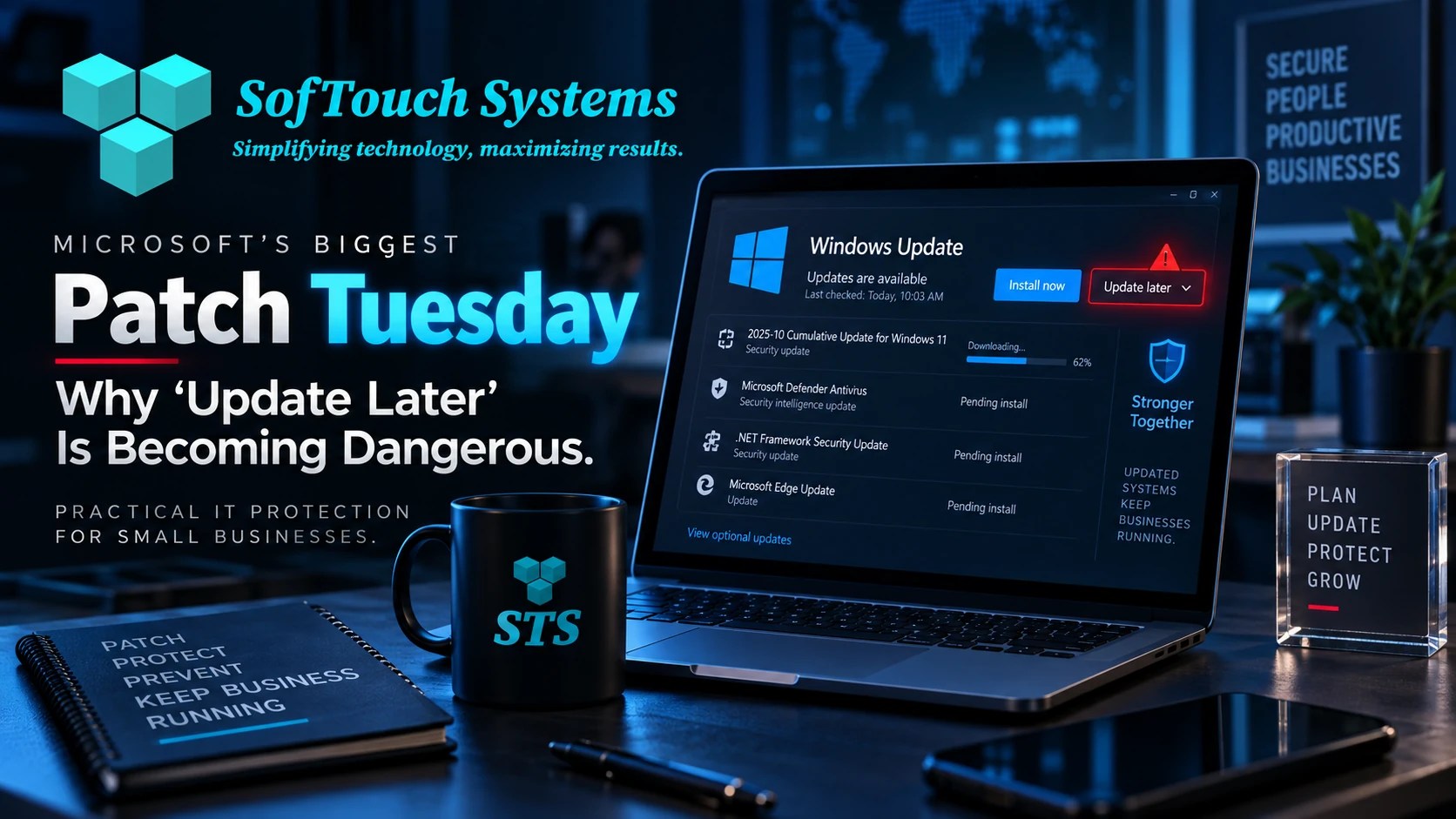
For a company with five, ten, or twenty computers, patching should not depend on whether someone remembers to click Install now instead of Remind me later.
What Happened in Microsoft’s September 2026 Patch Tuesday?
Microsoft’s September security release covered vulnerabilities across Windows and other Microsoft products.
According to BleepingComputer’s count, the release addressed 966 vulnerabilities. Of those, 105 were rated Critical. Many of the Critical issues involved remote code execution, which can allow an attacker to run malicious code under certain conditions.
More importantly, two vulnerabilities were already being actively exploited when Microsoft released the patches.
That means these were not only theoretical security problems.
Attackers were already taking advantage of them.
For a business owner, that changes the patching question from:
“Should we update eventually?”
to:
“How quickly can we confirm every business computer received the update?”
Why Does “Update Later” Matter So Much?
Most people have clicked it.
A Windows notification appears.
The computer needs to restart.
You are in the middle of something.
So you choose:
Remind me later.
For a home computer, that may be an inconvenience.
For a business network, repeating that decision across several computers can create security gaps.
One employee delays an update.
Another laptop is turned off for several days.
A rarely used workstation never restarts.
An older computer is running a Windows version that no longer receives the same protection.
Suddenly, the business does not have one patching problem.
It has five different patching conditions.
That is why managed patching matters.
What Is Patch Management?
Patch management is the process of making sure computers and software receive security and reliability updates in a controlled way.
For a small business, good patch management should answer several questions:
- Which devices need updates?
- Which updates are security-critical?
- Did the update install successfully?
- Did the computer restart when required?
- Did any device fail to update?
- Is a device running an unsupported operating system?
- Did the patch cause a known problem?
The important difference is verification.
Downloading an update is not the same as confirming the device is protected.
Why Are So Many Vulnerabilities Being Found?
There is another reason this September release deserves attention.
Microsoft has said it expects the number of security updates to increase as artificial intelligence helps researchers discover vulnerabilities more efficiently.
AI can analyze large codebases, identify suspicious patterns, and help researchers investigate weaknesses faster than traditional manual techniques alone.
That is good news because flaws can be discovered and repaired sooner.
However, it creates another reality for businesses:
The vulnerability-discovery cycle is accelerating.
Microsoft’s earlier 2026 Patch Tuesday releases already showed the trend.
August addressed roughly 400 vulnerabilities.
July addressed hundreds more.
September jumped to nearly 1,000.
The numbers will vary from month to month, but the direction is worth noticing.
Software vendors are getting better at finding problems.
Attackers are getting better tools too.
Small businesses need to get better at applying the fixes.
Does Every Vulnerability Put Your Business at Immediate Risk?
No.
This is where cybersecurity headlines can become misleading.
A list of 966 vulnerabilities does not mean every Windows computer has 966 exploitable holes waiting for an attacker.
Different vulnerabilities affect different products, versions, configurations, and environments.
Some require special conditions.
Some require local access.
Some affect server software that a small business may not even use.
Others may be difficult to exploit.
That is why patch management should be prioritized rather than panic-driven.
Still, actively exploited vulnerabilities deserve immediate attention because attackers are already using them.
The security question is not whether every vulnerability is dangerous to your company.
The question is whether your business has a reliable process for identifying and fixing the ones that matter.
The Risk of Unsupported Windows Versions
There is another deadline approaching that small businesses should know about.
Microsoft says Windows 11 version 24H2 Home and Pro reaches end of updates on October 13, 2026.
After that date, those editions will no longer receive monthly security and preview updates.
Enterprise and Education editions follow a different lifecycle.
For a small business using Home or Pro editions, this means a computer can appear to work perfectly while quietly moving toward unsupported status.
Email still works.
QuickBooks still opens.
The browser still loads.
Nothing looks broken.
But the computer may stop receiving new security fixes.
That creates exactly the kind of hidden risk small businesses often miss.
How Do You Check Your Windows Version?
On a Windows computer:
- Press Windows + R.
- Type winver.
- Press Enter.
Windows will display the current version.
You can also go to:
Settings → System → About
Look for the Windows specifications section.
If your business has several computers, checking them one at a time is possible.
It is also easy to forget.
A managed IT platform can track operating-system versions across multiple devices automatically.
Why Antivirus Is Not Enough
Antivirus and endpoint protection remain important.
However, they do not replace patching.
Think of it this way.
Antivirus tries to detect malicious activity.
Patching removes known weaknesses that attackers may try to use in the first place.
You need both.
A business that has excellent antivirus but leaves known vulnerabilities unpatched is relying on security software to compensate for problems that already have available fixes.
That is unnecessary risk.
What Should a Small Business Patch?
Windows updates are only part of the picture.
Businesses should also keep common applications updated, including:
- Web browsers
- Microsoft 365 applications
- PDF readers
- Accounting software
- Remote-access tools
- Backup software
- Security software
- Java or other runtime software where required
- Line-of-business applications
- Network devices where applicable
Attackers do not care whether the weakness is in Windows, a browser, or another application.
They care whether it works.
Why Manual Patching Breaks Down
Manual patching works reasonably well when one person manages one computer.
It becomes much less reliable when a business has multiple devices.
Imagine a ten-computer company.
One employee works remotely.
One laptop only comes into the office twice a week.
One computer is used for accounting.
Another runs specialized software that cannot be interrupted during business hours.
Two employees continually postpone restarts.
The owner assumes Windows Update handles everything automatically.
That environment needs coordination.
Otherwise, patching becomes an assumption rather than a managed process.
What Managed Patch Management Should Do
A managed IT provider should be able to track devices and confirm patch status centrally.
That can include:
- Identifying missing updates
- Scheduling installations
- Tracking failed patches
- Monitoring operating-system versions
- Managing restart schedules
- Prioritizing critical security updates
- Identifying unsupported software
- Reporting devices that remain exposed
This is one of the less visible benefits of Managed IT.
Nothing dramatic may happen when patching works correctly.
That is the point.
The business simply stays current.
What About Bad Updates?
Business owners sometimes hesitate to install updates because patches occasionally cause problems.
That concern is legitimate.
Microsoft updates can introduce bugs.
Drivers may conflict.
Specialized software can behave differently.
For that reason, good patch management is not the same as blindly installing everything the second it appears.
A managed approach can include:
- Monitoring known update issues
- Prioritizing actively exploited vulnerabilities
- Scheduling patches around business needs
- Testing where appropriate
- Maintaining reliable backups
- Having a rollback or recovery plan
The goal is controlled updating, not reckless updating.
Backups Make Patching Safer
Backups are an important part of patch management.
If an update causes a serious problem, a verified backup gives the business recovery options.
That is another reason cybersecurity controls work better together.
Patching reduces exposure.
Endpoint protection detects threats.
Backups support recovery.
Monitoring confirms systems remain healthy.
No single layer replaces the others.
Small Businesses Should Know the Answer to One Question
After September’s Patch Tuesday, every small-business owner should be able to ask:
Did every computer in our business successfully install the latest security updates?
If the answer is:
“I think so.”
that is not the same as knowing.
If nobody can check centrally, the business may have a visibility problem.
If employees control their own update schedules, the business may have a consistency problem.
If an older computer cannot receive current updates, the business may have a lifecycle problem.
Patch management exposes all three.
Frequently Asked Questions About Microsoft Patch Tuesday
Patch Tuesday is Microsoft’s regular monthly security-update release. It usually occurs on the second Tuesday of each month and includes fixes for Windows and other Microsoft products.
Yes. Independent security reporting counted 966 vulnerabilities in the September 8, 2026 Patch Tuesday release. The release included 105 Critical vulnerabilities and two zero-days that were already being exploited.
Security updates should be handled promptly, especially when Microsoft or security researchers identify active exploitation. Businesses should still use controlled patch management to account for compatibility, downtime, and known update issues.
Windows 11 24H2 Home and Pro reach end of updates on October 13, 2026. After that date, those editions will stop receiving monthly security updates and fixes. Businesses should upgrade supported devices to a current Windows version.
Windows Update is useful, but businesses with several devices also need visibility. A managed patching system can confirm which computers updated successfully and identify devices that remain exposed.
No. Antivirus helps detect malicious activity. Patching fixes known software vulnerabilities. Small businesses should use both.
“Update Later” Should Not Be Your Security Strategy
Microsoft’s record September Patch Tuesday may look like a technical story.
For small businesses, the lesson is operational.
Security updates are becoming more frequent.
Vulnerabilities are being discovered faster.
Attackers are moving quickly.
Meanwhile, many companies still depend on employees to decide when their computers update.
That gap is unnecessary.
Small businesses do not need an enterprise IT department to keep systems patched.
They do need a process that identifies devices, applies updates, verifies success, and catches the computers that fall behind.
Know Which Computers Are Actually Protected
SofTouch Systems helps Texas businesses manage updates, monitor computers, identify outdated systems, and keep security maintenance from becoming another task employees have to remember.
If you are not sure whether every computer in your business is current, start with a free 15-minute IT security check.
We can help you identify outdated Windows versions, missing patches, unsupported devices, and other practical security gaps.
Schedule your free IT security check with SofTouch Systems.

Sources:
- BleepingComputer: Microsoft September 2026 Patch Tuesday
- Microsoft Windows 11 Home and Pro lifecycle
Discover more from SofTouch Systems
Subscribe to get the latest posts sent to your email.