
Employees are using AI at work whether most small businesses have a formal AI policy or not.
They use it to rewrite emails, summarize documents, analyze spreadsheets, draft proposals, research customers, and speed up everyday tasks.
That can be useful.
It can also create a question many business owners have not answered:
What happens to your business data after an employee puts it into an AI tool?
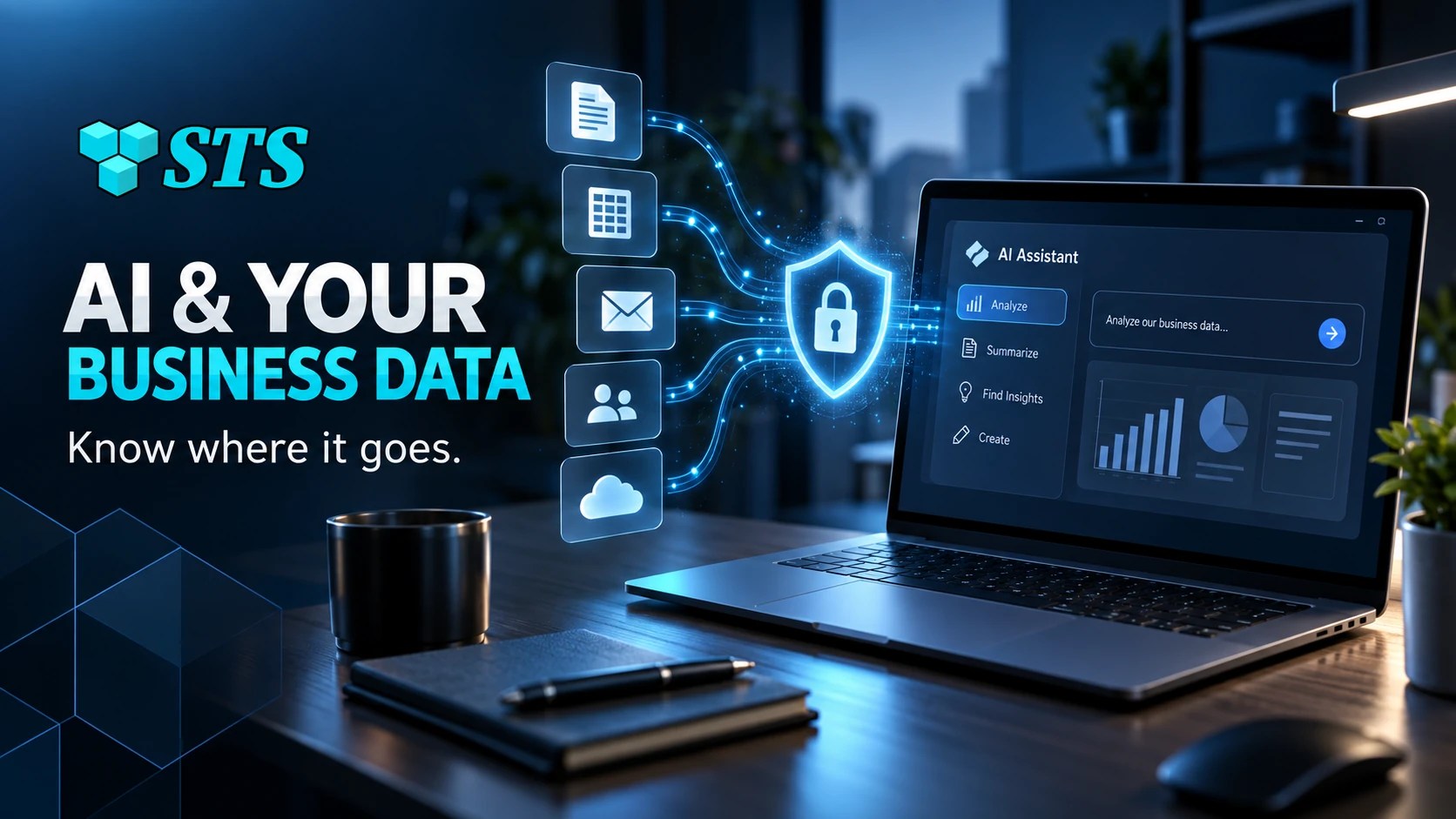
For small companies, AI data security for small business is becoming part of basic IT management. The issue is not simply whether AI is safe or unsafe. The real issue is whether the company knows which tools employees use, what information they enter, how that information is retained, and whether business data is being handled under appropriate settings.
Your Employees May Already Be Using AI
AI adoption often starts informally.
An employee creates a personal account because they want help writing an email.
Another employee uploads a document to summarize it.
Someone pastes a customer complaint into a chatbot and asks for a response.
The accounting team experiments with AI to explain spreadsheet data.
None of those actions may feel like a major technology project.
Together, they create a new data-management problem.
The business may no longer know where its information is going.
What Business Data Are Employees Putting Into AI?
The obvious concern is confidential data, but employees may not recognize ordinary business information as sensitive.
Examples can include:
- Customer names and contact details
- Contracts
- Pricing
- Internal emails
- Meeting notes
- Financial information
- Employee records
- Vendor information
- Sales pipelines
- Support tickets
- Passwords or credentials
- Proprietary documents
An employee may only be trying to save ten minutes.
That does not mean the information should be entered into an unapproved AI service.
Where Does the Data Go?
There is no single answer because AI providers, products, account types, and settings handle information differently.
Some business and API products provide stronger controls around training and retention than free consumer accounts.
Then there are some services allow administrators to control data use.
Others may retain information for a limited period for safety, abuse monitoring, or service operation.
Others may offer zero-data-retention options for eligible business use cases.
The important point is that businesses should not assume every AI tool handles data the same way.
Consumer AI and Business AI Are Not the Same Thing
This distinction matters.
An employee using a free personal AI account may be operating under different terms and controls than a company using an approved business plan.
Business-oriented AI offerings increasingly include administrative controls, stronger privacy commitments, managed access, and clearer data-handling settings.
That gives companies a better way to adopt AI intentionally instead of allowing every employee to choose their own tool.
Data Retention Should Be a Business Question
Many owners ask whether an AI company trains on their data.
That is a good question.
It is not the only question.
Businesses should also ask:
- How long is information retained?
- Can administrators control retention?
- Can users delete conversations?
- Does the provider use business data for model training?
- Where is data processed?
- Can employees connect cloud drives or email?
- What third-party integrations can access the information?
This is basic vendor-risk management applied to AI.
AI Can Become Shadow IT
Shadow IT happens when employees use technology the business has not formally approved or managed.
AI makes this especially easy.
Many tools are available instantly in a browser.
No installation is required.
No IT request is required.
An employee can create an account in minutes.
That means the business may have AI services handling company information without the owner or IT provider knowing they exist.
The solution is not to ban every new tool.
The solution is to create an approved path.
Five Checks Every Small Business Should Make
1. Find Out Which AI Tools Employees Use
Start with visibility.
Ask employees what tools they use for work and what tasks they use them for.
The objective is not to punish experimentation.
You need an accurate inventory before you can create sensible rules.
2. Define What Data Employees Should Never Enter
Give employees a short, understandable list.
Depending on the business, restricted information may include passwords, financial records, customer data, health information, legal documents, employee records, confidential contracts, and other sensitive information.
Plain rules work better than vague warnings such as “be careful with AI.”
3. Review the Provider’s Business Data Controls
Do not rely on assumptions.
Review the terms and privacy controls for the actual product and plan the company uses.
OpenAI, Anthropic, Microsoft, Google, and other providers may offer different controls depending on whether the account is consumer, business, enterprise, or API-based.
4. Use Managed Business Accounts Where Practical
If AI is becoming part of daily work, managed accounts can provide better control than scattered personal accounts.
Central administration can make it easier to manage access, remove former employees, set policies, and understand what tools are officially approved.
5. Create a Simple AI Use Policy
A small business does not need a forty-page AI governance manual.
A useful policy can answer a few practical questions:
- Which AI tools are approved?
- What information is prohibited?
- Who can connect AI to business systems?
- When must a human review AI output?
- Who should employees ask before trying a new tool?
That creates clarity without stopping useful experimentation.
Connecting AI to Business Apps Changes the Risk
The data issue becomes more important when AI moves beyond a standalone chatbot.
Modern AI tools can connect to:
- Cloud storage
- CRM systems
- Calendars
- Documents
- Accounting tools
- Automation platforms
Once connected, the AI may be able to reach information employees no longer need to paste manually.
That makes permissions, identity security, and least-privilege access essential.
Password Security Still Matters
Employees should never paste passwords, recovery codes, API keys, or other credentials into AI prompts.
Businesses should use a proper password manager and managed integrations instead.
AI should not become another place where employees store or share credentials informally.
AI Security Is Also an Employee Training Issue
Most employees are not trying to expose business information.
They are trying to work faster.
That is why training should focus on practical decisions rather than fear.
Employees should know:
- Which AI tools are approved
- What information is sensitive
- When to remove identifying details
- When human review is required
- Who to contact with questions
The goal is safe use, not avoiding AI altogether.
Frequently Asked Questions About AI Data Security
It depends on the provider, product, account type, and settings. Many business and API products provide stronger commitments against using customer content for model training. Businesses should review the terms for the specific service they use.
Do not assume it is appropriate. Businesses should first determine whether the tool is approved, what account type is being used, what privacy controls apply, and whether the information is necessary for the task.
Yes, some services retain conversation or request data for various periods depending on product settings, safety requirements, and account type. Retention policies should be reviewed before sensitive business use.
Zero-data-retention arrangements are designed so eligible request and response content is not retained after processing, subject to the provider’s specific terms and technical limitations. Availability varies by service and plan.
Usually, a blanket ban is less practical than establishing approved tools, clear data rules, employee training, and managed access.
At minimum, identify approved tools, prohibited information, human-review requirements, integration rules, and the person employees should contact when unsure.

AI Can Help Your Business Without Becoming a Data Blind Spot
Small businesses can benefit from AI.
But the company needs rules, safe tools, and clear workflows before employees start putting sensitive business information into random platforms.
SofTouch Systems helps Texas businesses evaluate AI tools, review data-security risks, create practical AI policies, and introduce AI Business Solutions with appropriate security controls.
Our approach is simple: education first, safe implementation second, workflow improvement third, and ongoing support fourth.
If you are unsure where your employees are already using AI or what company information may be leaving your systems, start with a free 15-minute AI and IT security review.
We can help identify AI tools, data-retention concerns, shadow IT, account-security gaps, and practical next steps.
Use AI to improve the business without losing track of the data that makes the business valuable.
Discover more from SofTouch Systems
Subscribe to get the latest posts sent to your email.