
AI cyberattacks in 2026 are getting faster, more scalable, and more automated. They are not becoming magical.
That is one of the clearest lessons in Microsoft’s 2026 Digital Defense Report.
Microsoft says AI is changing the “physics” of cybersecurity by compressing attack timelines, helping attackers automate more of the attack chain, and making advanced capabilities easier to access.
However, the report also makes an important point for small businesses:
AI usually amplifies familiar weaknesses. It does not eliminate the need for basic security.
Attackers still rely on exposed systems, stolen credentials, user mistakes, weak permissions, delayed patches, and trusted tools.
AI simply helps them find and exploit those weaknesses faster.
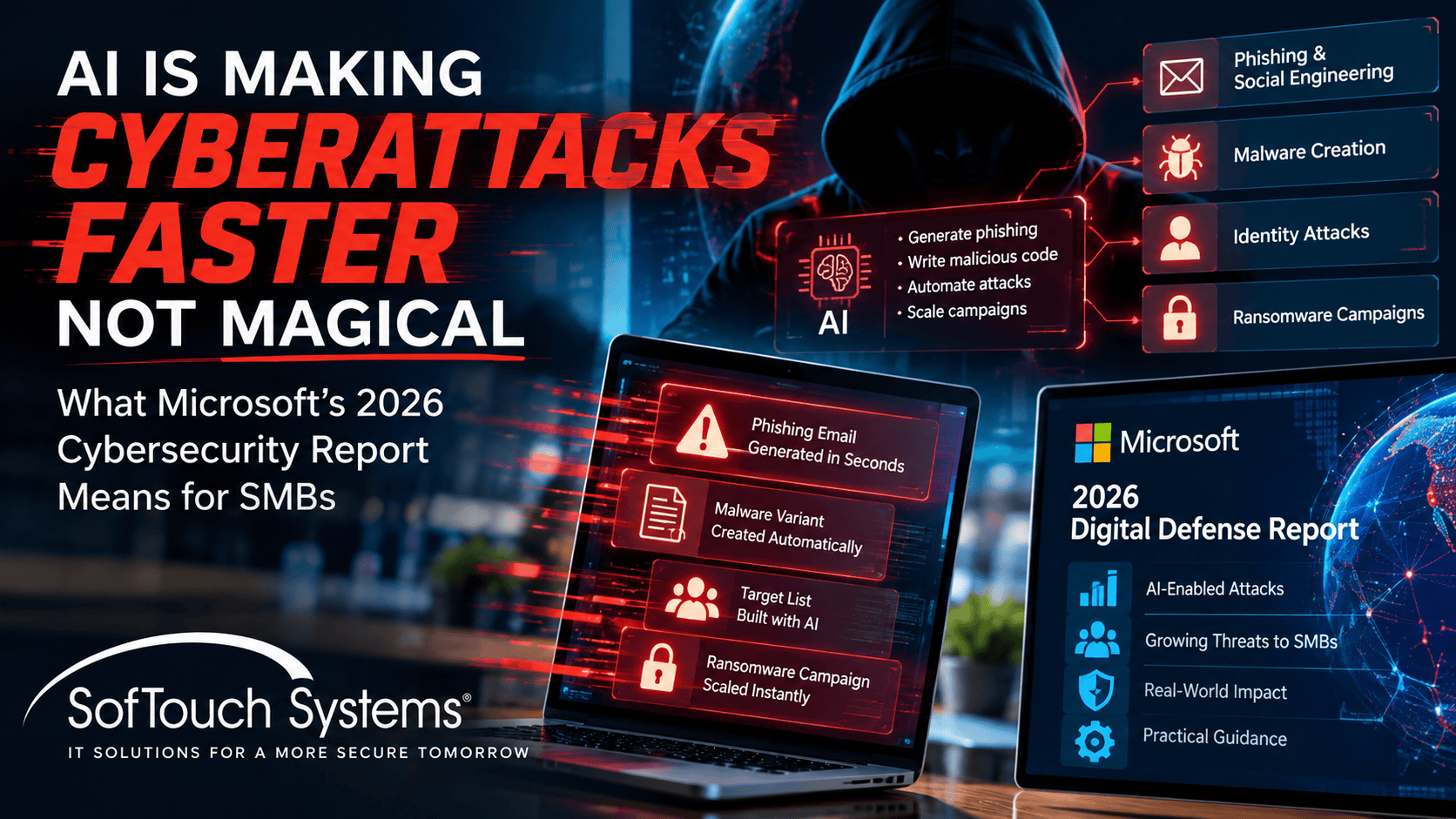
Microsoft Says Attack Timelines Are Compressing
The 2026 report describes a security environment where speed matters more than ever.
Microsoft says nearly 40,000 CVEs were published in the first half of 2026, putting the year on track for a sharp increase in reported vulnerabilities.
More importantly, Microsoft says the median time between vulnerability discovery in the wild and weaponization has fallen to well below 24 hours.
Meanwhile, critical external vulnerabilities can still take organizations 30 to 60 days to remediate.
That gap is the problem.
If attackers can start using a weakness in less than a day but businesses need weeks to patch it, the advantage belongs to the attacker.
AI Is Helping Attackers Across the Attack Chain
Microsoft Threat Intelligence says AI is being used in:
- Vulnerability discovery
- Reconnaissance
- Phishing
- Malware development
- Exploit development
- Data analysis
- Post-compromise activity
Microsoft also reports that frontier systems are beginning to perform longer, multi-stage attack sequences in controlled evaluations.
That does not mean fully autonomous cyberattacks are now the normal way every criminal operates.
Microsoft specifically says most complex real-world intrusions still involve meaningful human direction.
The change is that work that once required more human time and expertise can increasingly be accelerated or delegated to AI.
The Biggest Weaknesses Are Still Familiar
Microsoft Defender Experts data cited in the report found that user execution accounted for 30% of observed initial access and valid accounts another 20%.
Those are not science-fiction attack methods.
They are familiar small-business problems:
- An employee runs something malicious
- A password is stolen
- A session is compromised
- An account has too much access
- A known vulnerability remains unpatched
AI makes those weaknesses more valuable because it can help attackers search, customize, repeat, and scale.
ClickFix Shows How Old Tricks Can Scale
Microsoft highlighted ClickFix-style attacks as one example.
ClickFix scams often convince users to copy and run commands themselves, frequently after showing a fake CAPTCHA, fake browser error, or fake security check.
Microsoft says Defender observed attacker-supplied ClickFix commands executed on more than 1.1 million unique devices between February and early May 2026.
That was roughly an eightfold increase.
The lesson is not that AI invented social engineering.
The lesson is that automation can make a proven technique easier to customize and distribute at scale.
“AI-Powered” Does Not Mean Unstoppable
Cybersecurity marketing can make AI attacks sound impossible to defend against.
Microsoft’s own report points in a different direction.
The fundamentals still shape the outcome.
A well-managed account is still harder to abuse.
A patched system is still harder to exploit.
A restricted administrator account still limits the blast radius.
A tested backup still improves recovery.
A trained employee can still stop a suspicious request.
AI increases urgency. It does not make these controls obsolete.
Password-First Security Becomes More Important
Valid accounts remain a major entry path.
That makes password management one of the most practical defenses a small business can improve quickly.
Employees should use unique passwords stored in a business password manager such as 1Password.
MFA or passkeys should protect important accounts wherever practical.
Administrator accounts should be separate from everyday work.
Former employee accounts should be disabled promptly.
An AI-enhanced attacker still benefits from a reused password.
Do not give them one.
Patch Management Has to Move Faster
Microsoft’s vulnerability data should concern any business that treats patching as something employees do when they have time.
Updates should be managed.
A patching process should answer:
- Which devices are missing updates?
- Which vulnerabilities are actively exploited?
- Did the update install successfully?
- Did the device restart?
- Is the hardware still supported?
- Who follows up when an update fails?
Clicking “Remind me later” is not a patch-management strategy.
Continuous Monitoring Closes the Time Gap
AI can help attackers work outside business hours.
Security monitoring should not depend entirely on someone sitting at a desk at the moment an alert appears.
Microsoft calls this the intelligence-to-action gap.
Businesses may already have security information, but the information only matters if it changes a decision quickly enough to reduce damage.
That is why 24/7 monitoring, alert escalation, and managed endpoint protection matter.
A tool that detects something at 2 a.m. but nobody reviews until the next afternoon may not provide the protection the owner assumes it does.
AI Agents Create a New Permission Problem
Microsoft also warns that AI agents with excessive permissions can create new paths to data, applications, and infrastructure.
This matters as small businesses begin connecting AI to email, cloud files, CRM systems, accounting, and workflow platforms.
AI should not receive broad permanent access simply because the integration is convenient.
Use least privilege.
Require human approval for high-impact actions.
Log activity.
Make sure the business can revoke access quickly.
Recovery Still Matters
Microsoft emphasizes resilience as well as prevention.
No company can guarantee that every attack will be stopped.
Small businesses should know how they will continue operating and recover when prevention fails.
That includes:
- Verified backups
- Multiple recovery points
- Protected backup credentials
- Documented recovery procedures
- Backup connectivity plans
- Incident-response contacts
What Should a Small Business Prioritize?
- Protect identities. Use unique passwords, 1Password, MFA, and passkeys.
- Patch faster. Prioritize internet-facing and actively exploited vulnerabilities.
- Monitor endpoints. Make sure security alerts are reviewed and escalated.
- Limit permissions. Reduce administrator access and review AI-agent permissions.
- Train employees. Focus on verification and safe processes, not just phishing trivia.
- Verify backups. Test restores instead of trusting dashboard checkmarks.
- Know who responds. A small business needs a clear escalation path when something looks wrong.
Frequently Asked Questions
Microsoft says advanced autonomous capabilities are emerging, but most complex real-world intrusions still involve meaningful human direction. AI is currently accelerating and automating parts of familiar attack workflows.
Microsoft’s 2026 Digital Defense Report says the median time from vulnerability discovery in the wild to weaponization has fallen to well below 24 hours.
Microsoft Defender Experts data cited in the report found user execution and valid accounts among the leading initial-access paths. That reinforces the importance of employee awareness and identity security.
No. Endpoint protection remains important, but it should be part of a broader security approach that includes identity, patching, monitoring, backups, and access control.
Start with high-impact fundamentals: unique passwords, MFA, managed updates, monitored endpoint protection, restricted administrator access, and tested backups.
AI Is Changing the Speed, Not the Security Fundamentals
Microsoft’s report should create urgency, not panic.
AI gives attackers more speed and scale, but they still depend heavily on weaknesses businesses already understand how to reduce.
SofTouch Systems helps Texas businesses manage those fundamentals with No-Surprise IT: monitored endpoints, patching, password security, backups, remote support, and practical cybersecurity guidance.
If you are unsure where your biggest security gap is, start with a free 15-minute IT security check.
AI can accelerate an attack. Good IT management can remove the easy path.

Sources:
- Microsoft 2026 Digital Defense Report
- Microsoft Security: Insights from the 2026 Digital Defense Report
Discover more from SofTouch Systems
Subscribe to get the latest posts sent to your email.