
Microsoft 365 backup is easy to misunderstand.
Your files may live in OneDrive and SharePoint. Your email may live in Exchange Online. Microsoft operates highly resilient cloud infrastructure and includes built-in recovery features.
So does that mean your business is automatically backed up in the way you expect?
Not necessarily.
Microsoft 365 provides versioning, recycle bins, retention capabilities, service resiliency, and recovery options. Microsoft also now offers a dedicated product called Microsoft 365 Backup.
Those are related concepts, but they are not the same thing.
For a small business, the right question is not “Does Microsoft protect data?”
The better question is:
Could we restore the right information, to the right point in time, fast enough to keep the business running?
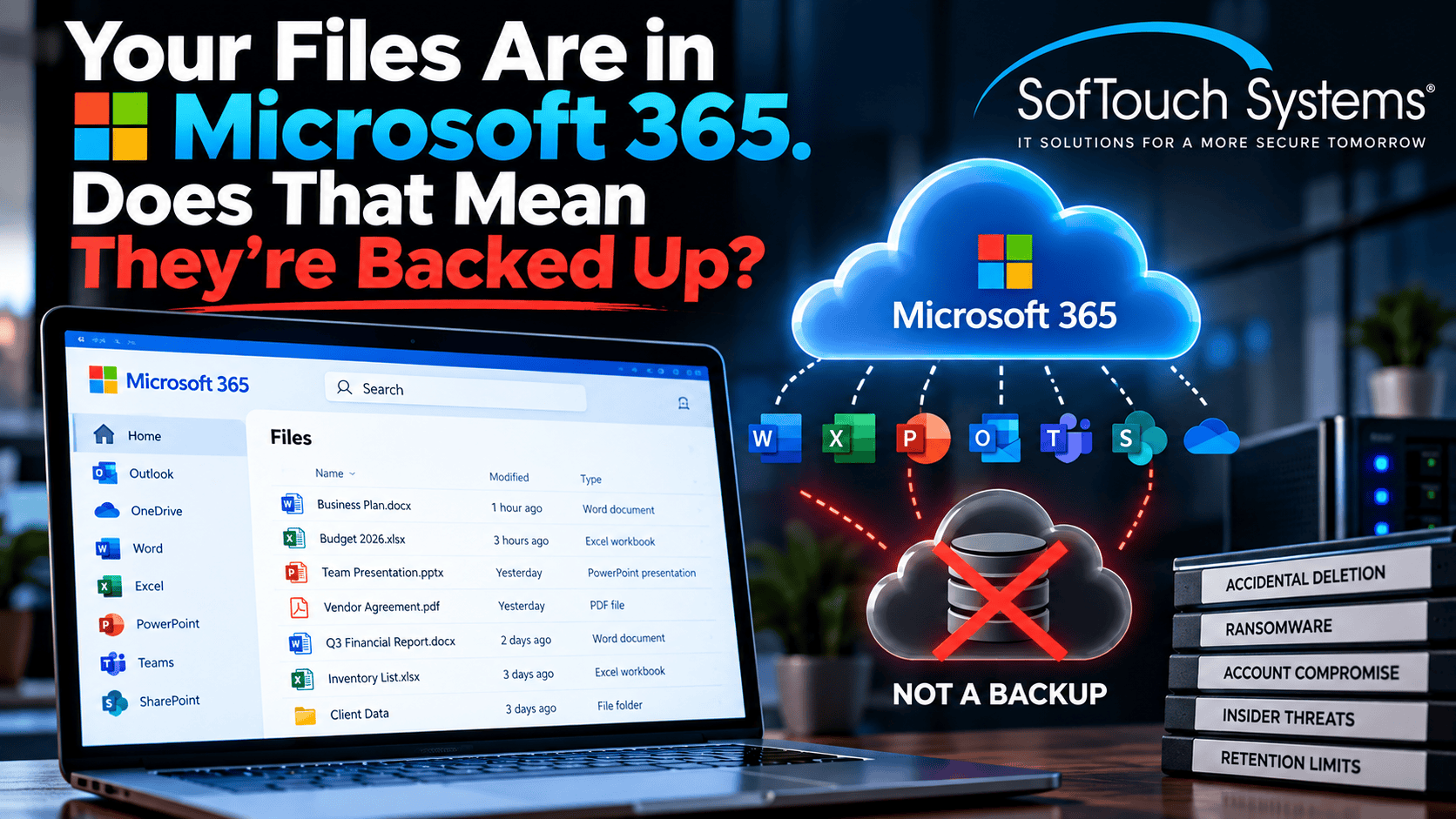
MS 365 Is Resilient by Design
Microsoft replicates customer data across its cloud services and designs OneDrive, SharePoint, and Exchange Online for service availability and resiliency.
That protects against many infrastructure failures.
If a physical server in a Microsoft data center fails, your business is not expected to restore Exchange from a USB drive.
That is one of the major benefits of cloud services.
However, service resiliency is different from recovering from a user mistake, malicious deletion, ransomware, or a compromised administrator.
Microsoft 365 Already Has Recovery Features
Microsoft 365 includes useful recovery capabilities.
Depending on the service and configuration, those can include:
- File version history
- Recycle bins
- Deleted-item recovery
- Retention policies
- OneDrive and SharePoint restore options
- Exchange item recovery
These features can solve many everyday problems.
If an employee deletes a file yesterday, version history or the recycle bin may be all you need.
The challenge appears when the incident is larger.
Retention Is Not the Same as Backup
A retention policy is designed primarily to preserve information according to business, legal, or compliance requirements.
A backup system is designed around recovery.
Those goals overlap, but they are not identical.
Microsoft’s own Microsoft 365 Backup FAQ explains that legal holds are optimized for retention and export, not mass restoration after a large ransomware or deletion event.
If thousands of files or mailbox items are affected, the ability to retain them somewhere is not the same as having a fast, organized restoration process.
Microsoft Now Offers a Dedicated MS 365 Backup Service
MS 365 Backup is a dedicated backup-and-restore product for Exchange Online, OneDrive, and SharePoint.
Microsoft designed it specifically for business-continuity scenarios such as:
- Ransomware
- Accidental deletion
- Malicious deletion
- Large-scale content overwrite
Microsoft says the service supports rapid restore and point-in-time recovery at scale.
That distinction is important.
If every Microsoft 365 tenant already had the same dedicated backup capability automatically, Microsoft would not need a separate Microsoft 365 Backup product.
Backup Recovery Windows Now Vary
Microsoft expanded Microsoft 365 Backup in September 2026 to support configurable recovery windows.
Policies can use recovery windows of:
- 3 months
- 6 months
- 1 year
- 2 years
Microsoft also warns administrators that shortening a recovery window is destructive after the grace period because older recovery points are eventually deleted.
This is a good reminder that backup configuration matters.
Buying a backup service is not enough.
Someone must decide what gets protected and how long recovery points should exist.
Version History Can Run Out
Version history is useful, but it is not unlimited.
Microsoft notes that versions can be exhausted depending on the limits configured by the administrator.
That matters during high-volume ransomware or automated changes.
If thousands of modifications occur, businesses need to understand how the recovery system behaves at scale.
Do not assume that “the cloud keeps everything forever.”
Deleted Users Create Another Recovery Question
Employee departures often trigger account deletion.
What happens to that person’s OneDrive and mailbox data afterward depends on policies, retention, licensing, and backup configuration.
A business should have a documented offboarding process that answers:
- Who owns the employee’s files?
- Who receives access to the mailbox?
- How long should the data be retained?
- Which information must remain recoverable?
- When can the account safely be removed?
Deleting an employee should never be the same as accidentally deleting business history.
Ransomware Changes the Scale of Recovery
A normal restore might involve one spreadsheet.
A ransomware event might involve thousands of files, multiple SharePoint sites, many OneDrive accounts, and compromised email.
Microsoft explicitly positions Microsoft 365 Backup for large-scale ransomware recovery because ordinary item-by-item recovery does not scale well.
That is the key difference between “we can probably recover this file” and “we have a business recovery plan.”
Backups Need Protection From Administrators Too
Microsoft 365 Backup uses append-only storage that helps prevent existing restore-point data from being overwritten by malware or normal client applications.
Microsoft also includes protections around backup deletion, such as recovery grace periods and administrator notifications.
Still, backup administration deserves strong identity controls.
Use unique administrator accounts.
Use MFA.
Limit who can change backup policies or reduce retention.
Review significant configuration changes.
Password-first security applies to recovery systems too.
Should a Small Business Use Microsoft 365 Backup or a Partner Solution?
There is no universal answer.
Microsoft 365 Backup may be a strong fit for businesses that want native Microsoft recovery capabilities.
Partner backup products may add different management features, reporting, retention choices, or operational workflows.
The correct decision depends on:
- How much data the business has
- Which Microsoft 365 services are critical
- Required retention
- Recovery-speed expectations
- Compliance requirements
- Budget
- Who will monitor and test the backup
The mistake is not choosing the “wrong brand.”
The mistake is never deciding what recovery the business actually needs.
Five Questions to Ask About Microsoft 365 Recovery
- What exactly is protected? Exchange, OneDrive, SharePoint, Teams-related files, and other business data may have different recovery paths.
- How far back can we recover? Know your recovery window.
- How fast can we restore at scale? One file is different from thousands.
- Who can change or delete recovery points? Protect administrative access.
- When did we last test a restore? A backup plan should produce evidence, not assumptions.
Frequently Asked Questions
Microsoft provides service resiliency and multiple built-in recovery features, but dedicated Microsoft 365 Backup is a separate backup product that administrators configure and purchase.
Version history is an important recovery feature, but it does not replace every backup use case. Large ransomware events, long retention needs, and mass restoration can require dedicated backup capabilities.
Yes. Microsoft 365 Backup supports Exchange Online mailboxes along with OneDrive accounts and SharePoint sites, subject to supported recipient types and service configuration.
Yes. Microsoft documents recovery for modified and deleted content within the configured recovery window.
As of September 2026, Microsoft supports configurable recovery windows of 3 months, 6 months, 1 year, or 2 years.
Cloud Storage Is Not a Recovery Strategy by Itself
Microsoft 365 is a strong business platform.
That does not remove the business owner’s responsibility to decide how data should be protected and recovered.
SofTouch Systems helps Texas businesses review backup coverage, recovery expectations, account security, and business-continuity gaps in plain English.
If you are unsure what would happen if Microsoft 365 files or email were deleted tomorrow, start with a free backup check.
Your files being in the cloud is good. Knowing how you will restore them is better.
Sources:
- Microsoft Learn: Overview of Microsoft 365 Backup
- Microsoft Learn: Microsoft 365 Backup FAQ
- Microsoft Learn: What’s new in Microsoft 365 Backup
Discover more from SofTouch Systems
Subscribe to get the latest posts sent to your email.