
Backup success rate is one of the most important numbers your business probably never checks.
Most small business owners ask, “Do we have backups?” That is the wrong question. A better question is, “How often do our backups complete successfully, and when did we last prove we can restore from them?”
That difference matters. A backup system can exist and still fail. It can run sometimes, miss critical files, skip devices, lose cloud data, or fail quietly because no one reads the reports. In a ransomware attack, hardware failure, accidental deletion, or storm-related outage, that hidden failure becomes painfully visible.
For Texas small and micro businesses, backup success rate should be treated like cash flow, insurance, or payroll. It tells you whether your business can recover when something goes wrong.
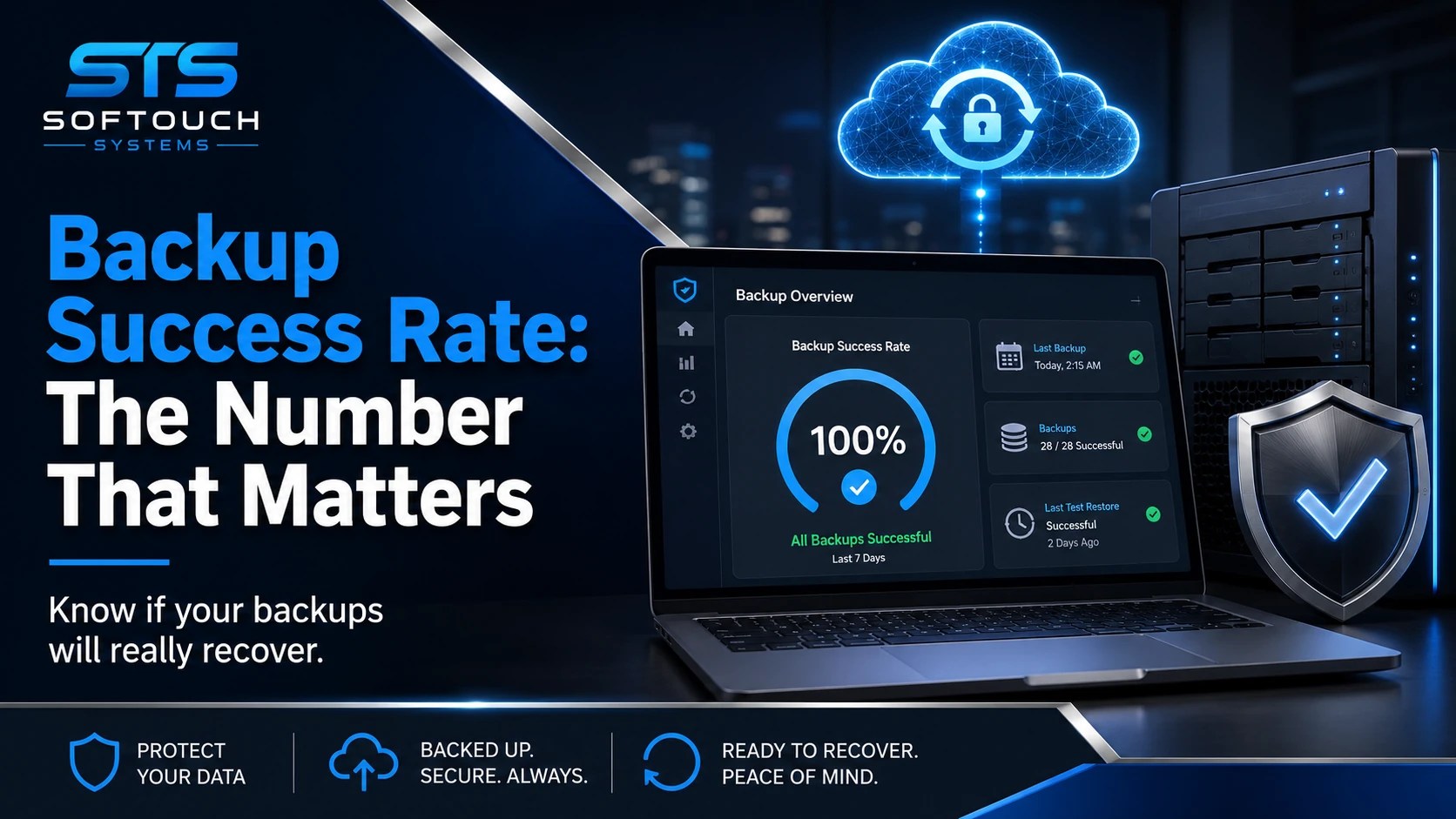
What Is Backup Success Rate?
Backup success rate is the percentage of scheduled backups that complete correctly within a specific time period.
For example, if your system runs 100 scheduled backups in a month and 97 complete successfully, your backup success rate is 97%.
That sounds simple. However, the quality of the number depends on what you count.
A useful backup success rate should measure:
Successful completed backups
Failed backups
Skipped backups
Partial backups
Devices that have not checked in
Cloud accounts that are not protected
Backup jobs that finish outside the expected window
Restore tests that confirm the backup actually works
A weak report may say “backup completed.” A better report shows whether the right data was captured, whether errors appeared, whether the backup was encrypted, whether retention worked, and whether a restore test passed.
Why Backup Success Rate Matters More Than Backup Ownership
Many businesses own backup software. Fewer businesses manage backup recovery.
That is the trap.
A business owner may pay for backup software and assume the company is protected. Meanwhile, one workstation has not backed up in weeks. A key QuickBooks file may sit outside the protected folder. A former employee may still control a cloud account. A local backup drive may stay plugged in and vulnerable to ransomware. No one notices until the business needs a restore.
CISA warns small businesses that organizations hit by ransomware often had no backups or had incomplete or damaged backups. CISA also says it is not enough to create backups; businesses must perform and test them.
That guidance is practical, not theoretical. Backups do not protect your business because they exist. They protect your business when they restore cleanly, quickly, and completely.
The Dangerous Comfort of “We Have Backups”
“We have backups” is one of the most dangerous sentences in small business IT.
It sounds responsible. It also hides too much.
A business owner may not know:
Which devices are protected
Which folders are included
Whether cloud email is backed up
Whether backups are encrypted
Whether backups are stored off-site
Whether deleted files can be recovered
Whether ransomware can reach the backup
Whether anyone checks backup alerts
How long recovery would take
The phrase “we have backups” should not end the conversation. It should start the audit.
NIST’s Cybersecurity Framework 2.0 Small Business Quick Start Guide focuses on helping SMBs build basic cybersecurity risk management around practical functions, including recovery. The guide is designed for small and medium-sized businesses with modest or no cybersecurity plans.
That is exactly the group most likely to assume a backup tool equals a recovery plan.
A Good Backup Success Rate Is Not Always Enough
A 98% backup success rate may look strong. Still, it can be misleading.
What if the 2% failure includes the owner’s laptop, the billing computer, or the server that runs your scheduling software? What if the backups succeed every night but no one has tested a restore in six months? What if only local files are protected while Microsoft 365, Google Workspace, or shared cloud storage gets ignored?
A high backup success rate should lead to the next question: “Successful for what?”
Your business should know the backup status of:
Financial files
Customer records
Email
Shared drives
Line-of-business applications
Website files
Cloud documents
Device configurations
Critical workstations
Servers, if used
For a micro business, this may be simple. For example, one owner, two employees, four laptops, Microsoft 365, QuickBooks, and a few shared folders. That business does not need enterprise complexity. However, it does need clarity.
Ransomware Changed the Backup Conversation
Ransomware made backups more important and more complicated.
Older backup plans focused on hardware failure or accidental deletion. Modern backup plans also need to consider whether attackers can delete, encrypt, or corrupt backup copies.
Veeam’s 2025 ransomware reporting shows that ransomware remains a major business risk. Its 2025 trend report noted that 94% of organizations that experienced ransomware planned to increase recovery budgets, while 95% planned to increase prevention spending.
That tells us something important. Businesses are learning that prevention and recovery must work together. Antivirus, MFA, password management, monitoring, and employee training help reduce the chance of an incident. Backups help the business recover when prevention does not stop everything.
The mistake is treating backups as the last checkbox instead of a core business survival metric.
What Backup Success Rate Should Texas SMBs Track?
Small businesses do not need a 40-page backup dashboard. They need a few numbers that tell the truth.
Track these metrics monthly:
1. Backup success rate
How many scheduled backups completed successfully?
2. Backup failure rate
How many failed, skipped, or completed with warnings?
3. Protected device count
How many devices should be backed up, and how many actually are?
4. Last successful backup date
When did each critical system last complete a backup?
5. Last restore test date
When did you prove the backup works?
6. Recovery time estimate
How long would it take to restore the most important data?
7. Recovery point estimate
How much data could you lose between the last good backup and the incident?
8. Cloud coverage
Are Microsoft 365, Google Workspace, or other cloud tools protected?
These numbers help owners make better decisions. They also expose weak spots before a failure turns into a crisis.
What Is a Good Backup Success Rate?
For critical business systems, the goal should be as close to 100% as possible.
That does not mean every business will hit perfection every day. Internet outages, device shutdowns, software issues, storage problems, and user behavior can interrupt backups. However, every failure should trigger review.
A failed backup is not automatically a disaster. An ignored failed backup is.
A practical standard for small businesses is:
Daily review for critical backup failures
Weekly review for all protected devices
Monthly restore testing for at least one important file or system
Quarterly review of backup scope and retention
Annual review of disaster recovery procedures
That rhythm keeps backup health visible without overwhelming the owner.
The 15-Minute Restore Test
A restore test does not need to be complicated.
Once a month, pick one file, folder, or system and restore it to a safe location. Confirm it opens. Confirm the version is useful. Document the result.
That small test answers the question that matters most: “Can we get our data back?”
A basic restore test should include:
Date tested
System tested
File or folder restored
Time required
Result
Errors found
Next action
A business that tests restores has better information than a business that only trusts a green checkmark.
Why Backup Reports Should Be Plain English
Most owners do not want to read technical backup logs. They need a plain-English report that says:
What worked
What failed
What is not protected
What needs attention
What changed since last month
What action STS recommends
That is the kind of report that turns backup management into business management.
For example:
“Backups completed successfully on 28 of 30 days. Two failures occurred on the office manager’s laptop because the device was powered off. A test restore of the billing folder completed in six minutes. No action needed except leaving the laptop powered on each Friday.”
That report is useful. It tells the owner what happened and what to do.
Where Small Businesses Usually Get Backups Wrong
Most backup failures come from ordinary mistakes, not exotic disasters.
Common problems include:
Backing up only one computer
Forgetting cloud email and shared drives
Never testing restores
Keeping local backup drives connected
Ignoring failed backup alerts
Not backing up new employees’ devices
Saving important files outside protected folders
Assuming sync tools are backups
Not documenting recovery steps
Waiting until year-end to review everything
Sync is especially misunderstood. Tools like OneDrive, Google Drive, and Dropbox can help with access and collaboration. However, syncing is not the same as a managed backup strategy. If a file gets deleted, encrypted, or overwritten, that mistake may sync across devices.
A real backup plan gives your business recovery options.
How SofTouch Helps Improve Backup Success Rate
SofTouch Systems helps small Texas businesses move from backup assumptions to backup proof.
STS can help with:
Backup setup
Cloud and off-site backup planning
Backup monitoring
Restore testing
Backup reports
Device coverage reviews
Critical file identification
Ransomware-aware recovery planning
Small business disaster recovery support
More importantly, STS helps explain the results in plain English. You should not need to be an IT engineer to know whether your business can recover its data.
That fits the No-Surprise IT approach: clear answers, practical protection, and fewer emergencies.
Backups protect your files after something goes wrong. SurfsharkVPN helps reduce exposure before trouble starts. For small and micro business owners, remote work often means coffee shop Wi-Fi, hotel networks, home routers, and shared spaces. A VPN adds an encrypted layer between your device and the internet, making casual snooping harder. It will not replace backups, antivirus, password management, or monitored IT, but it fits well inside a practical security stack. Use SurfsharkVPN when your team works outside the office and wants safer browsing without complicated setup.

Affiliate disclosure: STS may earn a commission, probably enough for half a taco.
FAQ: Backup Success Rate
Backup success rate is the percentage of scheduled backups that complete correctly during a specific period. It helps show whether your backup system is actually doing its job.
It is the right goal for critical systems, but occasional failures can happen. The real issue is whether failures are noticed, fixed, and tested.
At minimum, test one restore every month. Critical businesses, such as clinics, law offices, and financial firms, may need more frequent testing.
Not always. Cloud storage and cloud email may include some recovery features, but they are not the same as a managed backup plan. Businesses should confirm what is protected.
The biggest mistake is assuming backups work without checking reports or testing restores. A backup that cannot restore is not protection.
Final Takeaway
Backup success rate is not just an IT number. It is a business survival number.
A strong backup plan helps protect payroll, billing, customer records, operations, and reputation. A weak backup plan creates false confidence until something breaks.
Texas small businesses do not need complicated backup language. They need clear answers:
Is our data protected?
Did the backup work?
Can we restore it?
How long will recovery take?
What still needs attention?
SofTouch Systems can help answer those questions before a failure forces the issue.
Schedule a free 15-minute backup check with SofTouch Systems. Find out your backup success rate, confirm what is protected, and stop guessing about recovery.
Discover more from SofTouch Systems
Subscribe to get the latest posts sent to your email.