
MFA for small business cybersecurity may be one of the cheapest security upgrades your company can make. It is not flashy. Nor does it require a new server. It doesn’t even need a long technical rollout for most accounts. However, it can stop a stolen password from turning into a full business breach.
That matters because most small business attacks do not start with a movie-style hacker breaking through a firewall. Even that isn’t as exciting as the Hollywood version. They usually start with something boring: a stolen password, a fake login page, a reused credential, or an employee clicking a convincing email. Please make better changes to your passwords when updating them. Changing your password from Hu88eg0at19 to Hu88g0at20 is the same as not changing it in the first place.
The attacker does not need to “hack the company” if they can simply log in as someone who works there. The path of least resistance.
That is where multi-factor authentication, or MFA, earns its keep.
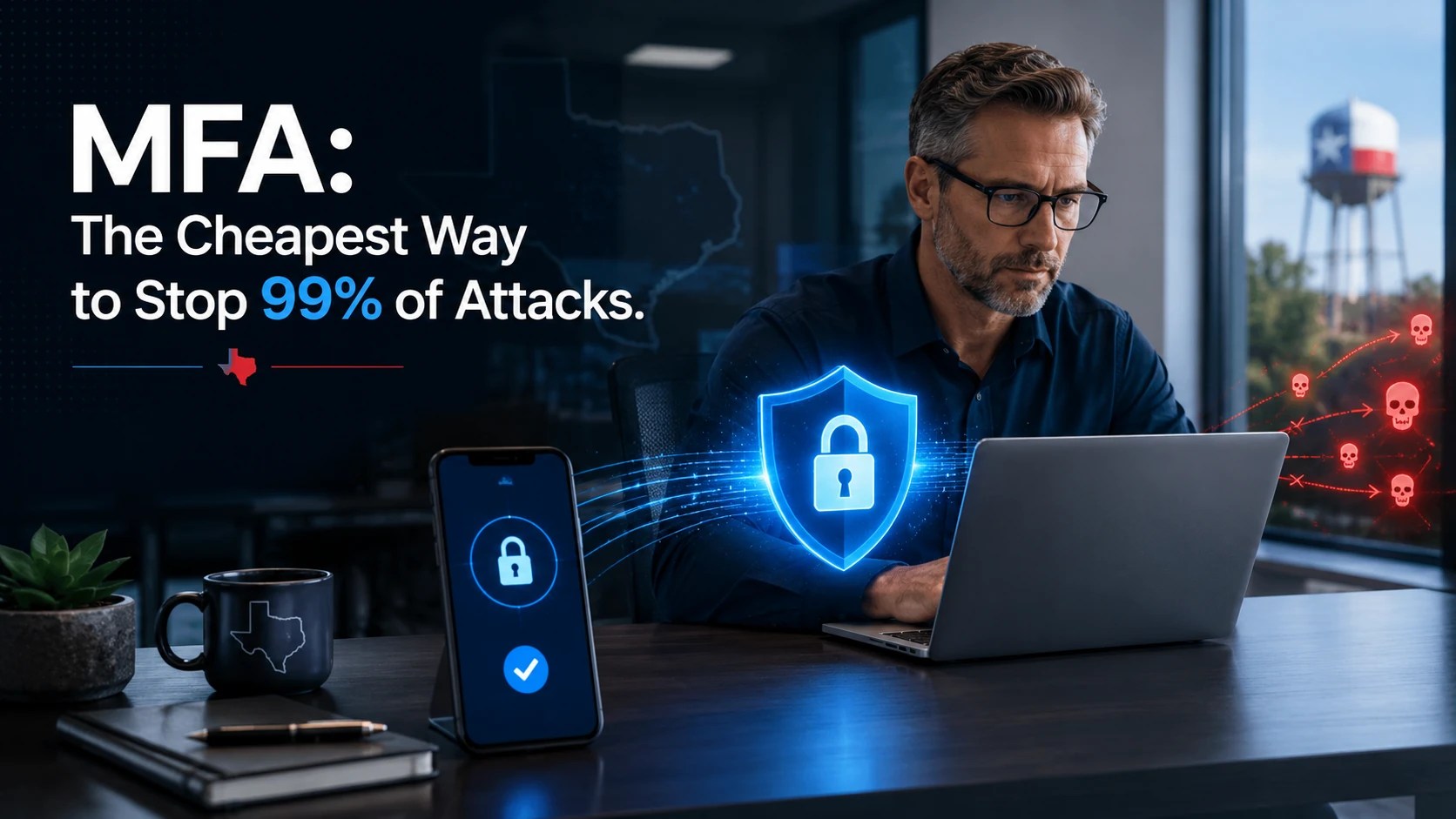
What Is MFA?
MFA means your account requires more than one proof before it lets you in.
A password is one proof. MFA adds another proof, such as:
- A code from an authentication app
- A phone prompt
- A hardware security key
- A passkey
- A biometric check, such as fingerprint or face verification
The idea is simple. If a criminal steals your password, they still need the second factor. Without it, the login fails.
For a small Texas business, that second step can be the difference between a bad phishing attempt and a serious business interruption.
Why Passwords Alone Are Not Enough
Passwords are still necessary, but they are not enough by themselves.
Employees reuse passwords because they are busy. Some save passwords in browsers without understanding the risk. Others use simple passwords because complicated ones are hard to remember. In addition, old accounts often stay active long after employees leave.
That creates openings.
A stolen password can give an attacker access to email, cloud files, accounting platforms, customer records, or vendor portals. Once inside, they may send fake invoices, reset other passwords, read private messages, or launch phishing emails from a trusted company account.
That is why password-first security must include MFA. Strong passwords matter. A password manager matters. However, MFA adds a second lock to the door.
Does MFA Really Stop 99% of Attacks?
Here is the careful version: MFA can block more than 99% of many account compromise attempts, especially attacks based on stolen or guessed passwords.
That does not mean MFA stops every cyberattack. It does not replace antivirus, backups, monitoring, employee training, or patch management. Also, weaker forms of MFA can be tricked by advanced phishing attacks.
Still, for the price and effort, MFA is one of the highest-value security controls available to small businesses.
A knowledgeable skeptic would say, “If MFA is so good, why do breaches still happen?”
Fair question.
Breaches still happen because MFA is often missing from some accounts. Admin accounts may be protected, but employee email may not be. Microsoft 365 may have MFA, but remote desktop, payroll, VPN, or vendor portals may not. In other cases, employees approve random login prompts because they are tired, distracted, or poorly trained.
MFA works best when it is enforced everywhere important and paired with basic training.
Which Accounts Need MFA First?
Start with the accounts that can cause the most damage.
For most small businesses, that includes:
- Email accounts
- Microsoft 365 or Google Workspace
- Banking and payroll
- Accounting software
- Cloud storage
- Remote access tools
- VPN accounts
- Admin accounts
- Password manager accounts
- Website and domain registrar accounts
- Social media business accounts
Do not make the common mistake of protecting only the owner’s account. Attackers often target regular employees because those accounts may have weaker security and less attention.
A receptionist’s email account can still be used to send fake invoices. A manager’s account can still expose HR files. A shared admin login can still become a disaster.
The Cheapest MFA Is the One You Actually Use
Not all MFA is equal.
SMS text codes are better than no MFA, but they are not the strongest option. Text messages can be vulnerable to SIM-swapping and phone-number takeover. Push notifications are convenient, but employees can be tricked into approving prompts they did not request.
Authentication apps are stronger. Number matching is better. Hardware security keys and passkeys are stronger still, especially for high-risk accounts.
However, small businesses need practical security, not theoretical perfection. The right answer is usually a phased rollout.
Start with MFA on email, admin accounts, and financial systems. Then expand to cloud storage, remote access, social media, and vendor portals. After that, review whether higher-risk users need stronger methods like passkeys or hardware keys.
Progress beats delay.
The Hidden Problem: MFA Without Policy
Turning on MFA is good. Managing it is better.
Small businesses often enable MFA account by account without a written policy. That creates gaps. One employee uses SMS. Another uses an app. A third person bypasses setup. A shared account remains unprotected because nobody wants to deal with it.
That is not a security system. That is wishful thinking.
A proper MFA policy should answer:
- Which accounts require MFA?
- Which MFA methods are allowed?
- Who approves recovery access?
- What happens when an employee loses a phone?
- How are shared accounts handled?
- Are admin accounts separated from daily-use accounts?
- How often are access permissions reviewed?
This is where many small businesses need outside help. The tool is simple. The rollout can still get messy.

MFA helps protect your login, but it does not protect everything your team sends across a public or shared network. That is where SurfsharkVPN fits the conversation. When employees work from hotels, airports, cafés, or home Wi-Fi, Surfshark helps encrypt their connection and mask their IP address, adding another practical privacy layer alongside MFA and strong passwords. Surfshark supports unlimited devices under one account and offers encrypted connections for phones, laptops, tablets, and more.
For small business owners, the point is simple: MFA protects the door. A VPN helps protect the road your data travels on.
SofTouch Systems may earn a micro commission if you purchase through our Surfshark link. It helps support our content, but it does not change our security advice.
MFA Works Best With a Password Manager
MFA and password managers belong together.
A password manager helps employees create and store strong, unique passwords. MFA protects those accounts if a password gets stolen. Together, they reduce the two biggest identity problems: weak passwords and exposed logins.
For STS clients, this is why 1Password is such a practical fit. It helps employees stop relying on memory, sticky notes, spreadsheets, and browser-saved passwords. It also helps business owners gain better control over credential sharing, employee onboarding, and offboarding.
That last point matters. When someone leaves the company, you need to know what accounts they had access to. You also need a clean way to remove access without breaking business operations.
MFA protects the login. A password manager helps organize the login. Both reduce risk.
Three Common MFA Mistakes Small Businesses Make
1. Protecting Only Email
Email is critical, but it is not the whole business. Payroll, accounting, remote access, domain management, and cloud files need protection too.
2. Leaving Admin Accounts Exposed
Admin accounts should never be casual daily-use accounts. They need stronger MFA, limited access, and careful monitoring.
3. Skipping Employee Training
MFA fatigue is real. If employees do not know why MFA prompts appear, they may approve a login request just to make the notification stop. Train them to deny unexpected prompts and report them immediately.
What Should a Small Business Do This Week?
Start with a simple MFA checkup.
Ask these questions:
- Is MFA turned on for every email account?
- Are admin accounts protected with stronger MFA?
- Do payroll and banking accounts require MFA?
- Are former employees fully removed from systems?
- Are shared passwords stored in a secure password manager?
- Does your team know not to approve unexpected login prompts?
- Do you have a recovery process if someone loses a phone?
If you cannot answer these questions clearly, your business has a preventable risk.

How SofTouch Systems Helps
SofTouch Systems helps small Texas businesses put MFA in place without turning it into a complicated IT project.
Our approach is practical:
- Review your current login risks
- Identify accounts missing MFA
- Set up MFA for key business systems
- Help your team use 1Password correctly
- Create safer password and access policies
- Train employees on suspicious login prompts
- Review access when employees join or leave
- Keep security simple, documented, and manageable
That is No-Surprise IT in plain English. You know what is protected, what still needs work, and what steps come next.
MFA Is Cheap. A Breach Is Not.
MFA is not magic. It will not stop every cyber threat. However, it closes one of the easiest doors criminals use: stolen passwords.
For a small business, that matters.
A few extra seconds at login can prevent hours of downtime, days of cleanup, lost customer trust, and expensive recovery work. The math is not complicated. MFA is cheaper than a breach.
If your business is still relying on passwords alone, it is time to fix that.
Next Steps:
Schedule a free 15-minute password security review with SofTouch Systems. We will help you identify which accounts need MFA first and where your login security may be leaving the door open.
FAQ: MFA: The Cheapest Way to Stop 99% of Attacks
MFA stands for multi-factor authentication. It requires more than one proof of identity before allowing access to an account.
MFA and strong passwords work best together. A strong password reduces the chance of guessing or cracking. MFA helps stop access if that password is stolen.
SMS MFA is better than no MFA, but authentication apps, passkeys, and hardware security keys are stronger options.
Yes. Every employee account that accesses business email, files, financial systems, customer data, or remote tools should use MFA.
MFA can stop many password-based phishing attacks. However, advanced phishing can bypass weaker MFA methods. That is why training and phishing-resistant MFA matter.
Yes. SofTouch Systems can review your accounts, set up MFA, help configure 1Password, and train your team on safer login habits.
Discover more from SofTouch Systems
Subscribe to get the latest posts sent to your email.