
For years, most businesses have treated artificial intelligence like a smarter search box.
You ask a question.
AI gives you an answer.
You ask it to write an email.
AI gives you a draft.
That model is changing.
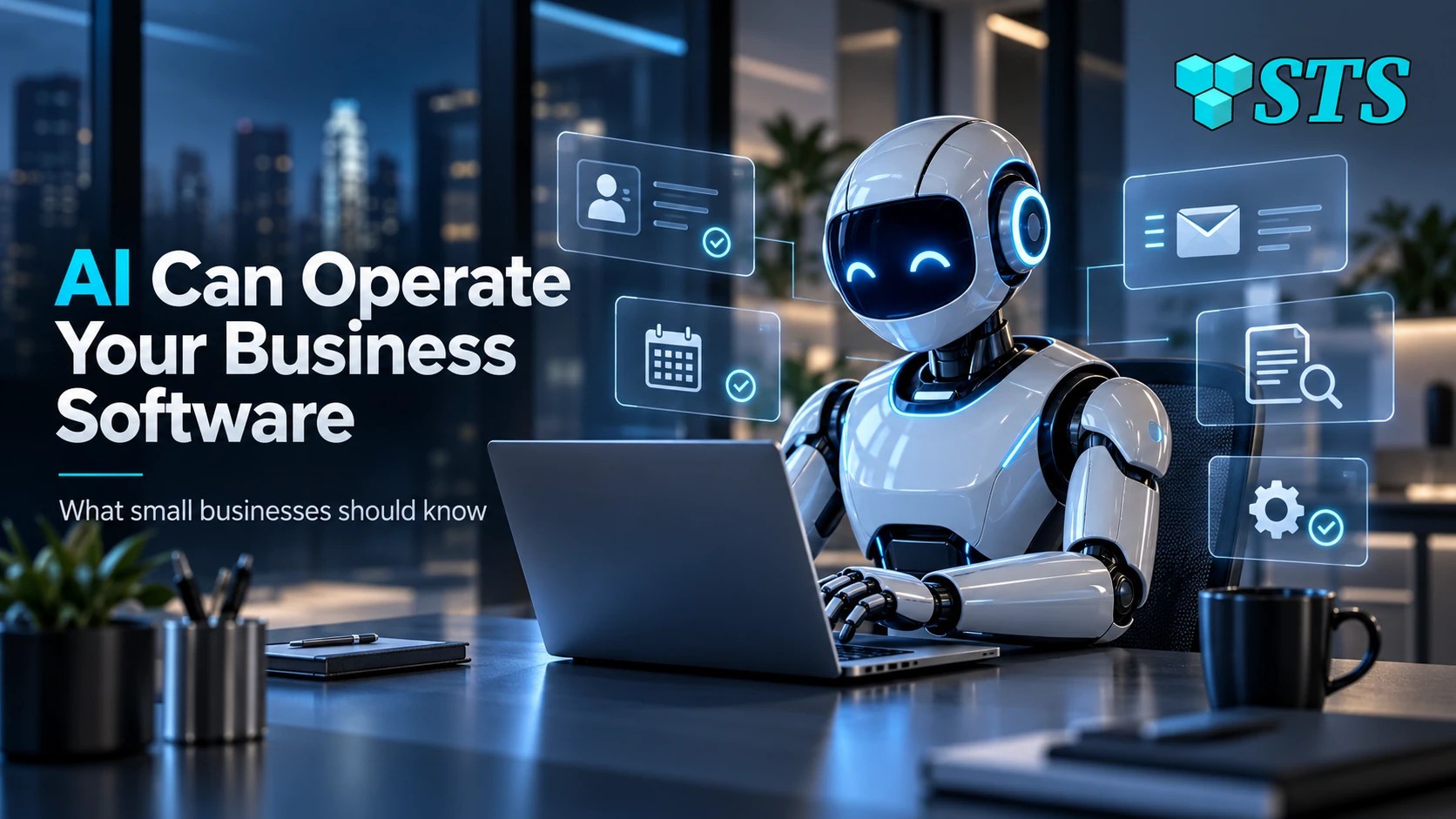
OpenAI’s new GPT-6 Astra can do much more than generate text. OpenAI says Astra can use computers and browsers, update customer records in a CRM, organize calendars, conduct research, draft content directly inside business applications, install and test software, and troubleshoot problems it sees on screen.
For small businesses, that represents an important shift:
AI is moving from assistant to digital worker.
That can create real productivity gains.
It also changes the security conversation.
If AI can operate the same software your employees use, businesses need to decide what it should be allowed to access, what actions require approval, and how much control should ever be handed to an automated system.
What Is GPT-6 Astra?
GPT-6 Astra is OpenAI’s newest high-capability model for complex reasoning, computer use, coding, research, and professional work.
OpenAI describes Astra as its most capable model for end-to-end tasks.
Its computer-use capabilities are especially relevant to businesses.
According to OpenAI, Astra can:
- Fill out online forms
- Update CRM records
- Organize calendars
- Conduct online research
- Draft material inside email and document applications
- Build and test websites
- Install software
- Test software
- Troubleshoot problems visible on a computer screen
This is different from asking a chatbot to explain how to update a CRM record.
The AI can increasingly perform the task itself.
What Does “Computer Use” Mean for a Small Business?
Computer-use AI can interact with software much more like an employee does.
Imagine a five-person Texas business.
Instead of asking AI:
“Write a follow-up email for this prospect.”
you could eventually ask:
“Review today’s new leads, update their CRM records, draft follow-up emails, and schedule reminders for next week.”
The AI may be able to carry out several parts of that workflow itself.
A business owner might also use AI to:
- Organize customer information
- Update sales records
- Research prospects
- Schedule appointments
- Prepare documents
- Process information from emails
- Create reports
- Test a website
- Troubleshoot software
- Organize files
- Install or configure approved applications
That is where AI becomes much more valuable.
It is also where permissions become much more important.
AI Assistants and AI Workers Are Not the Same Thing
First generation: AI answers
The employee asks a question.
AI returns information.
Second generation: AI assists
The employee gives AI documents, data, or instructions.
AI drafts, analyzes, summarizes, or recommends.
New generation: AI acts
The AI uses business software and completes steps directly.
That third stage changes the risk model.
If the AI can only draft an email, the employee still decides whether to send it.
If the AI can access the email system and send the message itself, the AI now has operational authority.
That distinction matters.
What Should You Allow AI to Control?
This is the question small businesses should begin answering now.
The answer should not automatically be:
Everything it can access.
A better approach is to give AI only the permissions required for the job.
For example, an AI system updating CRM notes may need permission to:
- View customer records
- Add notes
- Update specific fields
It may not need permission to:
- Delete customers
- Export the entire customer database
- Change billing information
- Create administrator accounts
- Modify security settings
This is the cybersecurity principle known as least privilege.
Employees should not have more access than they need.
AI systems should follow the same rule.
AI Permissions Should Work Like Employee Permissions
If you hired a new employee tomorrow, you probably would not give that person:
- The owner’s email password
- Administrator access to every computer
- Full accounting permissions
- Access to every customer file
- Permission to delete backups
You would give that employee access based on their role.
AI should be treated the same way.
Ask:
What does this AI actually need to do its job?
Then limit access accordingly.
If the AI needs to update the sales CRM, give it CRM access.
But if it does not need payroll data, do not give it payroll access.
If it only needs to read a folder, do not automatically give it permission to delete everything in that folder.
Simple permission decisions can prevent larger problems later.
Why Human Approval Still Matters
Some AI tasks are low risk.
Organizing a calendar is very different from sending money.
Therefore, businesses should define actions that always require human approval.
Examples might include:
- Sending payments
- Changing banking information
- Deleting customer records
- Resetting passwords
- Creating administrator accounts
- Installing unknown software
- Changing firewall settings
- Exporting sensitive information
- Sending messages to large customer lists
- Making contractual commitments
An AI system may prepare the action.
A person should approve it.
This gives businesses the benefit of automation without handing full authority to software.
Astra Also Raises a Bigger Cybersecurity Question
OpenAI’s own security assessment makes this release especially important.
OpenAI says GPT-6 Astra is the first model it has classified at the Critical cybersecurity capability threshold under its Preparedness Framework.
That classification does not mean Astra automatically attacks computers.
It describes what the model may be technically capable of doing when it has the right tools and access.
OpenAI says Astra can, under appropriate conditions, identify previously unknown vulnerabilities and develop ways to exploit weaknesses in well-protected systems without requiring a person to guide every individual step.
That is a major capability milestone.
OpenAI says it strengthened safeguards, restricted tool and network access during development, increased monitoring, improved model-weight protections, and paused some workloads until they met the required security standards.
For small businesses, the lesson is not that Astra is something to fear.
The lesson is that AI capability is advancing fast enough that access control now matters more than ever.
The Same AI Can Help Defenders
There is another side to this story.
Advanced AI can also help cybersecurity professionals.
OpenAI has said it wants high-capability models to help defenders identify vulnerabilities before attackers exploit them.
That could eventually make security testing faster.
AI may help:
- Review configurations
- Detect suspicious activity
- Find outdated software
- Analyze security logs
- Identify vulnerable code
- Investigate incidents
- Test software
- Prioritize security findings
That creates an important point for business owners:
More powerful AI is not automatically more dangerous.
The result depends heavily on how it is configured, what it can access, and who controls it.
Identity Becomes More Important When AI Can Act
AI computer use makes account security even more important.
Consider an AI system connected to:
- Microsoft 365
- CRM software
- Cloud storage
- Scheduling
- Customer records
- Accounting tools
The AI may be operating through a user account, service account, API connection, or another type of business identity.
That identity becomes valuable.
If attackers compromise it, they may gain access to the same resources the AI uses.
Businesses therefore need to know:
- What account the AI uses
- What permissions that account has
- How authentication is protected
- Whether MFA or stronger identity controls are available
- Who can modify those permissions
- How access can be revoked
AI adoption and identity security are becoming connected problems.
Password-First Security Still Applies
AI does not eliminate password security.
If anything, automation makes good identity management more important.
Small businesses should still use:
- Unique passwords
- Business password managers
- MFA
- Passkeys where available
- Separate employee accounts
- Limited administrator privileges
- Prompt account removal when employees leave
An AI system should never become an excuse for sharing credentials.
Employees should not paste company passwords into AI prompts.
Businesses should use properly managed integrations, approved accounts, and controlled permissions instead.
Backups Become More Important When Software Can Make Changes
Consider another scenario.
You give an AI system permission to organize documents.
Something goes wrong.
Thousands of files are moved, renamed, overwritten, or deleted.
That problem does not require malicious AI.
It could result from:
- A misunderstood instruction
- A bad workflow
- Incorrect permissions
- A software bug
- An integration error
- Human configuration mistakes
This is why backups remain essential even in an AI-driven business.
Automation increases speed.
That means mistakes can happen faster too.
A verified backup gives the company a recovery path.
Endpoint Security Still Matters
AI may operate through computers employees already use.
Those devices still need protection.
Businesses should continue managing:
- Antivirus and endpoint protection
- Security updates
- Operating-system versions
- Browser security
- Administrator privileges
- Remote access
- Device monitoring
An AI agent working on an insecure computer does not make the computer secure.
AI security sits on top of traditional IT security.
It does not replace it.
Start Small Before Giving AI More Control
Small businesses should resist the temptation to automate everything at once.
Instead, start with low-risk workflows.
Lower risk
AI organizes calendar events.
Moderate risk
AI updates CRM notes after a sales call.
Higher risk
AI sends customer emails without approval.
Very high risk
AI modifies banking information or administrator accounts.
Start where mistakes are easy to detect and easy to reverse.
Then expand automation as the business gains experience.
That is a much safer path than connecting AI to every company system on day one.
Build an AI Business Roadmap
Small businesses do not need a complicated AI governance department.
They do need a few basic rules.
A practical AI roadmap should answer:
- What business problem are we trying to solve?
- What information does the AI need?
- What systems does it need to access?
- What information should it never access?
- What actions can it perform automatically?
- What actions require human approval?
- How will activity be monitored?
- How do we remove access if something goes wrong?
- Are backups available if the workflow changes or deletes data?
- Who is responsible for managing the AI system?
Those questions should come before broad deployment.
The AI Security Question Is Changing
For the last few years, small-business AI security advice focused heavily on one problem:
Do not paste confidential information into random AI tools.
That advice still matters.
But it is no longer enough.
The new question is:
What happens when AI can reach the confidential information itself?
If an AI agent can access email, CRM records, accounting systems, customer files, and business applications, companies need stronger controls around permissions and oversight.
This is the next stage of business AI security.
Frequently Asked Questions About GPT-6 Astra and Business AI
GPT-6 Astra is OpenAI’s high-capability model designed for complex reasoning, research, coding, computer use, and professional workflows.
OpenAI says Astra supports advanced computer and browser use. It can perform tasks such as filling forms, updating CRM records, organizing calendars, installing software, testing applications, and troubleshooting problems.
It can if the AI system is deliberately given access through approved tools, integrations, accounts, browser sessions, or APIs. Businesses should carefully control those permissions.
Usually not. AI should follow the principle of least privilege and receive only the permissions necessary to complete its assigned tasks.
OpenAI says Astra has reached its Critical cybersecurity capability threshold. With appropriate tools and access, the model demonstrated the ability to identify previously unknown security weaknesses and develop methods to exploit hardened systems.
Not automatically. Capability and deployment risk are different things. Businesses should evaluate how AI is configured, what information and systems it can access, what safeguards are in place, and which actions require human approval.
Start with clear policies, limited permissions, approved tools, protected accounts, backups, endpoint security, employee training, and human approval for high-impact actions.
AI Is Becoming a Worker. Manage It Like One.
GPT-6 Astra represents more than another improvement in chatbot intelligence.
It shows where business AI is going.
AI systems will increasingly use the same software employees use.
They will update records.
Research customers.
Manage information.
Troubleshoot technology.
Complete workflows.
That can be extremely valuable for a small team.
But useful automation requires structure.
Give AI the access it needs.
Do not give it access it does not need.
Protect its accounts.
Monitor its activity.
Keep backups.
Require approval for important decisions.
The businesses that benefit most from AI will not necessarily be the companies that automate the most.
They will be the companies that automate carefully.
Build AI Into Your Business Without Losing Control
SofTouch Systems helps small Texas businesses evaluate AI tools, identify practical workflows, protect company data, and build safer automation into existing business systems.
Our approach to AI Business Solutions starts with education first, safe implementation second, workflow improvement third, and ongoing support fourth.
If you are considering connecting AI to your email, CRM, cloud files, accounting platform, or other business systems, start with a free 15-minute AI and IT security review.
We can help you identify what should be automated, what should remain under human control, and what security protections should be in place before AI starts doing the work.
Schedule your free AI and IT security review with SofTouch Systems.
Sources:
Discover more from SofTouch Systems
Subscribe to get the latest posts sent to your email.