
Business router security rarely gets the same attention as passwords, email, or antivirus. That is a mistake.
Your router sits between your business network and the internet. It directs traffic, enforces firewall rules, supports remote access, and can become a valuable foothold if an attacker gains control.
September brought a clear reminder. Security researchers at CERT Polska disclosed a set of MikroTik RouterOS vulnerabilities, including an attack chain they named MikroTrick. CERT Polska confirmed that attackers were already exploiting the chain against internet-accessible routers. MikroTik had released fixes on September 3, 2026, and urged users to update.
The small-business lesson is bigger than one router brand:
Your router is a computer too. It needs updates, controlled remote access, backups, and regular review.
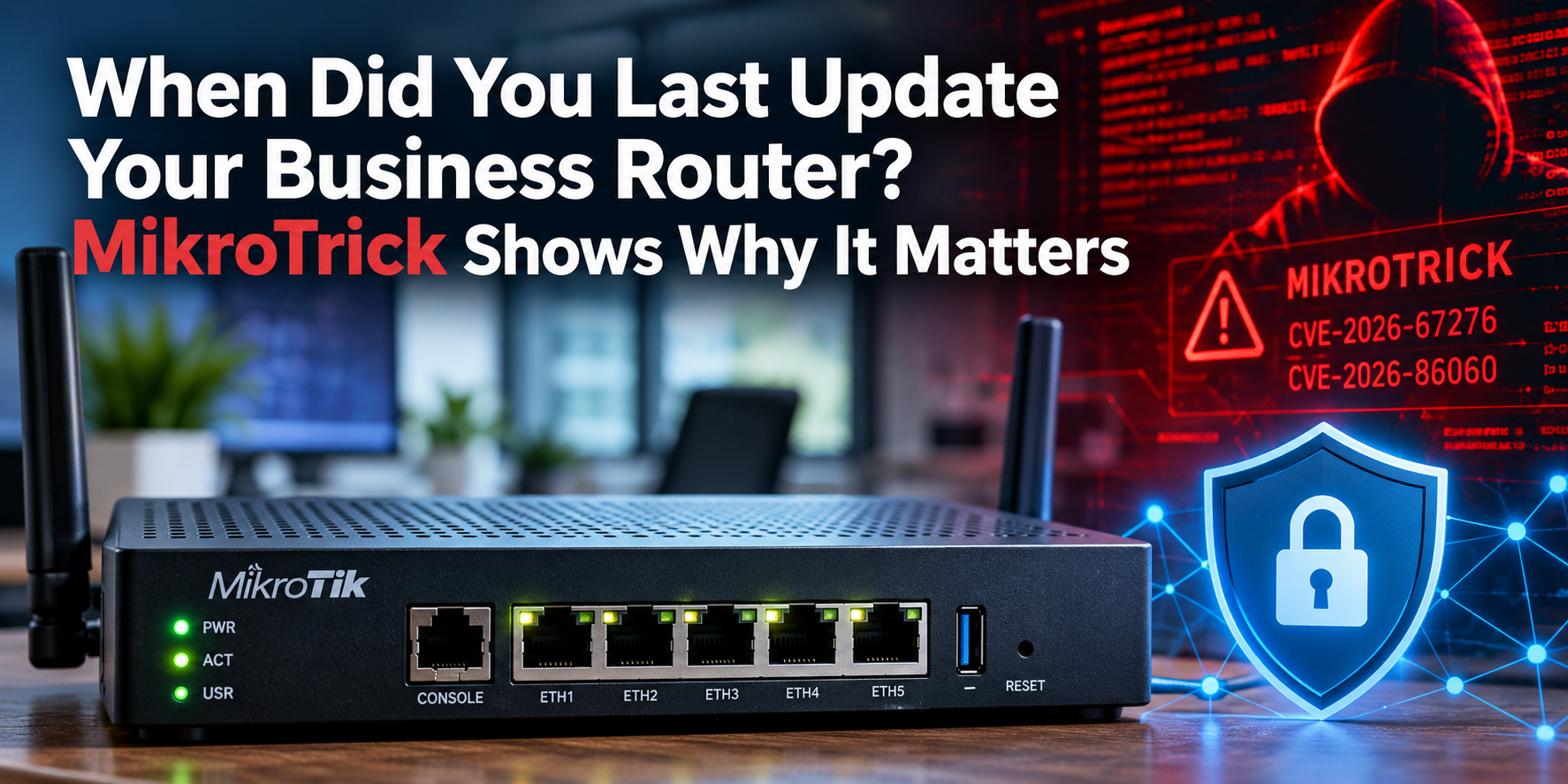
What Is MikroTrick?
MikroTrick is the name CERT Polska gave to an attack chain involving two vulnerabilities in MikroTik RouterOS.
When certain conditions are present, especially when the router’s SSH management service is exposed to the public internet, the vulnerabilities can be combined to give an unauthenticated attacker full administrative control of the router.
CERT Polska says it observed real attacks against exposed RouterOS devices and confirmed that the released patches stop the attack chain.
The two vulnerabilities at the center of the chain are CVE-2026-67276 and CVE-2026-86060. The wider disclosure included additional RouterOS vulnerabilities affecting components such as SSH, the bandwidth-test service, certificate handling, and the WebFig interface.
Why Does Router Control Matter So Much?
A compromised employee laptop is serious.
A compromised router can be even more difficult to notice because the router controls traffic for multiple devices.
Depending on the configuration and the attacker’s access, router compromise can create opportunities to:
- Change firewall rules
- Alter DNS settings
- Create new administrator accounts
- Establish unauthorized remote access
- Redirect network traffic
- Create tunnels into the network
- Use the router as a foothold for additional attacks
The exact impact depends on the device and configuration, but the larger point is simple.
If an attacker controls the equipment sitting at the edge of your network, antivirus running on an employee laptop does not solve the entire problem.
Is Every MikroTik Router Vulnerable to MikroTrick?
No.
MikroTik says most configurations are not at immediate risk. The vendor’s default configuration blocks SSH access from the internet.
The MikroTrick attack chain is especially concerning when SSH remote management is reachable from an untrusted public network.
That distinction matters because cybersecurity headlines can make every device sound equally exposed.
They are not.
However, MikroTik still recommends upgrading affected RouterOS systems because patches are available and other configuration mistakes may increase exposure.
Which RouterOS Versions Contain the Fix?
MikroTik’s September security advisory says the fix was included in:
- RouterOS 7.24.2
- RouterOS 7.23.4
- RouterOS 6.49.21
- RouterOS 7.25 beta 3
Newer releases have since become available, so businesses should not treat those numbers as the newest possible versions. The important point is to move to a currently supported release that includes the September fixes.
MikroTik’s update system provides a Check for updates option, and the vendor recommends keeping RouterOS current.
The Story Did Not End With the First September Patches
The MikroTrick disclosure is also a reminder that security maintenance is ongoing.
Later in September, additional MikroTik RouterOS vulnerability activity remained in security reporting. On September 26, security reporting noted another RouterOS flaw, CVE-2026-67279, being added to active-exploitation tracking.
That does not mean every MikroTik router is under constant attack.
It does mean businesses should stop thinking of router setup as a one-time project.
A router installed three years ago and never reviewed may still work perfectly while running outdated software or exposing services nobody remembers enabling.
When Did You Last Update Your Business Router?
This is the question many small-business owners cannot answer.
The office computers receive Windows updates.
Phones update automatically.
Browsers update in the background.
But the router may sit in a closet for years.
If nobody owns router maintenance, several problems can accumulate:
- Outdated firmware
- Old administrator passwords
- Unused remote-access services
- Former vendor accounts
- Weak firewall rules
- Unnecessary port forwarding
- Configuration changes nobody documented
The device still provides internet access, so everyone assumes it is fine.
That is exactly why network equipment can become a blind spot.
Remote Management Should Not Be Open to Everyone
MikroTik’s own guidance after the September disclosure is especially useful for small businesses.
The company says SSH should not be open to untrusted networks. If remote management is required, access should be restricted to trusted IP addresses or handled through a secure VPN such as WireGuard rather than exposing management ports directly to the internet.
That principle applies well beyond MikroTik.
Administrative interfaces for routers, firewalls, NAS devices, cameras, and other network equipment should not be publicly reachable unless there is a specific reason and a secure configuration.
Convenient remote access can create unnecessary exposure when nobody reviews how it was configured.
How Can You Tell Whether a MikroTik Router May Have Been Compromised?
MikroTik added an important detection mechanism to RouterOS.
The system can analyze its configuration for suspicious changes and set the device to a Flagged state when it detects signs of unauthorized access.
MikroTik specifically tells administrators to review the log after updating. If the device shows a critical message indicating that it has been flagged, the vendor says to treat the router as potentially compromised and perform a full configuration audit.
Administrators should also inspect for:
- Unknown users
- Unexpected scripts
- Unfamiliar configuration entries
- Changes to remote-access settings
- Unexpected tunnels or proxy settings
MikroTik advises changing system passwords after a confirmed compromise and upgrading to the latest RouterOS version.
Do Not Assume Updating Removes Every Problem
This is an important security lesson.
Installing a patch closes the vulnerability.
It does not automatically prove nobody used the vulnerability before the patch was installed.
If the router was exposed during a period of active exploitation, businesses should consider whether the configuration needs deeper review.
An attacker who gained administrative access may have created another account, changed settings, or established another method of access.
That is why patching and compromise assessment are different tasks.
Back Up the Router Configuration Before Major Changes
MikroTik recommends creating backup or export files before RouterOS upgrades and storing them somewhere other than the router itself.
That is a good practice for business network equipment generally.
A configuration backup can help recover:
- Firewall rules
- Network settings
- VPN configuration
- DHCP settings
- Routing information
- Other business-specific settings
However, a backup should not become a way to restore a compromised configuration without review.
If compromise is suspected, the configuration needs to be inspected before it is trusted again.
Your Router Should Be Part of Patch Management
Small businesses often think patch management means Windows Update.
It should be broader.
Your technology inventory may include:
- Routers
- Firewalls
- Wireless access points
- Managed switches
- Network-attached storage
- Security cameras
- Printers
- Remote-access appliances
Any device running software can eventually need security maintenance.
A practical managed IT process should identify the devices, track their versions, review vendor advisories, and determine when updates are required.
What Should a Small Business Do Now?
You do not need to become a RouterOS expert to take the right first steps.
- Identify your router and firewall. Know the manufacturer, model, and software version.
- Check for supported updates. If you use MikroTik, verify that your RouterOS version includes the September fixes or a newer supported release.
- Review remote management. Do not expose SSH, web administration, or similar management interfaces to the public internet without a clear reason and proper restrictions.
- Review administrator accounts. Remove accounts that are no longer needed and change weak or reused passwords.
- Back up the configuration. Store the backup securely away from the device.
- Check for signs of compromise. On MikroTik devices, review the Flagged status and inspect unexpected users, scripts, and settings.
- Put router maintenance on the calendar. Network equipment should be reviewed periodically, not only when it stops working.
Frequently Asked Questions About MikroTrick and Business Router Security
MikroTrick is the name CERT Polska gave to an actively exploited MikroTik RouterOS attack chain involving CVE-2026-67276 and CVE-2026-86060. Under vulnerable conditions, the chain can allow an unauthenticated attacker to gain administrative control of a router.
Yes. CERT Polska reported observing attacks against internet-accessible RouterOS devices and confirmed exploitation of the vulnerability chain.
No. The attack conditions matter. Internet-exposed SSH management is a major factor in the documented MikroTrick chain. MikroTik says default configurations block this exposure, but it still recommends upgrading.
MikroTik listed RouterOS 7.24.2, 7.23.4, 6.49.21, and 7.25 beta 3 as containing the initial September fix. Newer versions are available, so administrators should use an appropriate currently supported release.
Usually, direct public exposure should be avoided. MikroTik recommends restricting management to trusted networks or using a secure VPN such as WireGuard when remote administration is necessary.
No. Patching prevents exploitation of the fixed vulnerability, but a previously compromised router may contain unauthorized accounts, scripts, tunnels, or configuration changes that also need investigation.
Your Router Is Security Infrastructure
The MikroTrick story is not only about MikroTik.
It is about an overlooked piece of small-business cybersecurity.
Routers and firewalls are not appliances you configure once and forget.
They are computers protecting the boundary of your network and they need updates, controlled access, and they need documented configurations.
And someone needs to know when the last security review happened.
Not Sure When Your Router Was Last Reviewed?
SofTouch Systems helps small Texas businesses review network equipment, software updates, remote-access settings, endpoint security, backups, and other practical IT risks.
If you do not know what router your business uses, what version it is running, or whether its management interface is exposed, start with a free 15-minute IT security check.
We can help identify outdated network equipment and practical security gaps before they become an outage or an incident.
Schedule your free IT security check with SofTouch Systems.

Sources:
- MikroTik: September 2026 security vulnerability advisory
- CERT Polska: Critical MikroTik RouterOS vulnerabilities under active exploitation
- CERT Polska: MikroTik RouterOS CVE details
- MikroTik documentation: Device mode and Flagged status
Discover more from SofTouch Systems
Subscribe to get the latest posts sent to your email.