
Artificial intelligence is quickly moving from an experimental technology to a practical business tool. Small businesses are using AI to summarize documents, analyze information, answer customer questions, manage workflows, create reports, and automate repetitive tasks. SofTouch Systems‘ own AI guidance recognizes that AI can improve efficiency, reduce costs, and improve business workflows.
But there is an important question that many businesses are not asking:
What happens when your AI tools can access your business data?
An AI assistant that helps with marketing is one thing. An AI system connected to accounting software, inventory databases, customer records, or business applications is something else entirely.
The more useful an AI system becomes, the more access it may require. That creates a new security challenge for small businesses: AI needs access to information to be useful, but unnecessary access can create unnecessary risk.
This does not mean businesses should avoid AI. Instead, businesses need to treat AI access like any other technology access, with policies, permissions, authentication, monitoring, and a clear understanding of what the system can see and do.
Here are the areas where small businesses should start.
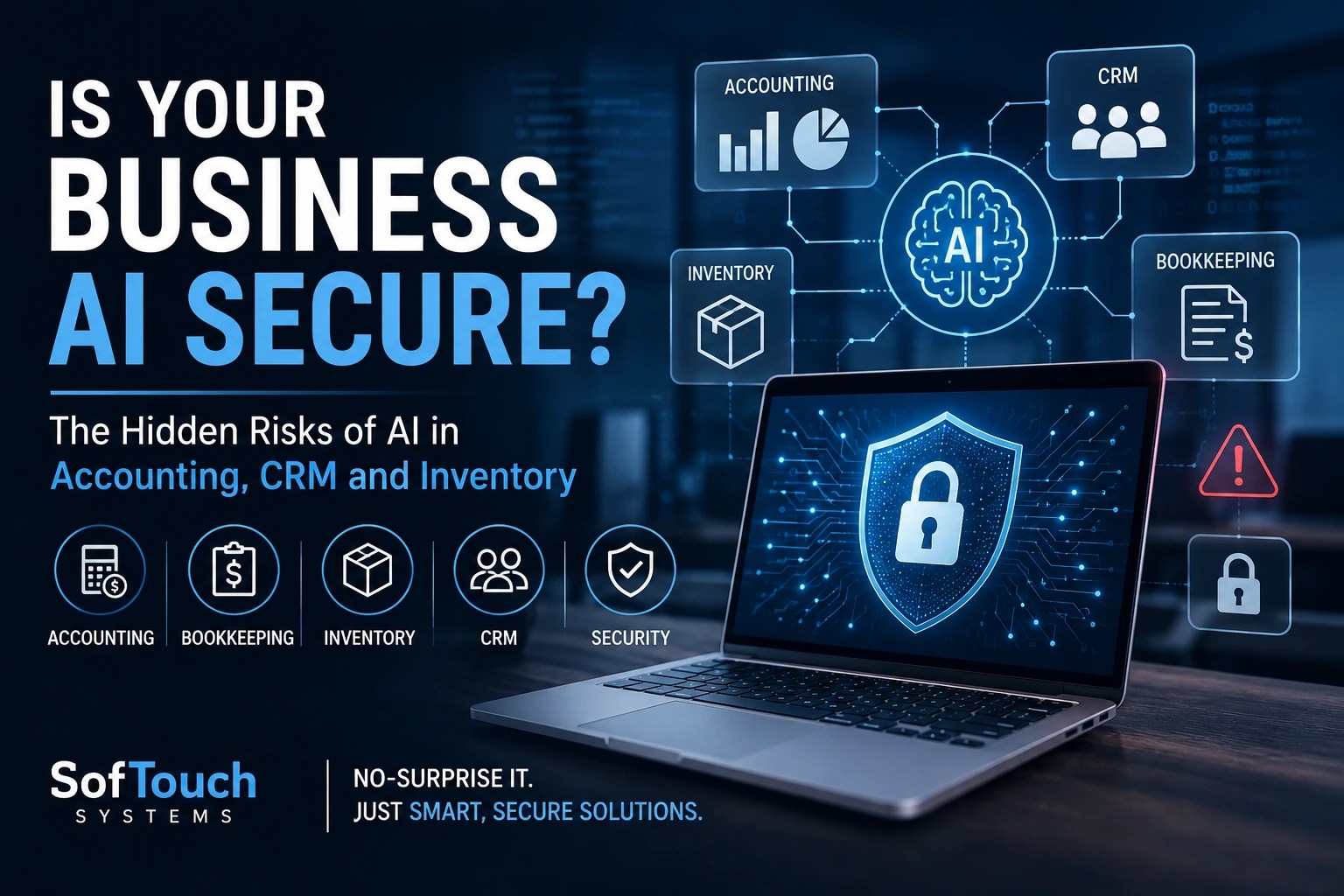
AI and Accounting: Your Financial Data Is Valuable
Accounting systems contain some of the most sensitive information in a business.
Depending on the software and workflow, accounting data can include bank information, invoices, payments, payroll information, tax records, vendor information, employee information, and financial reports.
Now imagine connecting an AI tool to that environment.
An AI system might help identify unusual expenses, summarize financial reports, categorize transactions, or prepare information for review. Those applications can be useful. However, the business must understand exactly what information the AI can access.
The primary concern isn’t simply that “AI has your accounting information.”
The real questions are:
- What data can the AI access?
- Where does that data go?
- Who can access the AI account?
- Can the AI make changes, or can it only read information?
- Are employees using personal AI accounts?
- Can the AI integration connect to other business applications?
- What happens when an employee leaves?
These questions become especially important when an AI tool moves beyond analyzing information and starts taking actions.
Read-only access and transaction-changing access are not the same security risk.
A sensible starting point is to give AI systems the minimum permissions required to perform their assigned job.
Bookkeeping: Automation Can Create New Access Points
Bookkeeping is another area where AI can save considerable time.
AI-assisted bookkeeping might help organize receipts, categorize expenses, identify duplicate transactions, summarize financial activity, or prepare information for human review.
But automation introduces another layer between employees and financial information.
That creates a potential problem: businesses can accidentally give an AI application more access than the task requires.
For example, an employee may only need AI to summarize expense reports. Giving the connected application broad access to the company’s accounting platform could provide substantially more information than necessary.
This is a basic security principle that applies well beyond AI:
Give users and applications only the access they need.
The same principle should apply to AI.
Businesses should also establish rules about what employees can upload into general-purpose AI tools. An employee trying to save time might upload a spreadsheet containing customer information, payroll data, financial records, or other confidential information without realizing that the data deserves additional protection.
AI training should therefore include more than “how to write better prompts.”
Employees need to understand what information they are allowed to put into AI systems in the first place.
Inventory: When AI Knows What You Have
Inventory may not sound like a cybersecurity concern.
It should.
Inventory systems can contain information about products, quantities, suppliers, purchasing patterns, costs, locations, sales activity, and customer demand.
An AI system connected to inventory data could potentially help forecast demand, identify purchasing trends, generate reports, or automate ordering workflows.
Again, the productivity opportunity is real.
So is the security question.
Consider an AI system that can recommend inventory purchases versus one that can actually place orders.
The first provides information.
The second can take action.
That difference matters.
Businesses should carefully evaluate whether an AI system needs read access, write access, or permission to perform transactions automatically.
Automation should not automatically equal unlimited authority.
For small businesses, a practical approach is to start with AI that analyzes information and produces recommendations. Once the workflow has been tested and understood, carefully consider whether additional automation is justified.
CRM and Customer Management: Protecting the People Behind the Data
Customer relationship management systems can contain a tremendous amount of business information.
Names, email addresses, telephone numbers, sales history, customer communications, notes, contracts, account information, and other records may all exist inside a CRM.
AI can make that information more useful.
It can summarize customer histories, help salespeople prepare for meetings, identify follow-up opportunities, draft responses, and analyze customer trends.
However, AI access to customer data creates another question:
Does every employee, and every AI tool, need access to every customer record?
Usually, the answer is no.
Access should follow job responsibilities.
A salesperson may need access to their customers. A bookkeeper may need access to billing information. A manager may need broader reporting capabilities.
The AI connected to those systems should not automatically receive unrestricted access simply because the integration makes setup easier.
This is where proper identity and access management becomes important.
STS’s 1Password Enterprise Password Manager resources emphasize granular permissions, role-based access, MFA, audit capabilities, and controlled access to sensitive information. Those same concepts become increasingly important as businesses add AI applications and automated workflows.
AI Agents and Integrations: The Risk Changes When AI Can Take Action
This may be the most important part of the discussion.
There is a significant difference between asking an AI chatbot a question and deploying an AI agent that can interact with business systems.
An AI agent may be designed to retrieve information, update records, send messages, create tickets, move files, or interact with other applications.
That creates what security professionals might call a non-human identity.
Your business already has human users with usernames, passwords, MFA, and permissions.
AI agents, scripts, and automated workflows can also require credentials and access.
STS’s 1Password Enterprise materials specifically address this emerging problem. They describe securing credentials for AI agents, scripts, and automated workflows through encrypted storage, service accounts, fine-grained access controls, and auditable access.
The lesson for a small business is straightforward:
Don’t give an AI agent the keys to the entire building when it only needs access to one room.
If an AI agent only needs to update CRM records, it shouldn’t automatically have access to accounting, payroll, email, file storage, and customer databases.
AI integrations should be documented, permissioned, monitored, and reviewed.
Employee Access: The Human Problem Hasn’t Gone Away
It is tempting to think AI will eliminate human security mistakes.
It won’t.
In some situations, AI can actually increase the importance of employee security awareness.
Employees decide which AI tools to use, they create accounts, then they connect applications and they upload information. They authorize integrations. They create prompts. The employee may also reuse passwords or approve access requests without fully understanding what they are granting.
That means AI security is still a people problem. (AI is a tool and misused tools can cause unintended consequences. Just try opening a bottle cap with your phone.)
Your employees need clear rules.
For example:
Employees should know:
- Which AI tools the company approves.
- What information they can enter into AI systems.
- What information they cannot enter.
- Which AI integrations are authorized.
- When an AI-generated answer requires human review.
- How to report suspicious AI activity.
- How to protect their AI accounts.
- What to do when they leave the company.
Password security also matters.
AI systems are becoming another category of business account, which means they need strong authentication and appropriate credential management. STS’s password-security approach emphasizes making secure behavior easier for employees through tools such as 1Password, MFA, centralized policies, and controlled access.
The goal isn’t to make employees afraid of AI.
The goal is to make the secure way of using AI the easy way.
A Business Road Map for Safer AI
You don’t need to stop using AI to improve your security.
You need a process.
1. Make an AI inventory
Start by identifying every AI tool currently being used.
Don’t limit the list to software purchased by management.
Ask employees what AI tools they use for:
- Accounting
- Bookkeeping
- Customer service
- Marketing
- Sales
- Inventory
- Human resources
- Research
- Document processing
- Scheduling
- Data analysis
You may discover that your company already has more AI in use than management realized.
2. Identify the data each tool can access
For every AI application, determine what information it can see.
Classify that information.
Is it public?
Internal?
Confidential?
Financial?
Customer-related?
Employee-related?
The more sensitive the information, the more carefully the AI system should be evaluated.
3. Review permissions
Ask what each AI application can actually do.
Read?
Write?
Delete?
Send?
Purchase?
Change records?
Create accounts?
Start with the minimum permissions required.
4. Secure every account
Require strong, unique passwords and MFA for business AI accounts.
Centralize credentials where appropriate rather than allowing employees to store business passwords in browsers, spreadsheets, documents, or personal notes.
A password manager can also help businesses enforce policies and manage access when employees join or leave the organization.
5. Control integrations
Document every connection between AI and another business system.
If an AI tool connects to your CRM, accounting platform, email, cloud storage, or inventory system, record it.
Then ask whether the connection is still necessary.
Unused integrations should not remain active indefinitely.
6. Establish an AI policy
Your policy does not need to be 50 pages long.
Start with a few practical rules:
Approved tools.
Prohibited data.
Required authentication.
Permission requirements.
Human review requirements.
Incident reporting.
Employee onboarding and offboarding.
The objective is clarity, not bureaucracy.
7. Review AI security regularly
AI isn’t a “set it and forget it” technology.
Tools change. Employees change. Integrations change. Permissions change.
Review your AI environment periodically just as you would review other important parts of your IT environment.
FAQ
AI can be used safely by small businesses when companies choose appropriate tools, control access, protect credentials, establish policies, and understand what information their AI systems can access.
There is no single risk that applies to every business. Uncontrolled access to sensitive information, poorly secured accounts, excessive permissions, unauthorized AI tools, and improperly configured integrations can all create security problems.
Businesses should establish an approved-AI policy rather than leaving the decision entirely to individual employees. The policy should explain which tools are approved and what business information employees may enter into them.
Yes, depending on the AI product and the integrations that a business authorizes. Businesses should understand exactly what information an AI application can access and whether it can only read information or also modify records.
Start by identifying what each AI agent needs to accomplish. Give it only the permissions necessary for that task, protect its credentials, use appropriate authentication, monitor its activity, and regularly review whether its access is still necessary.
AI Can Be a Business Advantage Without Becoming a Security Liability
AI can help small businesses accomplish more with limited staff and resources. It can reduce repetitive work, improve workflows, and help employees work with information more efficiently. STS’s existing AI guidance reflects this practical approach: AI should be viewed as a business tool rather than a futuristic novelty.
But there is a difference between using AI and securely implementing AI.
The closer AI gets to your money, customers, inventory, employees, passwords, and business systems, the more seriously you need to treat its access.
The question isn’t whether your business should use AI.
The better question is:
Does your business know what its AI can access and what it can do with that access?
If you aren’t sure, that’s a security gap worth investigating.
SofTouch Systems can help businesses evaluate their current technology environment, identify security weaknesses, and develop a practical roadmap for safer AI adoption. Our approach is built around No-Surprise IT: clear recommendations, practical security, and technology that supports the business instead of creating another headache.
Schedule a free IT Security Review with SofTouch Systems and find out where your business stands before AI access becomes an unexpected security problem.

Discover more from SofTouch Systems
Subscribe to get the latest posts sent to your email.